How To Light a Home Office That Actually Helps You Work Better
Most home offices are lit in a way that makes working in them genuinely unpleasant — and the majority of people have simply adapted to this rather than fixing it. A single overhead light creating flat, even brightness. A desk positioned with a window behind it creating a silhouette and screen glare simultaneously. Eye strain by 3pm. Headaches by Wednesday. The relationship between home office lighting and the quality of the work produced in the space is direct, measurable, and almost universally underestimated. Getting home office lighting right is not a decorating decision — it’s a productivity and wellbeing decision with immediate, daily consequences. I completely rethought my own home office lighting setup after developing persistent evening headaches that disappeared the week after I made the changes. These 12 tips cover every dimension of workspace lighting that makes a genuine, felt difference.
1. Natural Light Is the Starting Point
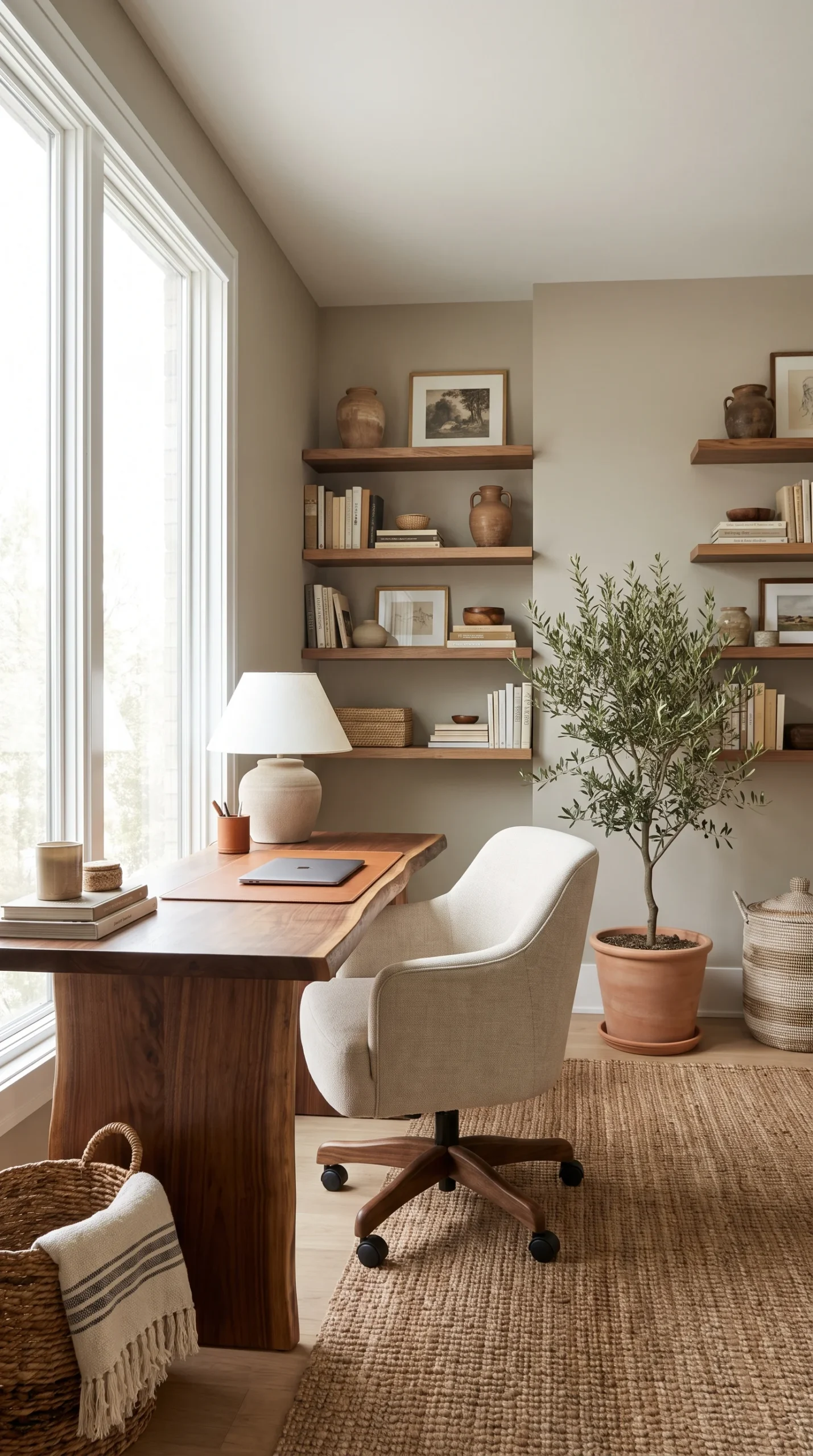
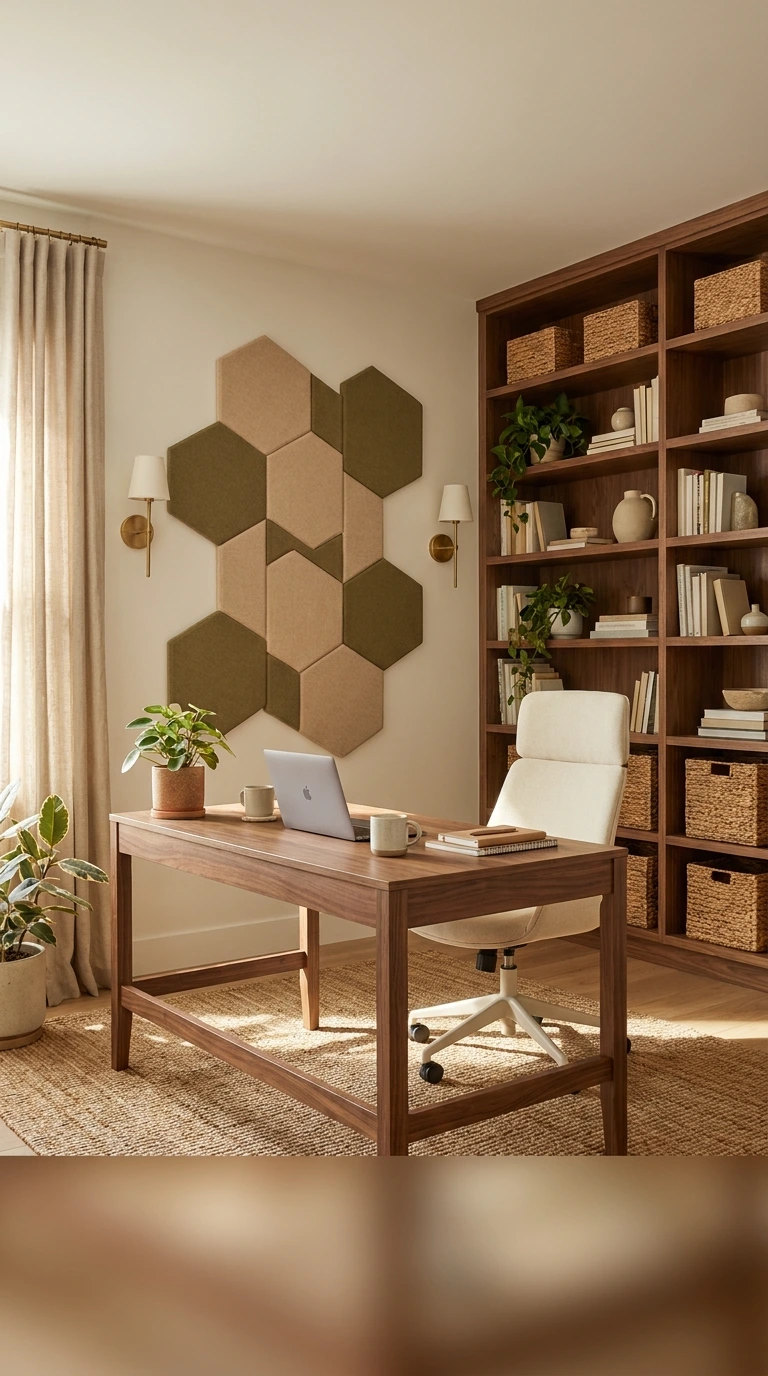
The foundation of every great home office lighting scheme is natural light — and the first lighting decision in any home office setup is how to position the workspace to maximise its relationship with available daylight. Natural light is the best possible light source for focused work: it reduces eye strain, supports alertness, and creates the most accurate colour rendering of any light source available.
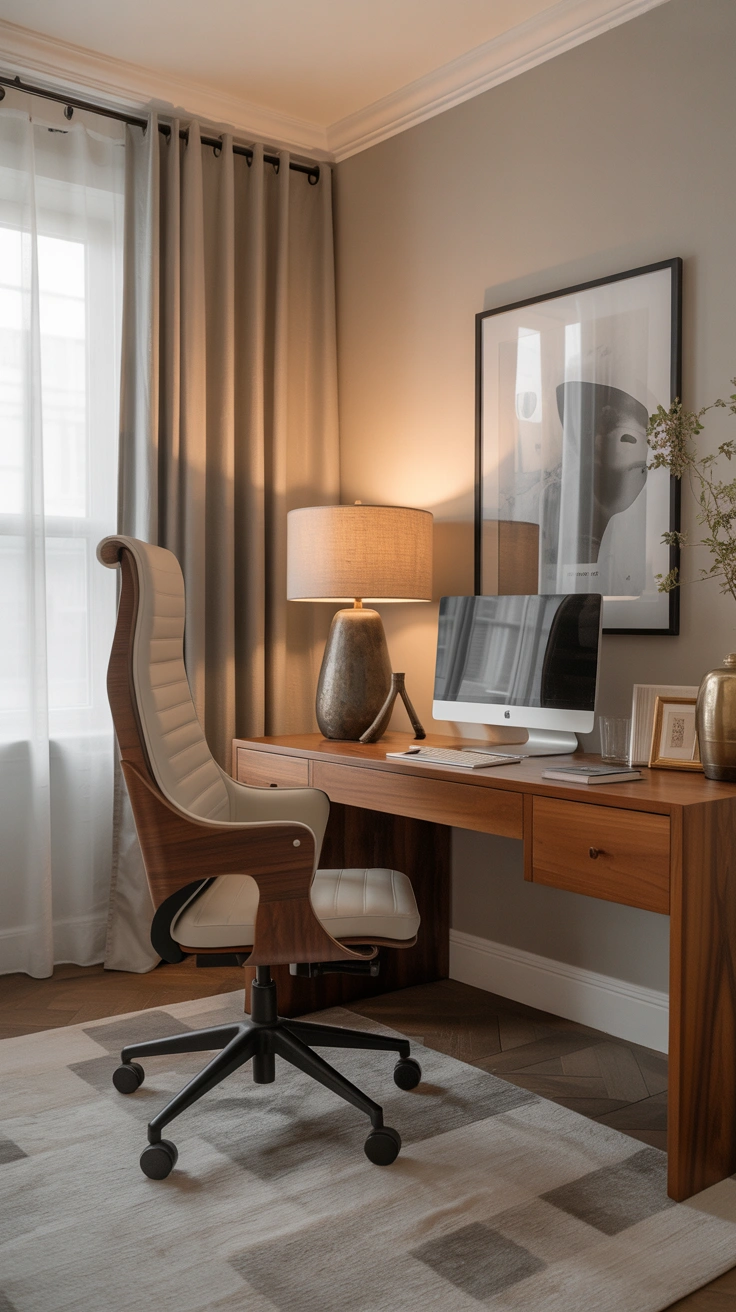
Position the desk so that natural light comes from the side — ideally from a window to the left for right-handed workers and to the right for left-handed ones. This side-lighting position creates even, non-glare illumination across the work surface without casting shadows from the working hand. Never position the desk directly facing a window (creates glare and screen washout) or with a window directly behind (creates silhouette and screen reflection). The side position is the single most impactful workspace lighting improvement available in any home office.
2. The Problem With a Single Overhead Light
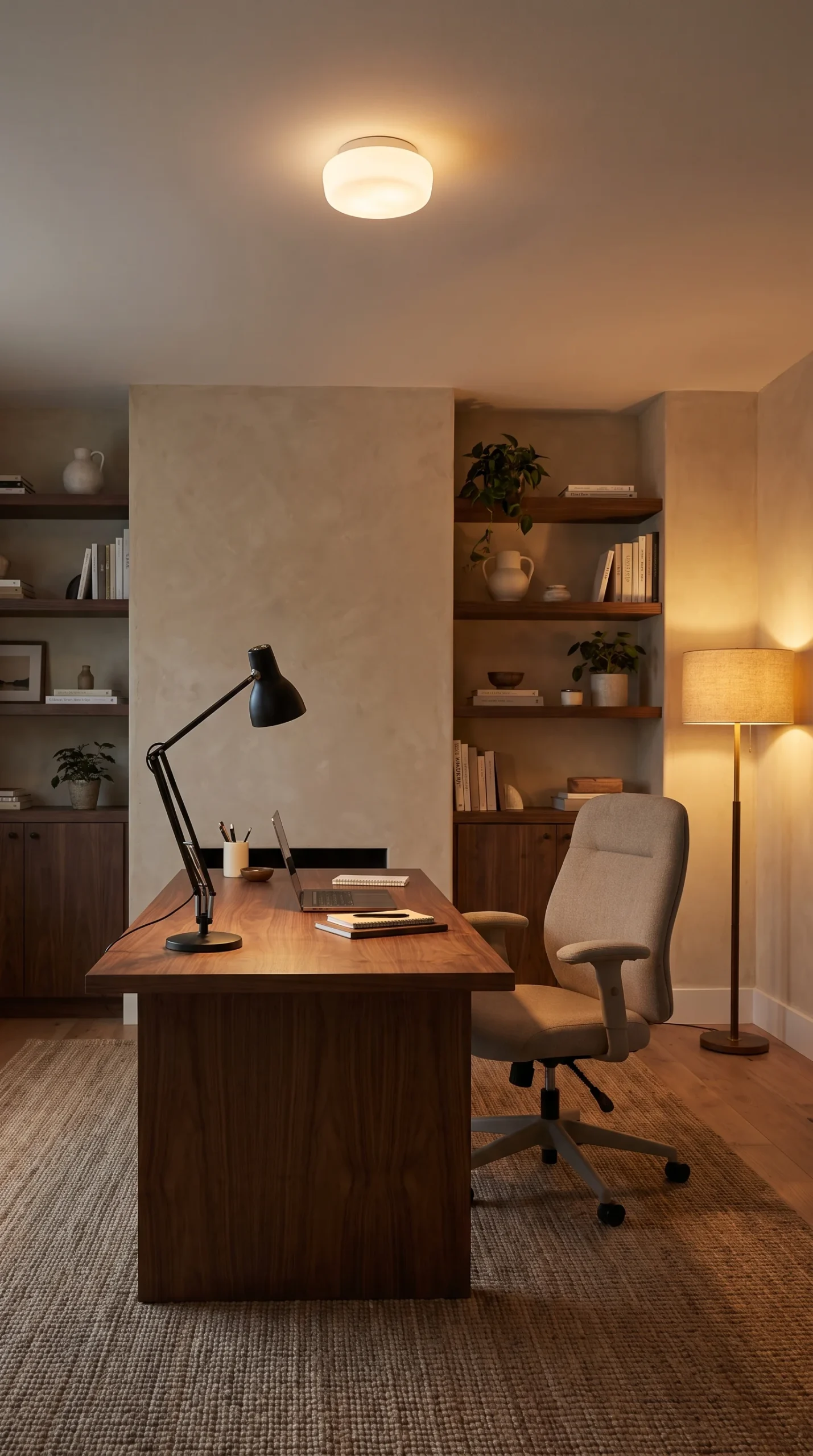
A single ceiling fixture as the primary home office lighting source is the setup that makes home offices uncomfortable to work in — and understanding why clarifies exactly what needs to change. Overhead lighting creates flat, even, shadowless illumination that is both visually fatiguing and practically inadequate for the specific tasks of desk-based knowledge work.
The flat illumination of overhead-only lighting creates no depth or variation across the workspace, making it harder for the eye to focus and rest naturally. It creates unflattering shadows beneath the face in video calls. It provides no task-specific illumination at the desk surface where most work actually happens. Good home office lighting ideas address this by adding dedicated task and ambient layers to supplement or replace the single overhead source — creating a workspace that is properly lit for work rather than simply illuminated.
3. Layer Your Lighting — The Core Principle
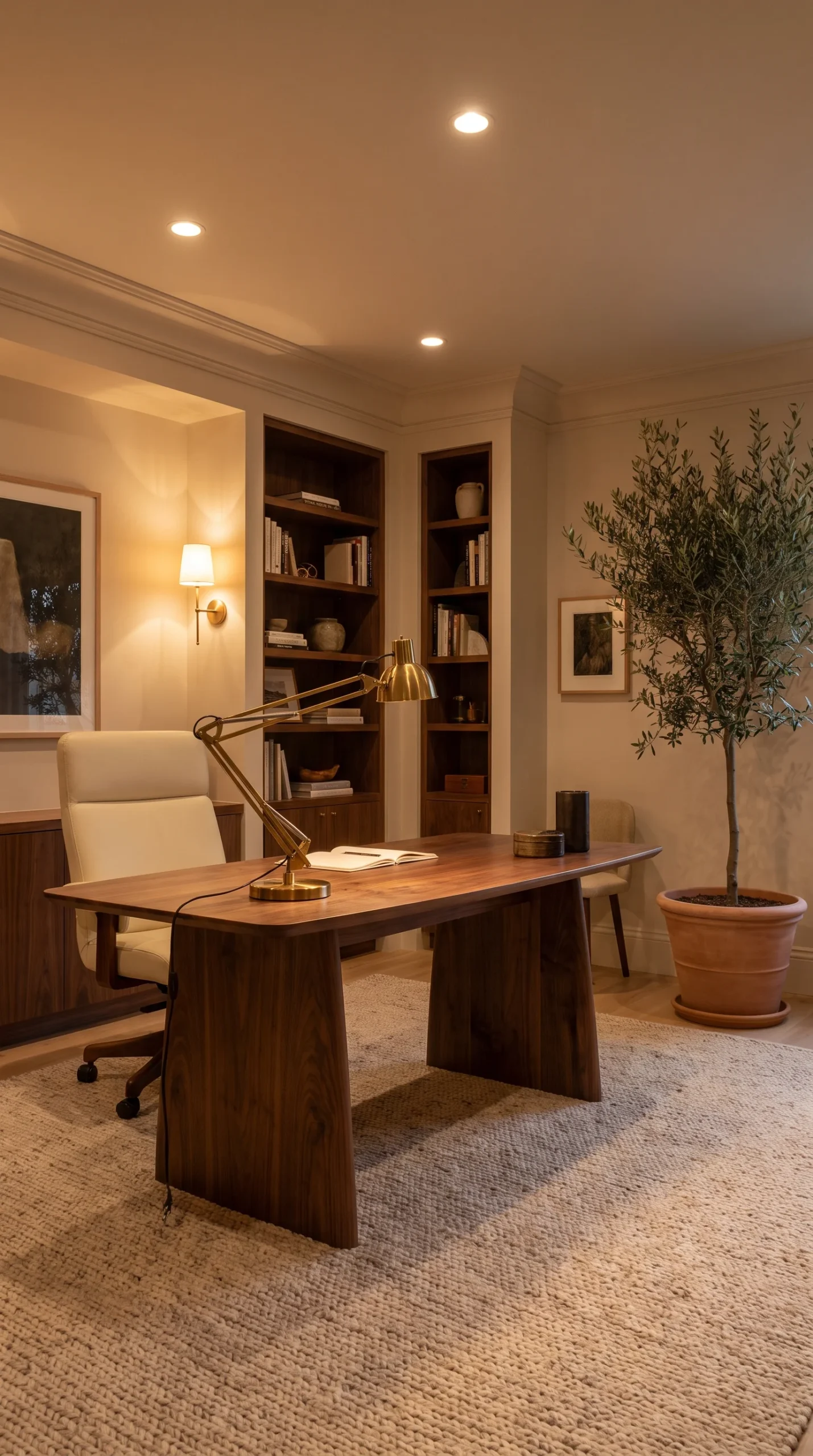
The principle that transforms home office lighting from adequate to genuinely excellent is layering — building a lighting scheme from multiple sources serving different purposes simultaneously, rather than relying on any single source to do all the work.
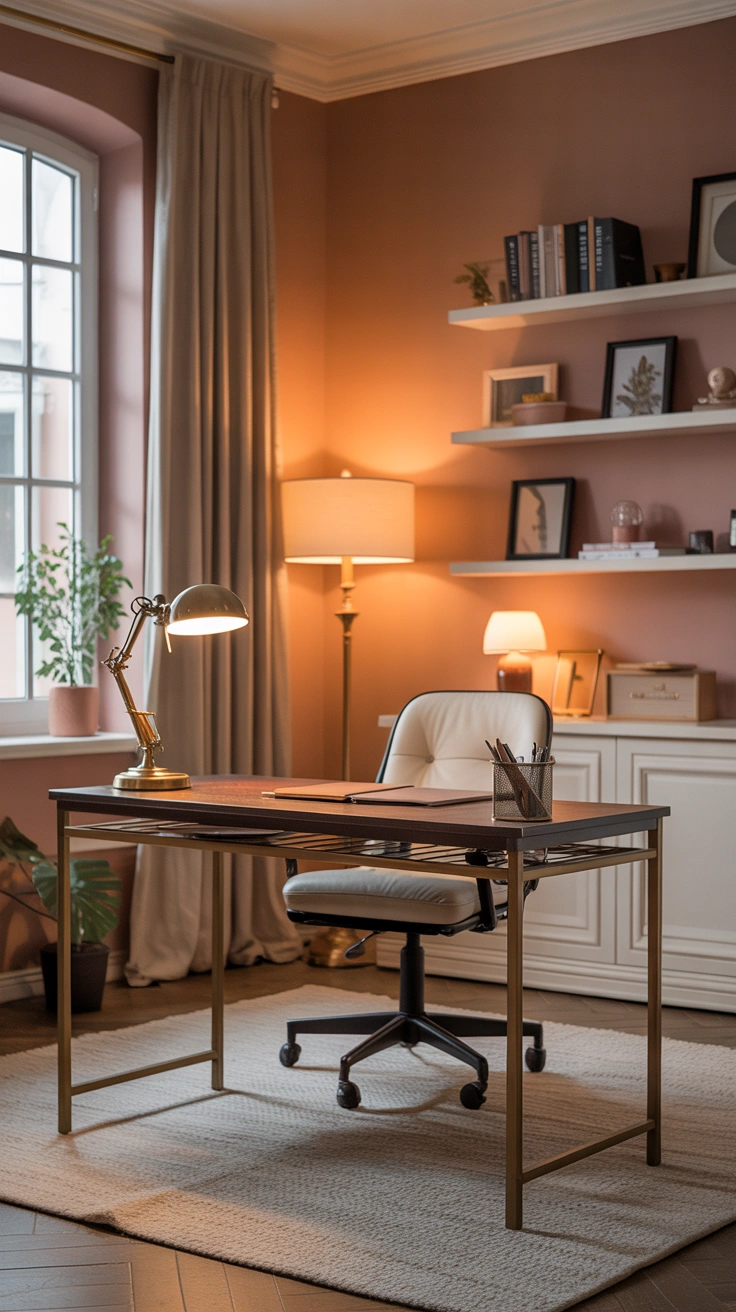
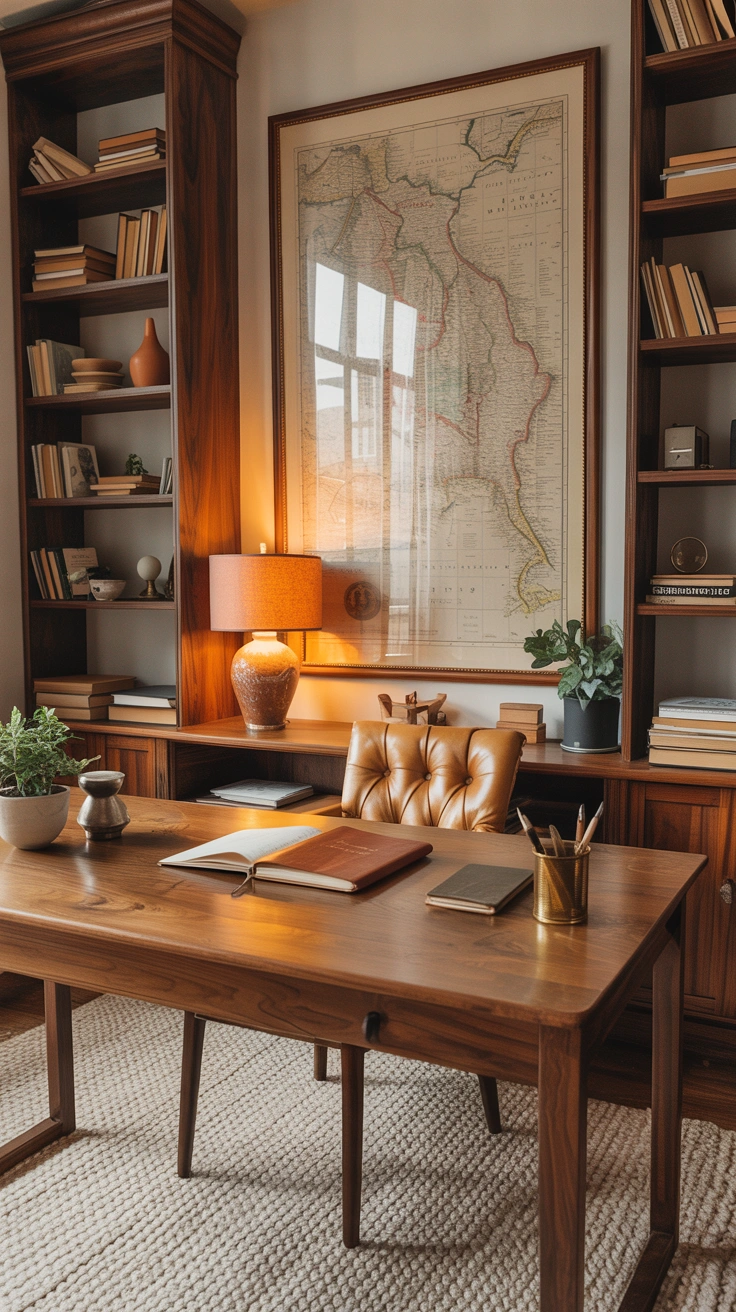
The three lighting layers in a home office are task lighting (focused illumination at the desk surface for work tasks), ambient lighting (overall room illumination for general visibility and atmosphere), and accent lighting (supplementary sources that add warmth, depth, and visual interest). The best lighting for home office contexts combines all three — and the ability to adjust each layer independently using dimmers creates a workspace that can be calibrated for different tasks, different times of day, and different moods throughout the working week.
4. The Desk Lamp — Your Most Important Tool
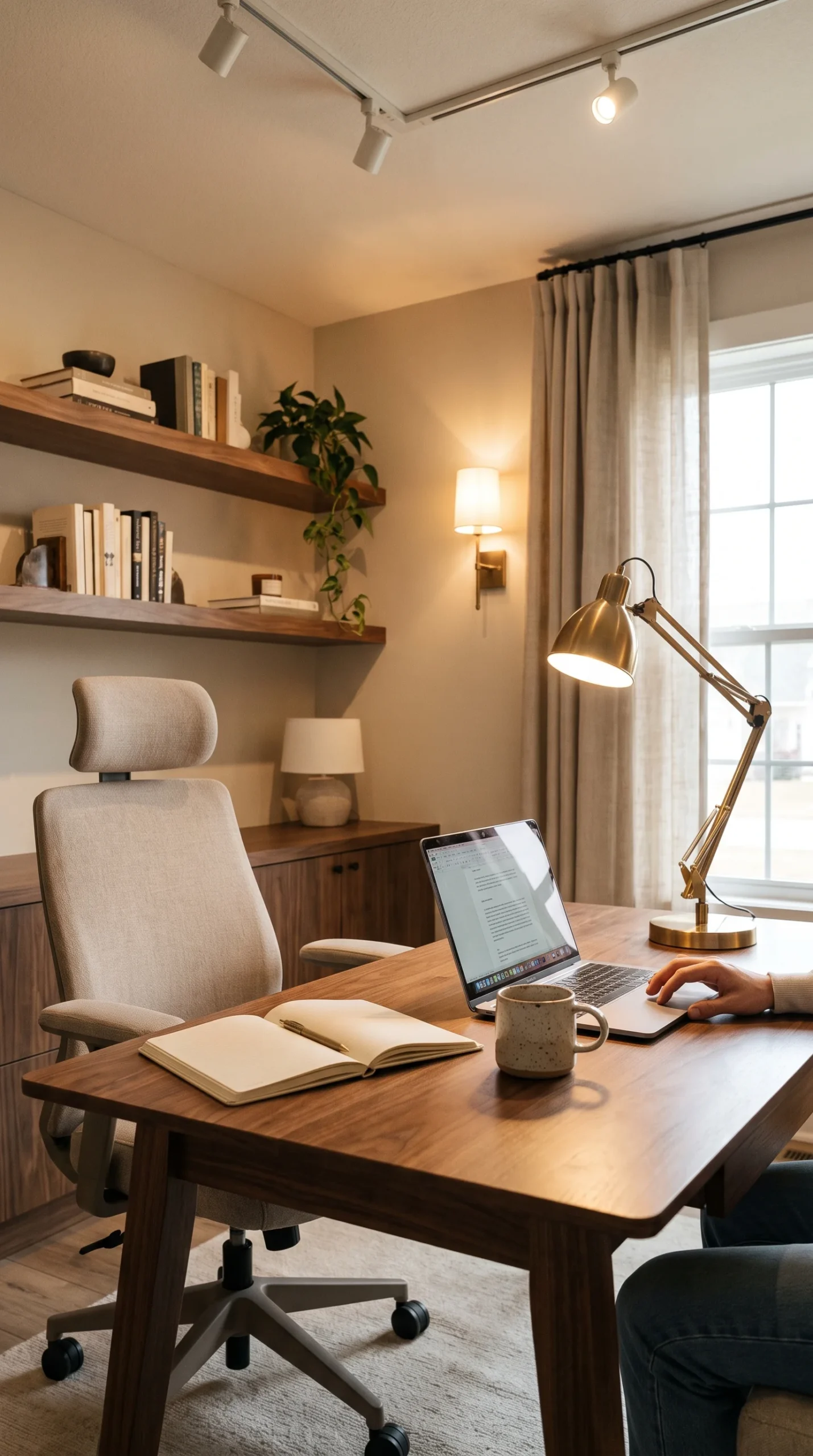
The home office desk lighting source is the most functionally critical element in the entire workspace lighting setup — because it provides the direct, focused illumination at the exact point where most work happens. A quality desk lamp positioned correctly transforms the working experience at the desk immediately and dramatically.
An articulated arm desk lamp in a warm-to-neutral light temperature (3000-4000K) provides the most versatile and most effective home office task lighting. The articulated arm allows precise positioning of the light source relative to the work surface, screen, and any paperwork or reading material. Position the lamp at the side of the dominant working hand, not in front or behind, to avoid both glare and self-shadowing. FYI — the brightness of the desk lamp matters less than its position: a correctly positioned moderate-brightness lamp is significantly more effective than a very bright lamp in a poor position.
5. Colour Temperature Affects Everything
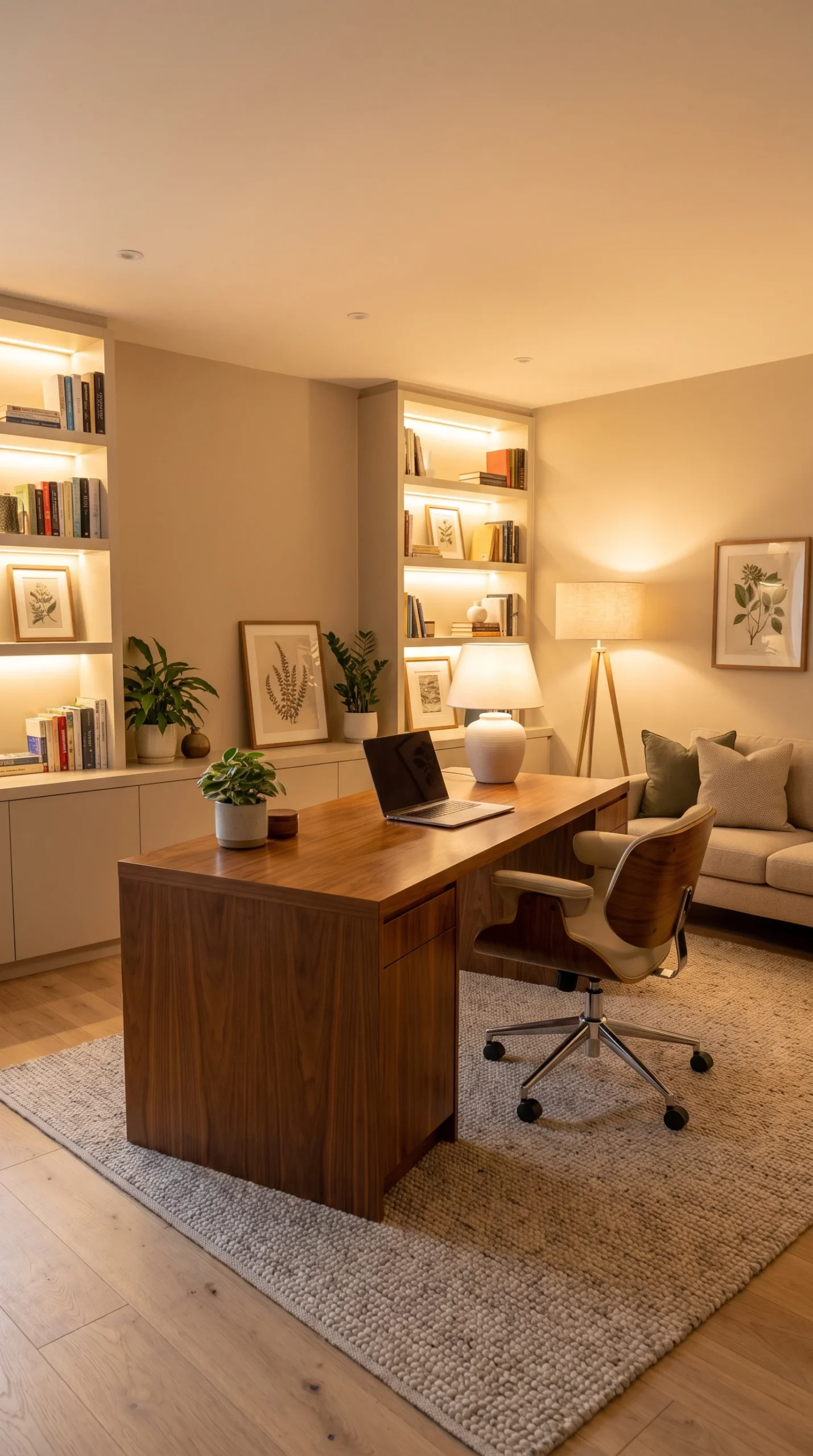
The colour temperature of light — measured in Kelvin — determines whether a workspace feels warm and atmospheric or cool and alert, and choosing the right temperature for home office use is one of the most important and least understood lighting decisions available.
Colour Temperature Guide for Home Offices:
- 2700K (warm white) — comfortable, warm, creates relaxed atmosphere; best for end-of-day work or creative tasks
- 3000K (warm white to neutral) — excellent balance for sustained desk work; warm enough for comfort, cool enough for alertness
- 4000K (neutral white) — crisp, alert, good for detail work and tasks requiring colour accuracy
- 5000K+ (daylight) — very cool, highly alerting; useful for early morning or specific precision tasks but fatiguing for sustained use
Most home offices benefit from 3000-4000K throughout the day, shifting toward the warmer end in the evening if work extends into those hours. Matching the colour temperature across all light sources in the room creates the most visually comfortable and most cohesive workspace lighting environment.
6. Home Office Ceiling Lighting Done Right
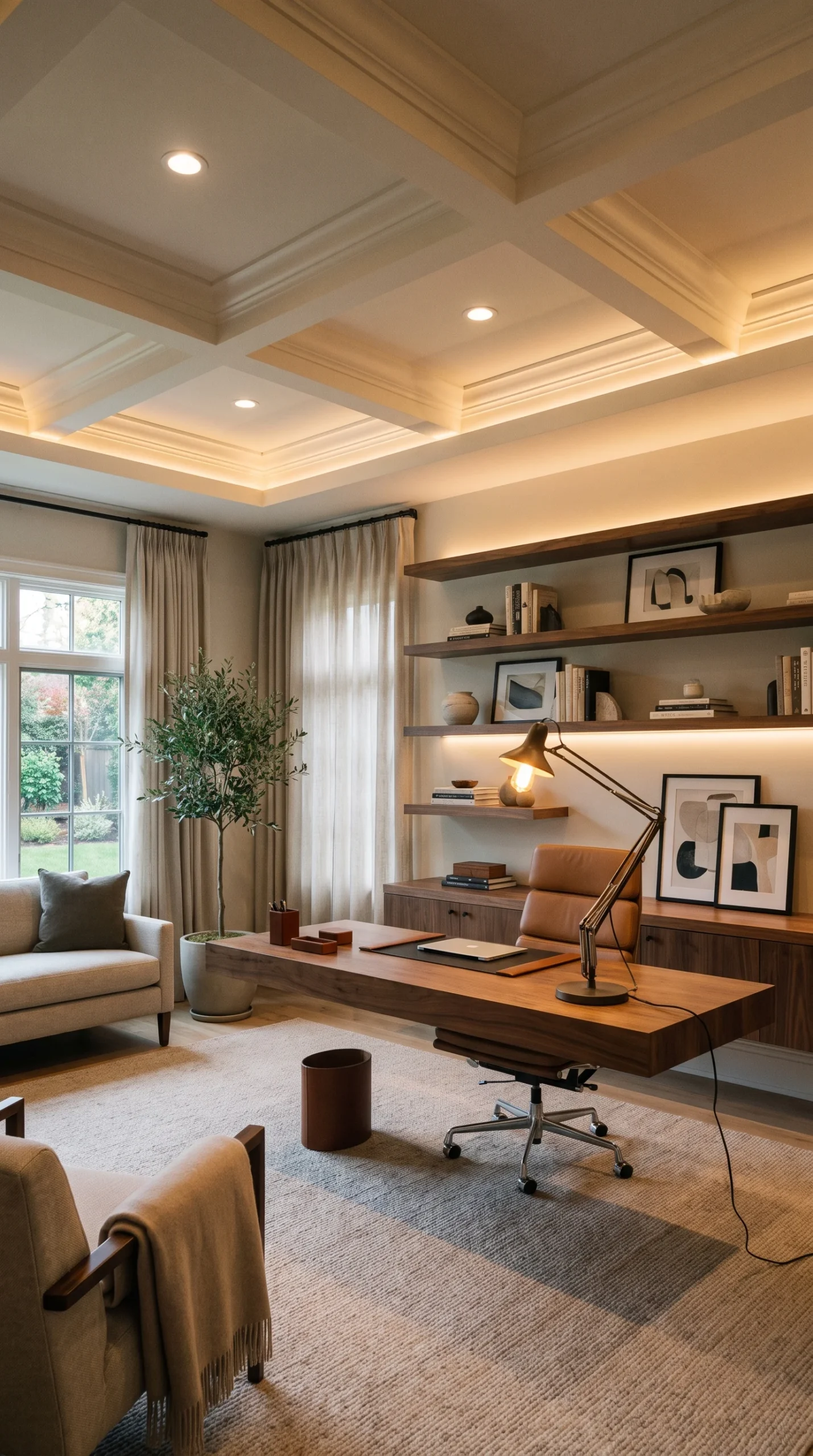
Home office ceiling lighting ideas range from the standard single-pendant approach to recessed spotlights on dimmers to architectural track lighting — and the right choice depends on the room’s scale, ceiling height, and the specific tasks performed in the space.
Recessed ceiling spotlights on a dimmer provide the most flexible and most visually clean ambient lighting solution for a dedicated home office — allowing the ambient level to be raised for bright, alert daytime working and lowered for more atmospheric afternoon or evening sessions. A pendant light above the desk area creates focused overhead illumination with decorative character. Track lighting with adjustable spotlights allows individual lights to be directed toward specific zones — the desk, a reading area, reference materials on the wall. The key principle for any ceiling lighting option: install a dimmer, and use it constantly.
7. Bias Lighting for Screen Work
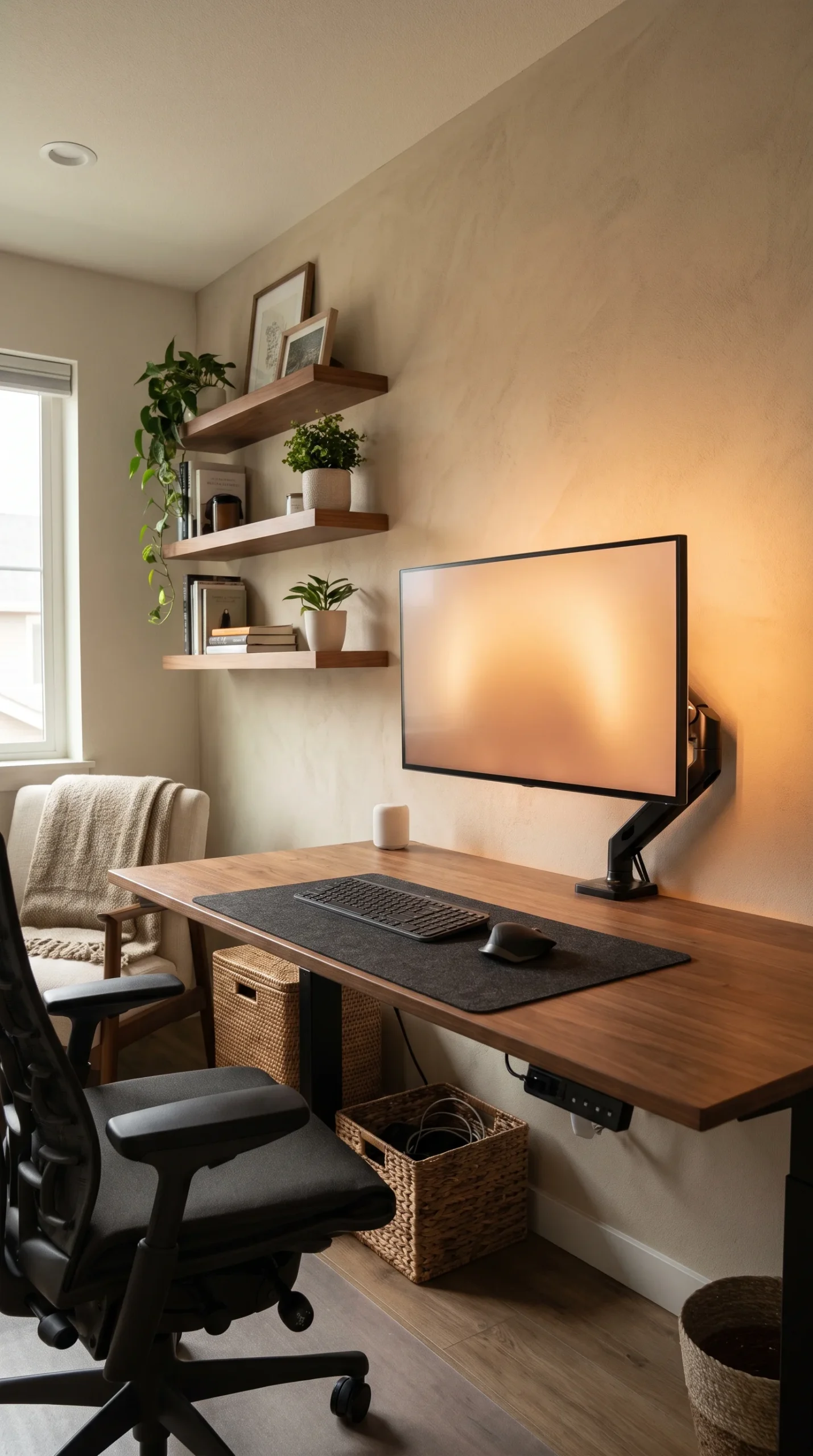
Bias lighting — a strip of indirect light behind the monitor — is one of the most evidence-backed and most underused how to improve workspace lighting strategies available. The principle is simple: the contrast between a bright screen and a completely dark background creates significant eye strain over sustained periods. Bias lighting reduces this contrast by creating a lit zone around the screen.
An LED strip in a warm neutral tone (4000K) mounted to the back of the monitor stand or attached to the wall behind the screen creates the bias lighting effect at very low cost. The light level should be approximately 10-20% of the screen’s brightness — enough to reduce the contrast between screen and background without creating a competing bright source. Screen workers who implement bias lighting almost universally report reduced evening eye strain and headaches, making this the highest-return investment available in any computer-heavy home office workspace lighting setup.
8. How Natural Light Changes Through the Day
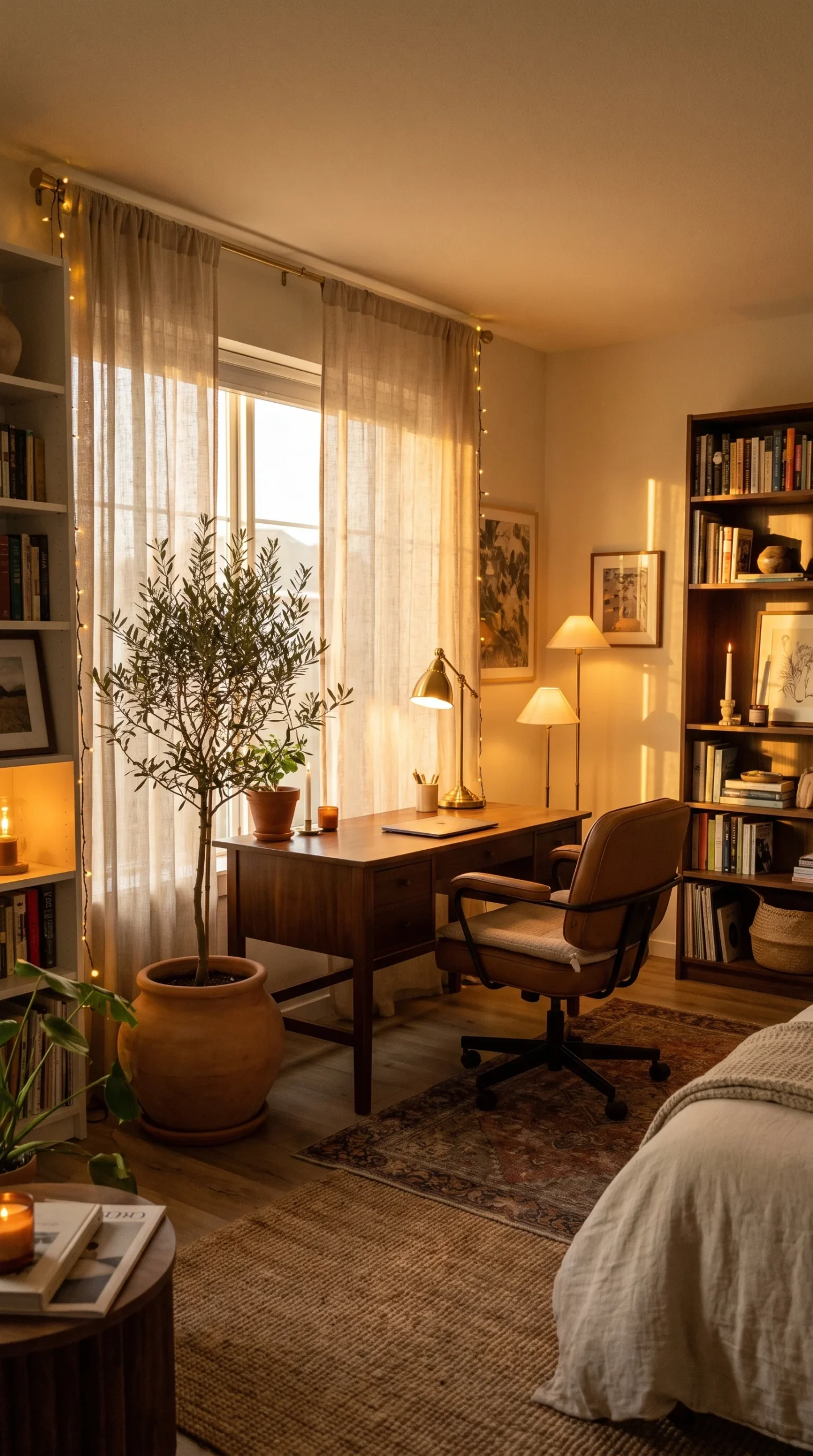
Natural light in a home office changes significantly across the day — and understanding this change helps explain why workspace lighting that feels perfect in the morning may feel inadequate by afternoon or evening, and why adjustable artificial lighting is essential rather than optional.
Morning natural light is typically cool and blue-toned — alerting and energising. Afternoon light is warmer and more golden. Evening natural light diminishes to the point of inadequacy for sustained desk work without artificial supplement. A home office lighting setup that works well at all hours adjusts to compensate for these natural light changes: supplementing with task lighting as the day progresses, increasing ambient lighting as evening approaches, and switching to warmer artificial sources as the cool alerting quality of daylight fades.
9. The Window Treatment Balance
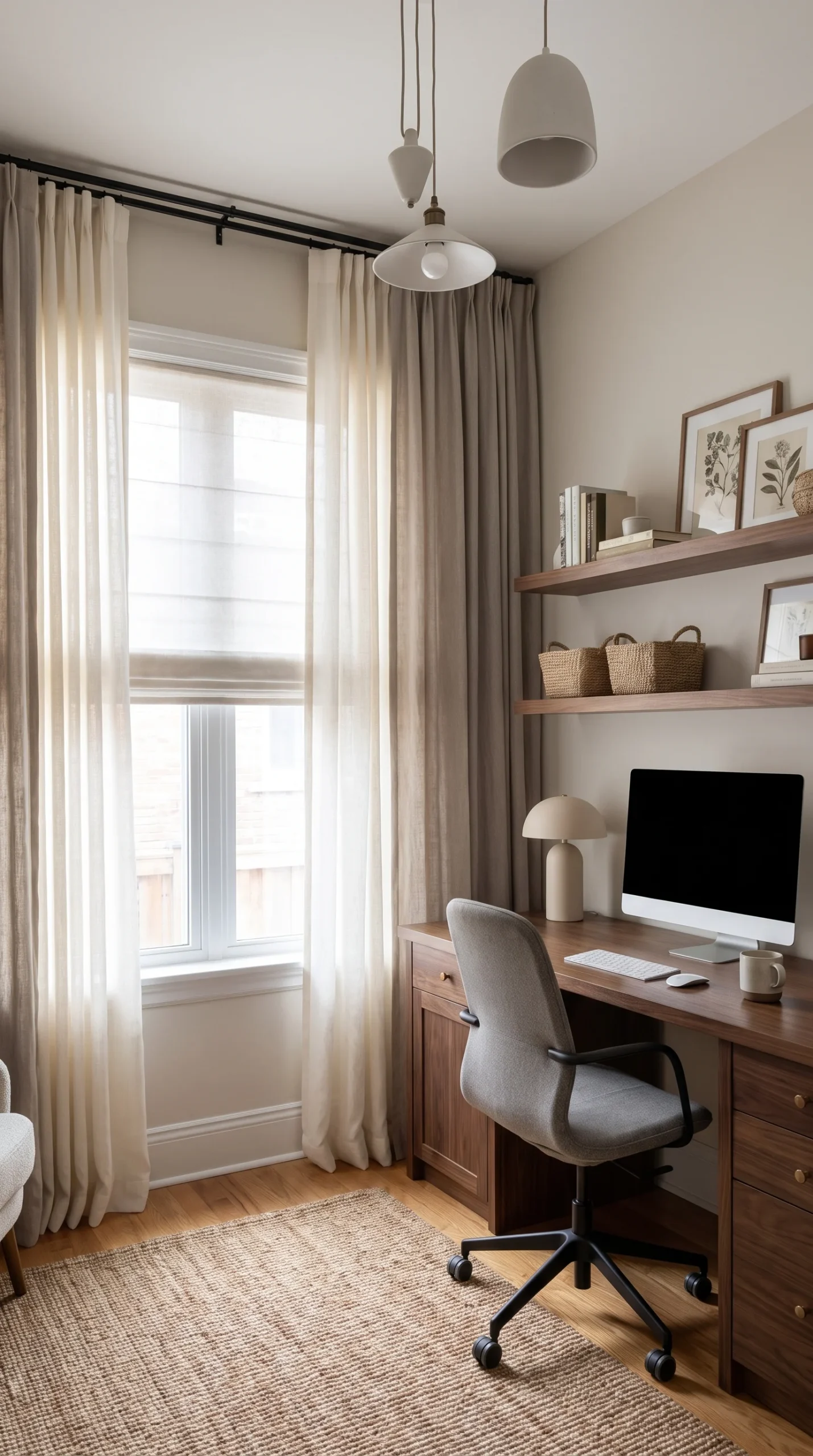
Window treatments in a home office need to balance two competing requirements: maximising natural light for daytime working while managing glare and direct sun that create screen visibility problems and physical discomfort.
Sheer or translucent blinds or curtains filter direct sunlight while maintaining the diffused natural light that makes home office lighting comfortable and alert. Blackout blinds or heavy curtains eliminate both — creating a controlled artificial lighting environment that works well for those who prefer complete independence from variable natural light conditions. Solar film applied to windows reduces glare while maintaining views and natural light levels. The best window treatment for a home office is the one that allows maximum natural light on overcast days while managing direct sun on bright ones — which usually means layered treatments that can be adjusted throughout the day.
10. Task Lighting Beyond the Desk
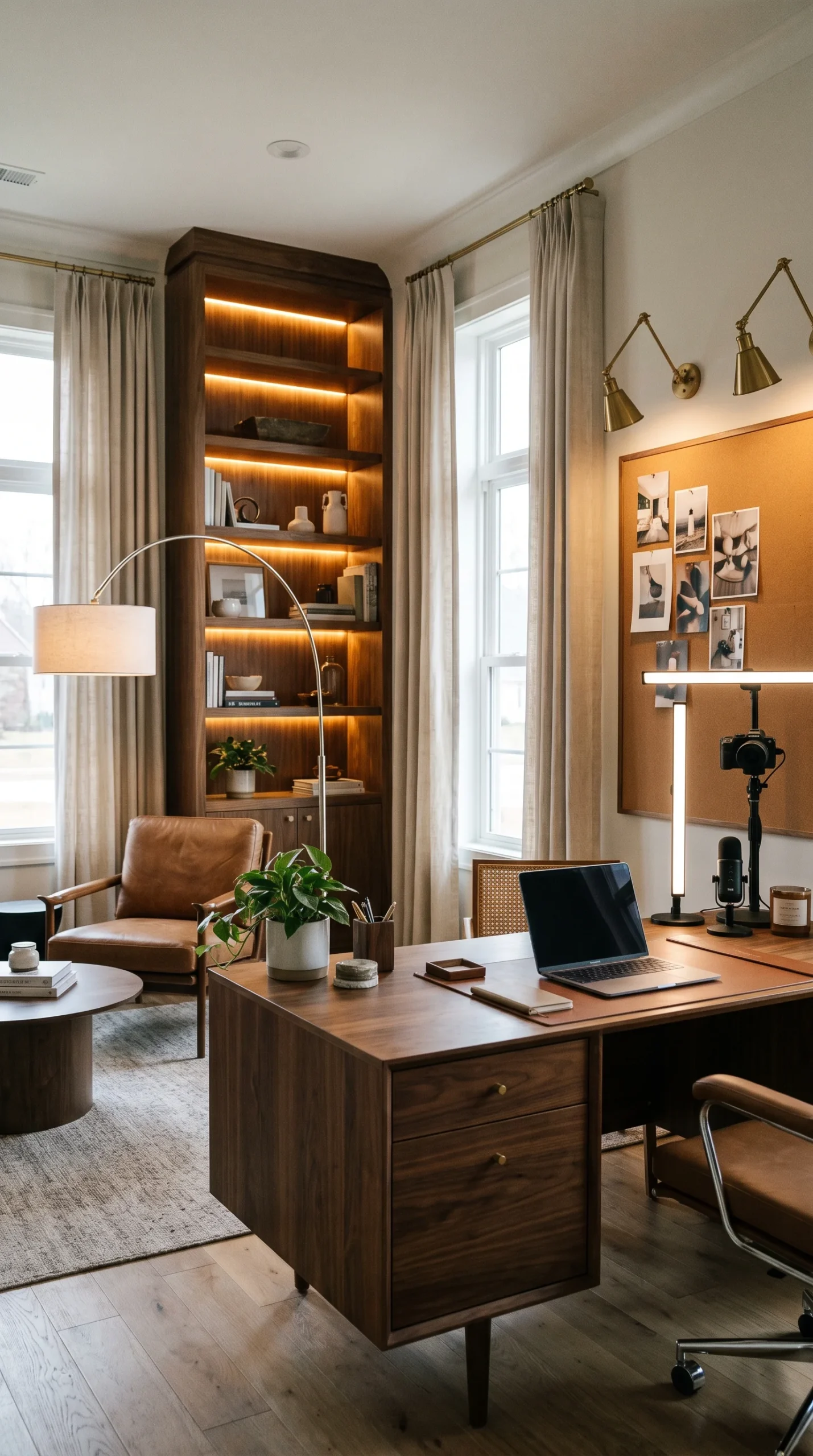
Home office workspace lighting requirements extend beyond the desk surface to include any other areas regularly used during the working day — a reading chair, a whiteboard or pinboard wall, a reference bookshelf, a video call area. Each of these zones benefits from its own dedicated lighting consideration.
A floor lamp positioned beside the reading chair with good quality directional illumination. A clip-on or track spot directed at a pinboard or whiteboard for reference visibility. A dedicated ring light or LED panel for video calls positioned at face height in front of the camera. A well-lit bookshelf for reference material visibility. These secondary task lighting zones collectively create a home office that is properly lit for every activity that happens in it — not just computer work at the main desk.
11. Avoid These Common Lighting Mistakes
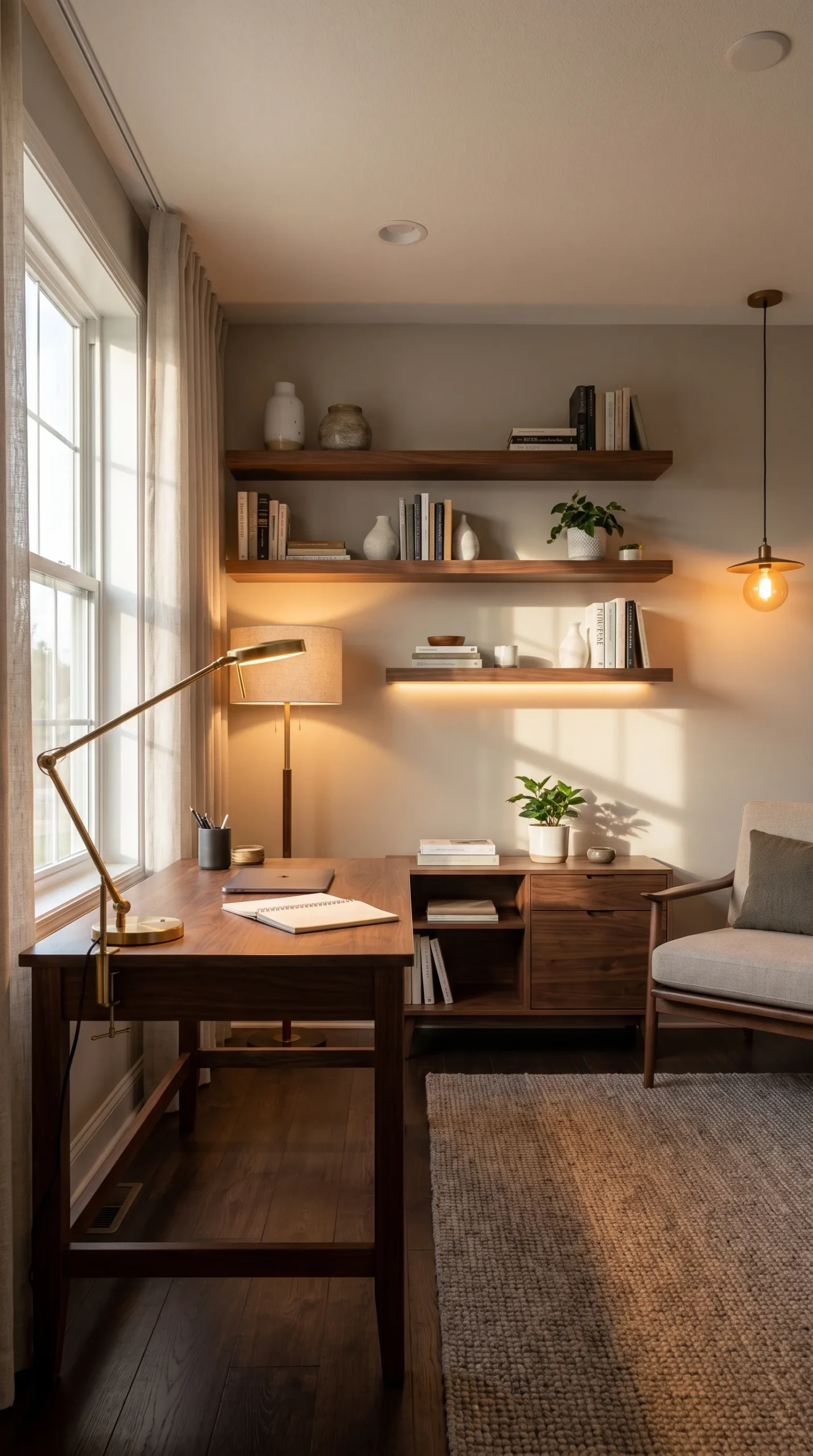
Understanding the most common home office lighting mistakes is as useful as understanding the correct approaches — because most people are unknowingly making several of them simultaneously, and eliminating them creates immediate improvement.
Common Workspace Lighting Mistakes:
- Desk facing the window directly — creates glare and screen washout
- Single overhead light as the only source — creates flat illumination and afternoon fatigue
- Cool white (5000K+) throughout — overstimulating for sustained work periods
- No dimmer on overhead lighting — prevents adjustment as day and tasks change
- Lamp positioned in front of or behind the working position — creates glare or shadow
- Mismatched colour temperatures across sources — creates visual discord and fatigue
- No task lighting at the desk — relies on overhead for work that needs focused illumination
Addressing any one of these improves the workspace lighting. Addressing all of them transforms it.
12. The Investment Hierarchy
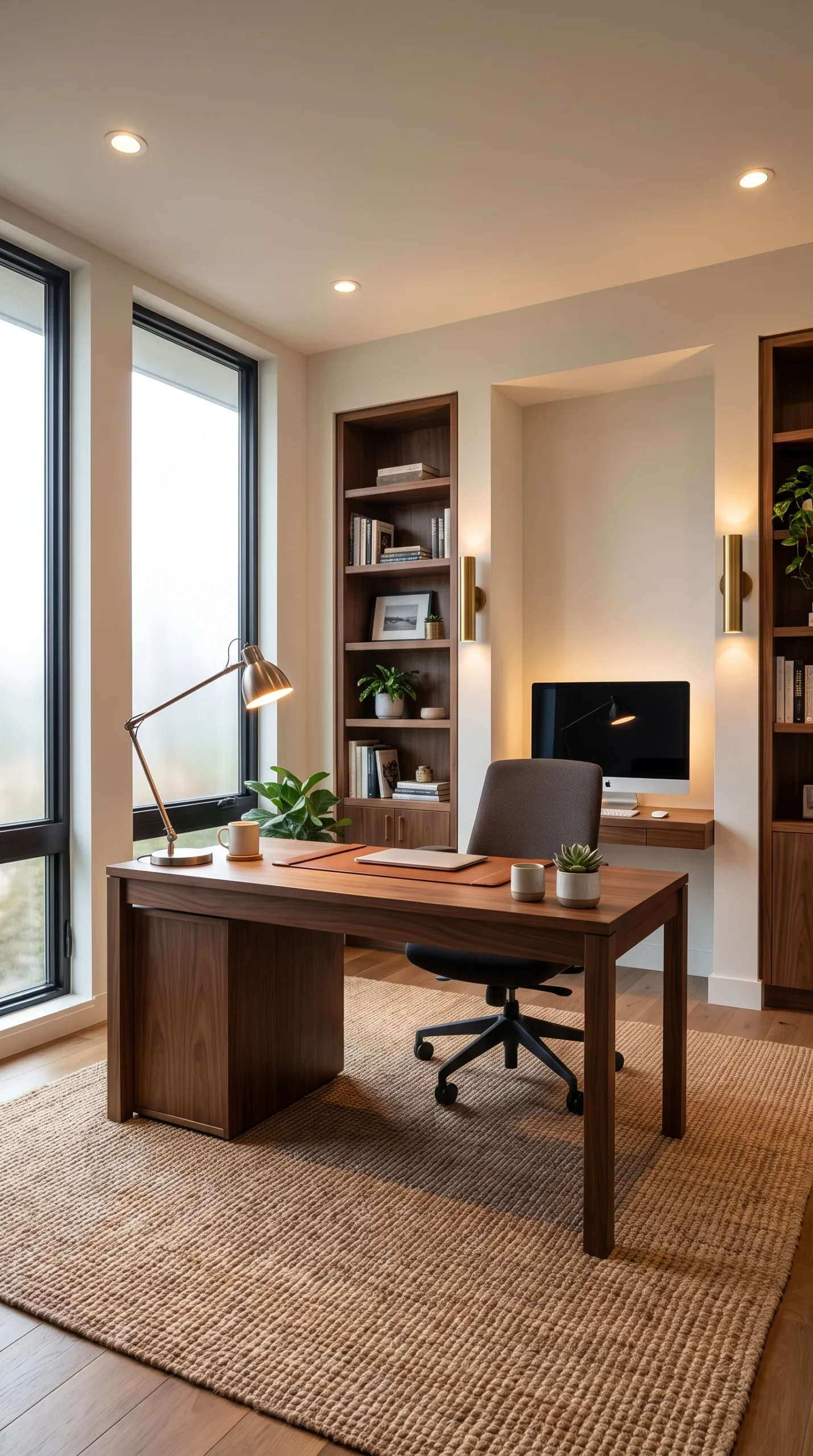
When budget is a consideration for improving home office lighting, understanding which investments deliver the highest return per pound spent allows prioritisation that creates the most improvement for the available resource.
IMO, the home office lighting investment hierarchy runs as follows: first, position the desk correctly relative to natural light (costs nothing). Second, add a quality adjustable desk lamp with the right colour temperature (most impactful single purchase). Third, add bias lighting behind the monitor (lowest cost, high eye strain reduction). Fourth, install a dimmer on existing overhead lighting (low cost, high flexibility gain). Fifth, add a ring light or LED panel for video calls if required (moderate cost, high video quality improvement). Sixth, replace the overhead fixture if needed with recessed spotlights on dimmers (highest cost, highest ambient lighting quality).
Each step in this hierarchy delivers genuine, felt improvement — and the first three deliver the majority of the benefit at a fraction of the total possible investment.
Conclusion
Twelve ideas that address how to light a home office from every angle — maximising natural light through correct desk positioning, understanding the limitations of single overhead sources, building a three-layer lighting scheme, choosing the right desk lamp and positioning it correctly, selecting appropriate colour temperatures, implementing bias lighting, understanding how natural light changes throughout the day, managing window treatments, addressing secondary workspace zones, eliminating common mistakes, and prioritising the investment sequence that delivers the most improvement.
Home office lighting is a working environment decision with direct consequences for productivity, eye health, and the quality of the daily working experience. The changes are not difficult. Most of them are not expensive. And the improvement they create is immediate, measurable, and felt every single working day.
Fix the lighting first. Everything else in the home office improves once the light is right — including, somewhat mysteriously, the quality of the ideas that emerge from it.