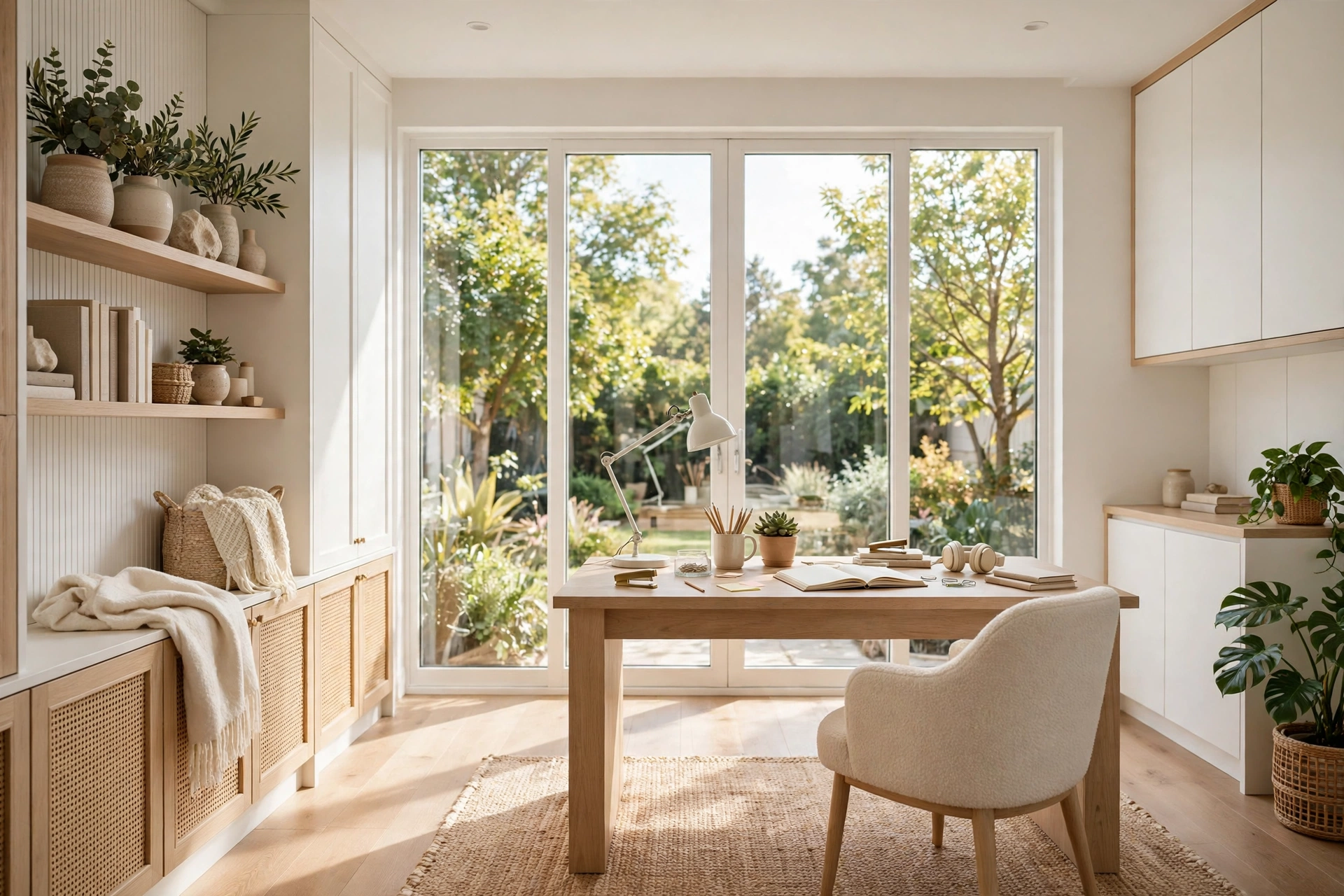
What is the Ideal Home Office Lighting Setup and Why It Matters
Introduction
Good lighting is the most underrated part of a home office. You can buy the perfect desk, the most comfortable chair, and the fastest monitor, but if the light in your room is wrong, every workday feels harder than it should. Your eyes get tired by mid-afternoon, your head starts to ache, and the screen in front of you seems to glare no matter how you tilt it. Most people blame the screen or their own tiredness, when the real culprit is the light around them.
The ideal home office lighting setup is not one lamp or one bright ceiling bulb. It is a layered combination of natural daylight, a focused task light, and soft ambient light that fills the room evenly. Each layer has a job: daylight keeps your energy up and your body clock on track, a desk lamp lights the exact spot where you read and write, and ambient light removes the harsh shadows and dark corners that make a room feel cave-like. When the three layers work together, your eyes relax, your screen stays readable, and the room simply feels better to sit in for eight hours.
This guide walks you through the whole setup step by step, from where to place your desk to which bulbs to buy. You do not need a big budget or an electrician: most of these ideas use lamps and bulbs you can buy in a single shopping trip, and a few cost nothing at all.
1. Start With Natural Light (And Sit Beside It, Not Under It)
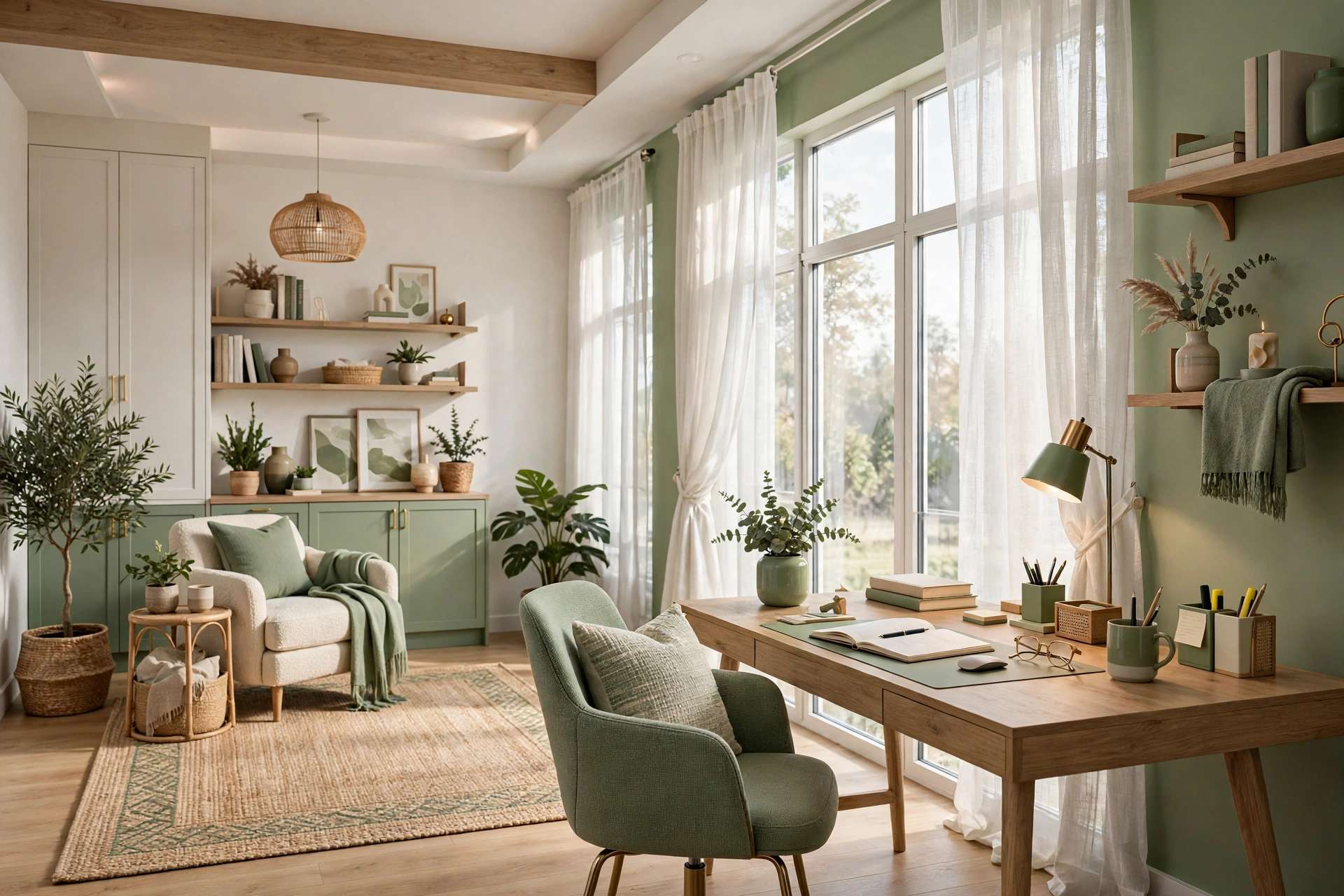
Natural daylight is the best light source any home office can have, and it is free. Sunlight is brighter than any bulb you can buy, it renders colors accurately, and it helps your body stay alert during the day and sleep better at night. If your home office has a window, that window should be the centerpiece of your lighting plan, not an afterthought. Everything else you add is there to support it when the sun moves or the clouds come in.
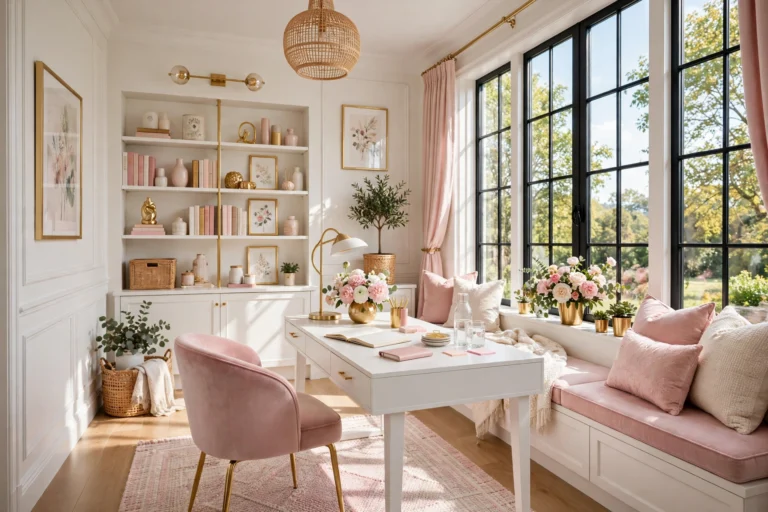
The trick is where you sit in relation to that window. The most common mistake is putting the desk directly in front of the window, facing the glass. It sounds lovely, but the bright light behind your screen creates a harsh contrast that strains your eyes, and the sun can shine straight onto your monitor. The other common mistake is sitting with your back to the window, which turns you into a dark silhouette on video calls and throws your own shadow across the desk. The best position is beside the window, with the light falling across your desk from the side. You get all the brightness without the glare, and your face is evenly lit for calls.
If your room has more than one window, pick the wall that gives you steady side light for most of the day. A north-facing window gives soft, even light with almost no direct sun, which is ideal. A south or west-facing window brings stronger sun, so a sheer curtain or light-filtering blind can soften it in the afternoon. The goal is not to block the daylight but to tame it so it stays comfortable all day long.
2. Layer Three Types of Light Like a Designer
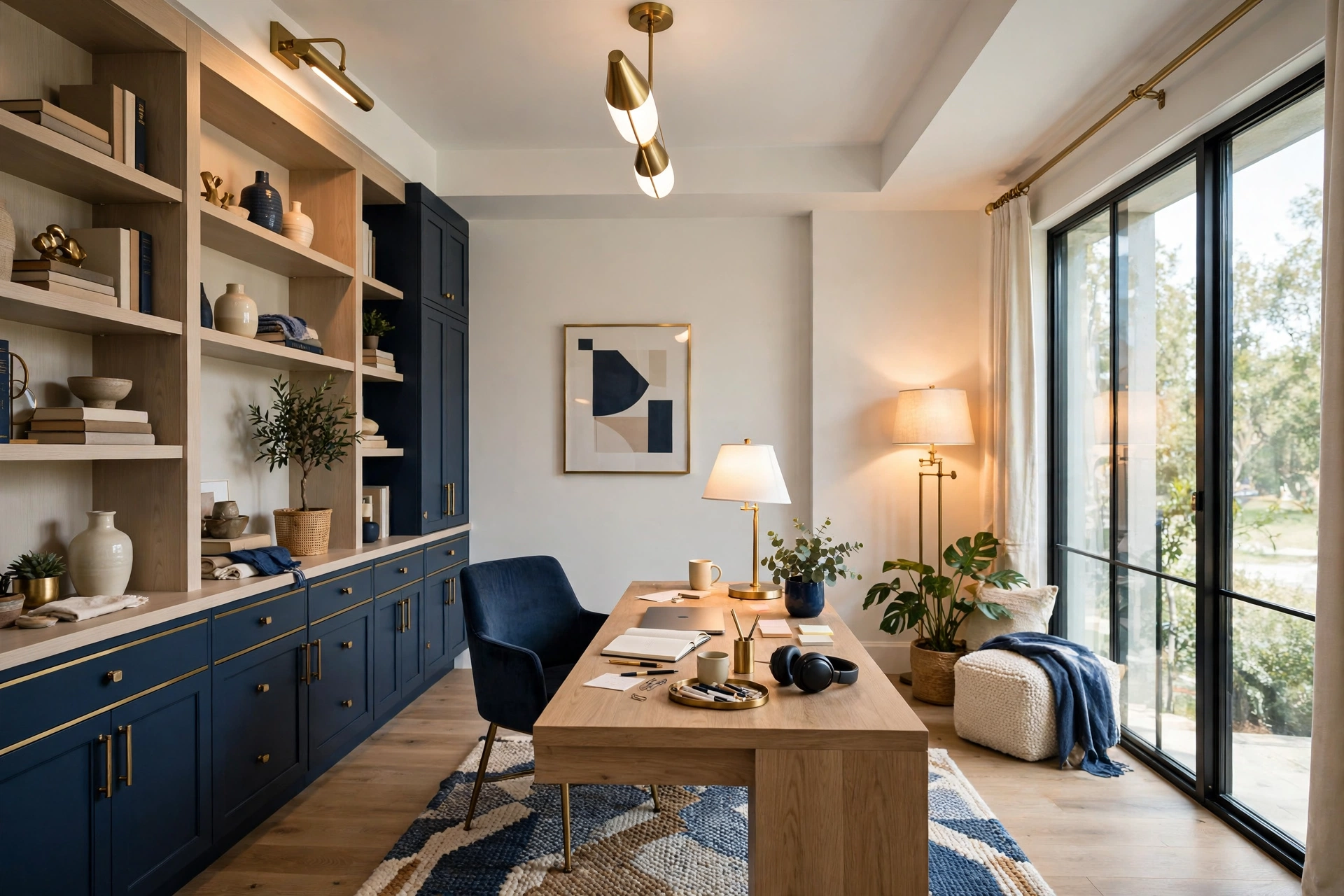
Interior designers never rely on a single light source, and your home office should not either. The professional approach is layering: ambient light for general brightness, task light for the work surface, and accent light for warmth and depth. Each layer can be adjusted on its own, so the room can shift from bright morning focus mode to a softer evening wind-down without you moving a single piece of furniture.
Ambient light is the base layer. In most rooms it comes from a ceiling fixture, but a ceiling light alone usually creates a flat, top-down glare and leaves the corners dark. That is why the base layer works best when supported by the other two: a floor lamp in a corner or a wall-mounted light spreads the ambient layer more evenly and stops the room from feeling like an interrogation room.
Task light is the layer that does the real work. A good desk lamp puts a pool of light exactly where your hands and papers are, without spilling glare onto the screen. Accent light is the finishing touch: a small lamp on a shelf, a warm glow behind the monitor, or a strip of light under a cabinet. It does not add much brightness, but it removes the dark patches that make a room feel gloomy. When all three layers are present, you stop noticing the lighting at all, which is exactly the point.
💡 Pro Tip: one very bright overhead bulb is worse than three gentler lights at different heights. Spread the light around the room and your eyes will thank you by lunchtime.
3. Pick the Right Color Temperature for Focus
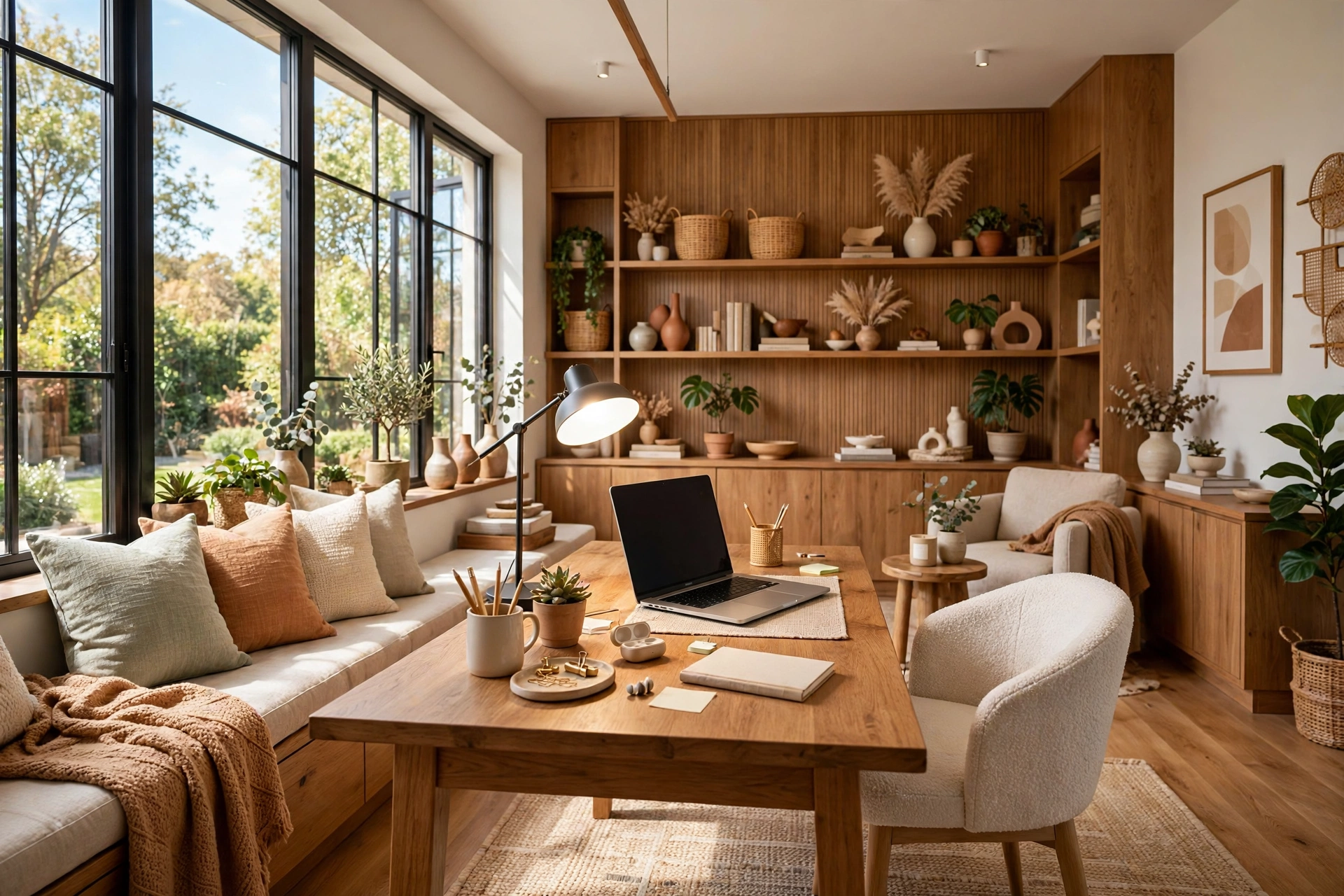
Not all white light is the same. Bulbs are rated in Kelvins, and that number decides whether the light feels warm and relaxing or cool and alert. A warm bulb around 2700K glows like candlelight and feels cozy, which is lovely in a living room but can make you feel sleepy at a desk. A cool bulb around 5000K or higher looks like a hospital corridor and can feel harsh over a full workday. For a home office, the sweet spot sits in the middle.
Most people work best under neutral to cool white light between 3500K and 4500K. It is bright and clear enough to keep you alert, but it does not have the blue-white edge that makes a room feel clinical. If you buy one thing for your office, make it bulbs in this range for your desk lamp and your main room light. Read the box before you buy, because two bulbs that both say “white” can be completely different temperatures.
Consistency matters as much as the number itself. If your desk lamp is warm yellow and your ceiling light is cool blue, your eyes keep adjusting between the two and tire faster. Try to keep all the bulbs in your office in the same temperature family, ideally all in that 3500K to 4500K range. Smart bulbs make this easy, because you can set the temperature once and forget it.
Ideal Home Office Lighting Quick-Start Checklist
- ✅ Place your desk beside the window, not facing it or with your back to it
- ✅ Add three layers: ambient room light, a desk task lamp, and a soft accent light
- ✅ Use bulbs between 3500K and 4500K for focus, matching the temperature across all fixtures
- ✅ Put the task lamp on the opposite side of your writing hand to avoid shadows
- ✅ Angle screens and lamps so no light source reflects directly in your monitor
- ✅ Add a dimmer or smart bulb so brightness can drop in the evening
4. Choose a Task Lamp That Actually Helps
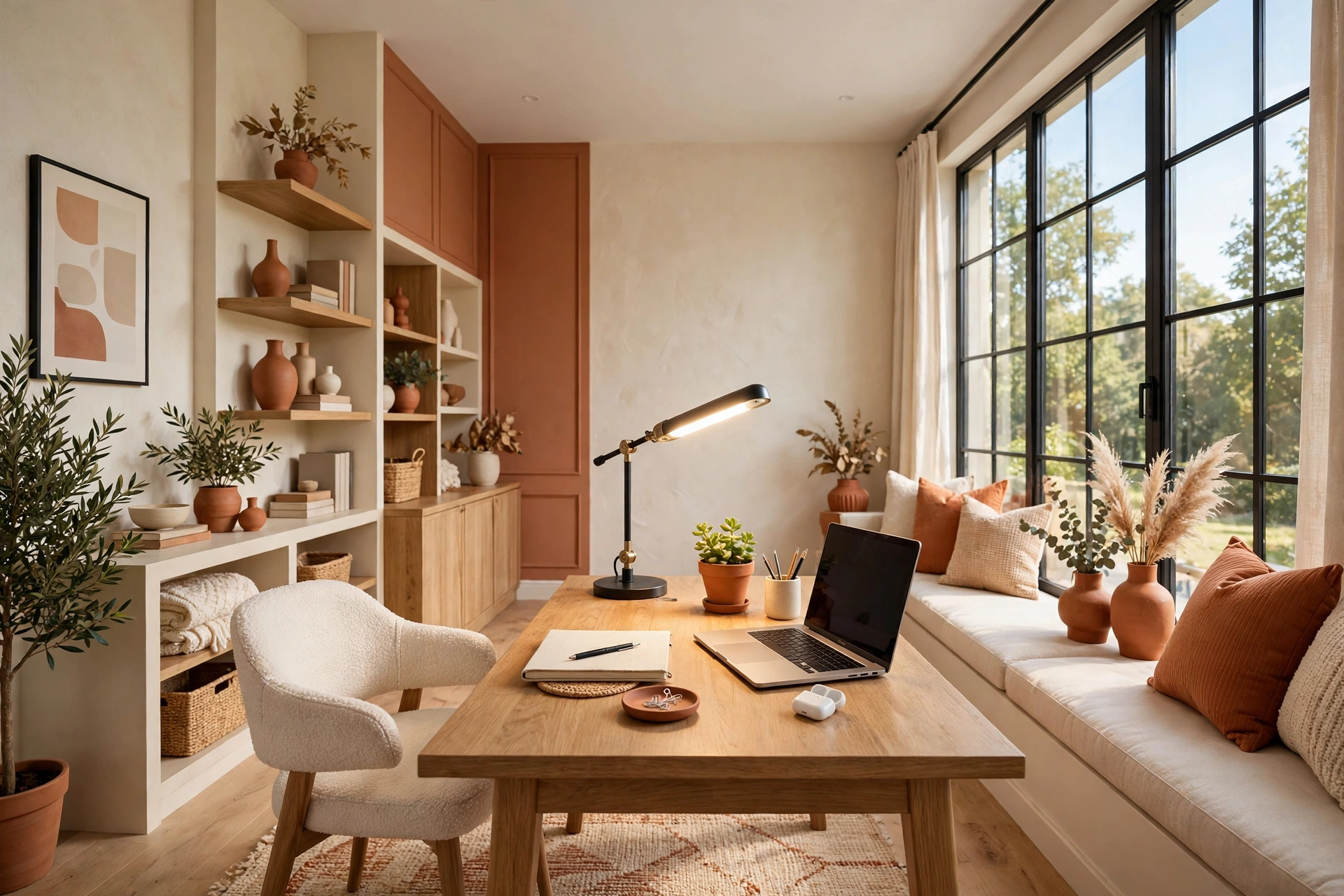
A desk lamp is the single most useful lighting purchase for a home office, but only if you choose the right one. The best task lamps have an adjustable arm or head, so you can aim the light exactly where you need it and move it when the sun shifts. A fixed lamp that only points straight down is better than nothing, but it cannot adapt to different tasks, and it often throws light onto the screen instead of the desk.
Size matters as well. A huge architect lamp can dominate a small desk and crowd out your keyboard, while a tiny clip-on lamp may not cover the whole work area. For a standard desk, a lamp with a head about the width of a paperback and an arm that reaches over the middle of the desk is about right. Place it on the opposite side from your writing hand so your hand never casts a shadow over what you are writing.
5. Kill the Glare on Your Screen
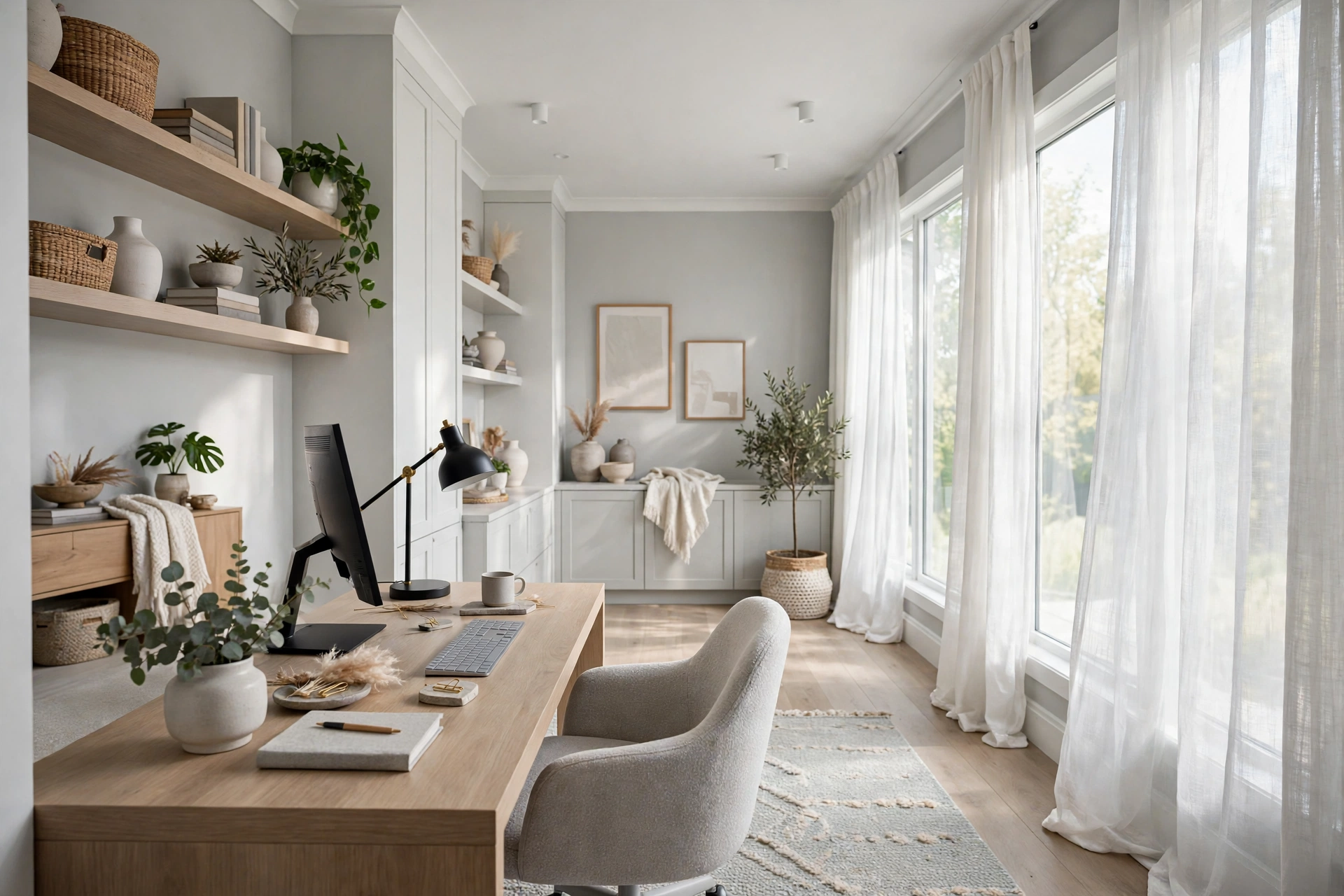
Glare is the number one lighting complaint in home offices, and it is also the most fixable. Glare happens when a bright light source, a window, a ceiling bulb, or a bare lamp, reflects off your screen and washes out what you are reading. Your eyes work overtime to see through the reflection, and that is what causes the headaches and the end-of-day exhaustion.
The fix starts with angles. Tilt your monitor slightly downward so it faces away from overhead lights, and turn it a few degrees so it is not directly opposite a window. If your ceiling light sits right above your desk, move the desk a little to one side so the bulb is no longer in the reflection path. These small adjustments cost nothing and often solve the problem completely.
If glare persists, add a matte screen filter, which cuts reflections without changing the image much. A monitor light bar is another strong option: it mounts on top of the screen and washes light down over the desk without shining onto the screen itself. And if the window is the problem, a sheer curtain or a translucent blind will soften the direct sun while keeping the daylight.
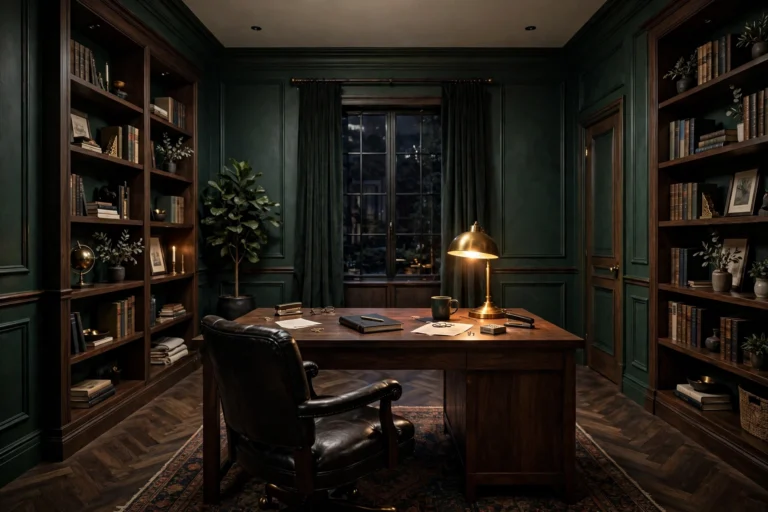
⚠️ Warning: the contrast between the glowing monitor and the dark walls forces your pupils to keep adjusting, which is a fast route to eye strain and headaches. Keep some ambient light on whenever the screen is on.
Quick Comparison: Home Office Lighting Options by Cost and Effort
6. Brighten the Wall Behind Your Monitor
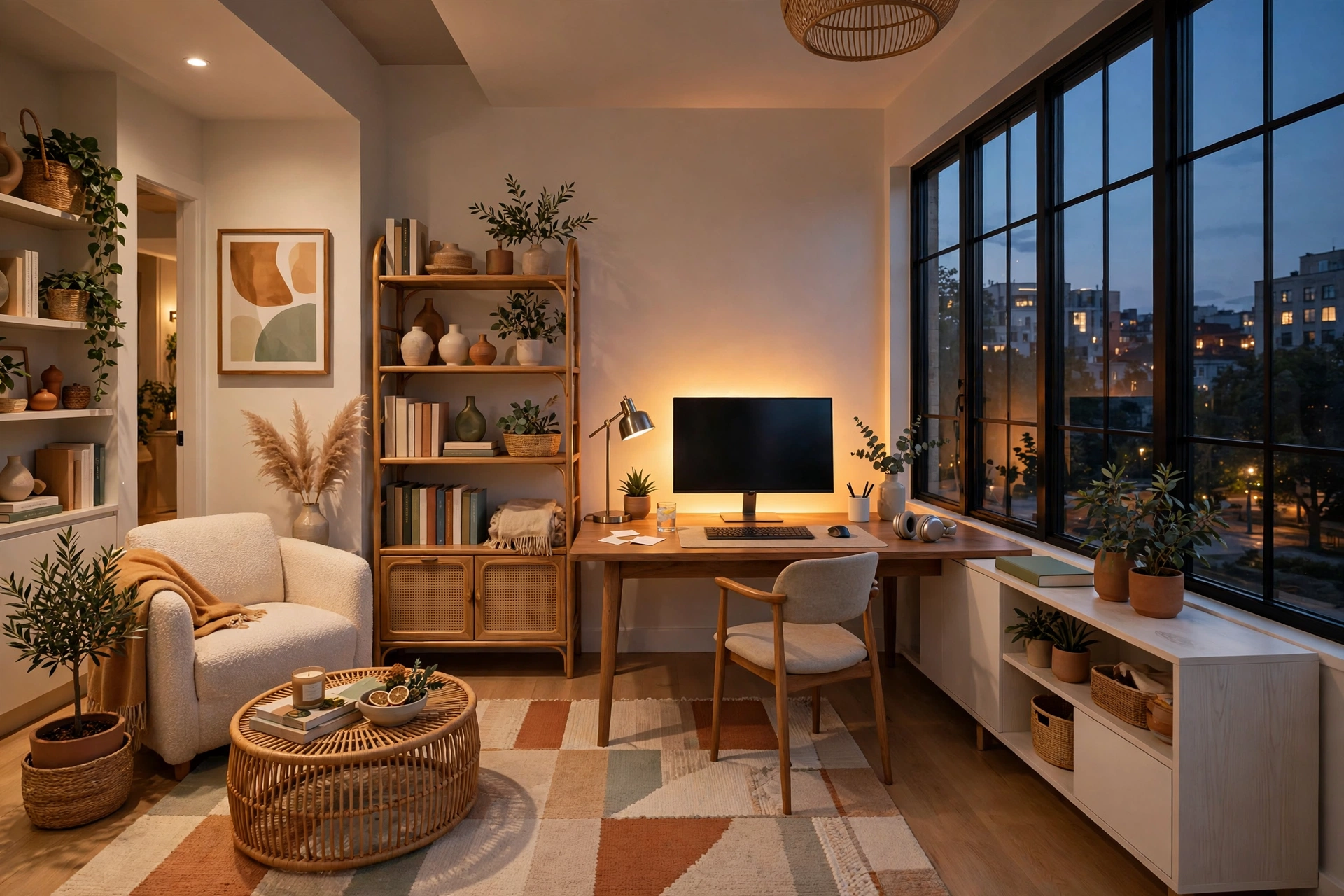
The wall behind your monitor plays a bigger role in eye comfort than most people realize. When you look at a bright screen surrounded by a dark wall, your eyes constantly jump between two very different brightness levels. That contrast is tiring, even if you do not notice it consciously. A softly lit wall behind the screen evens out the brightness in your field of vision and makes long screen sessions much easier.
The simplest fix is a bias light: a strip of LED light stuck to the back of the monitor that casts a gentle glow onto the wall. It costs very little, takes five minutes to install, and the difference is immediate. Choose a neutral white or very warm tone for the strip, not a rainbow color, because the point is to reduce contrast, not to turn your desk into a light show.
7. Light Your Face for Video Calls
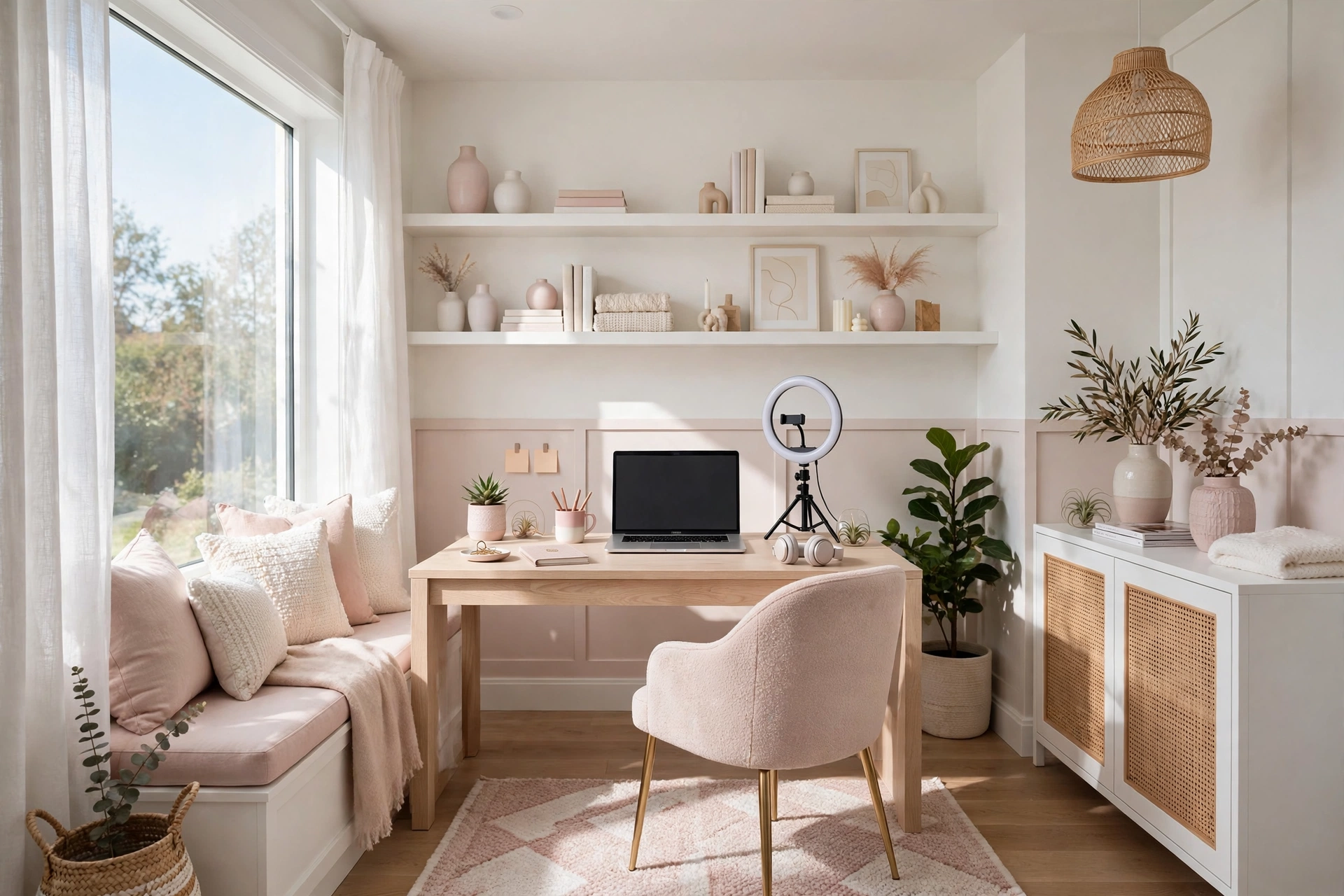
Video calls have made face lighting a real part of home office design. If the only light in your room is behind you, your camera sees a dark silhouette. If the only light is above you, it throws shadows under your eyes and chin. Neither looks professional, and both make you harder to read on screen.
The fix is a light source in front of you, at about face height, shining softly toward you. A small ring light or a desk lamp aimed at your face from behind the camera works well, and you do not need a big one. Even a window in front of you, with sheer curtains to soften it, gives lovely even light. The rule is simple: light should fall on your face from the front, not from behind or above.
Check how you look on camera before an important call, not during it. Open your video app, look at the preview, and adjust the lamp or the blinds until your face is evenly lit with no harsh shadows.
💡 Pro Tip: open your camera app and sit in your normal spot. If you can see both eyes clearly with no dark shadows, the light is right. If one side of your face is dark, add a small lamp on that side.
8. Add Ambient Light for Evenings
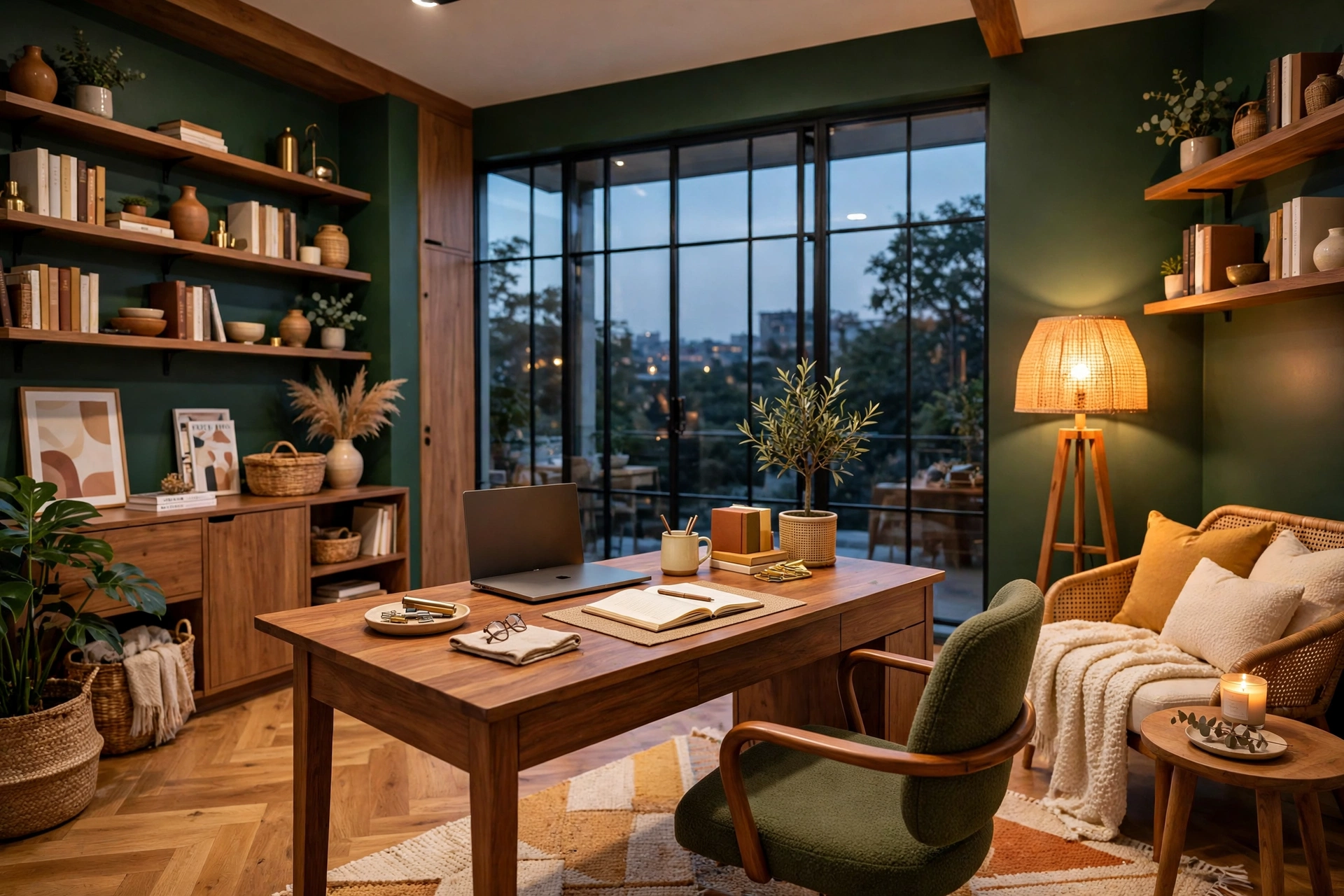
Daylight disappears in the late afternoon, and that is when many home offices fall apart. The ceiling light comes on, the corners go dark, and the room suddenly feels flat and tiring. Evening light needs the same layering as daytime light, just softer. The goal in the evening is a room that feels calm and evenly lit, not a single bright bulb fighting the dark.
A floor lamp in the corner opposite your desk is the easiest evening upgrade. It throws light up and across the ceiling, which spreads it gently through the whole room instead of beaming it down on one spot. A warm-toned bulb in the evening also helps your body wind down after work, so consider a slightly warmer temperature for evening lamps than for your daytime task lamp.
Dimmers make the biggest difference of all in the evening. Being able to lower the room light as the sun sets keeps the brightness matched to the screen, which is what stops the end-of-day eye ache. If your fixtures do not have dimmers, smart bulbs give you the same control from your phone.
9. Use Smart Bulbs and Dimmers
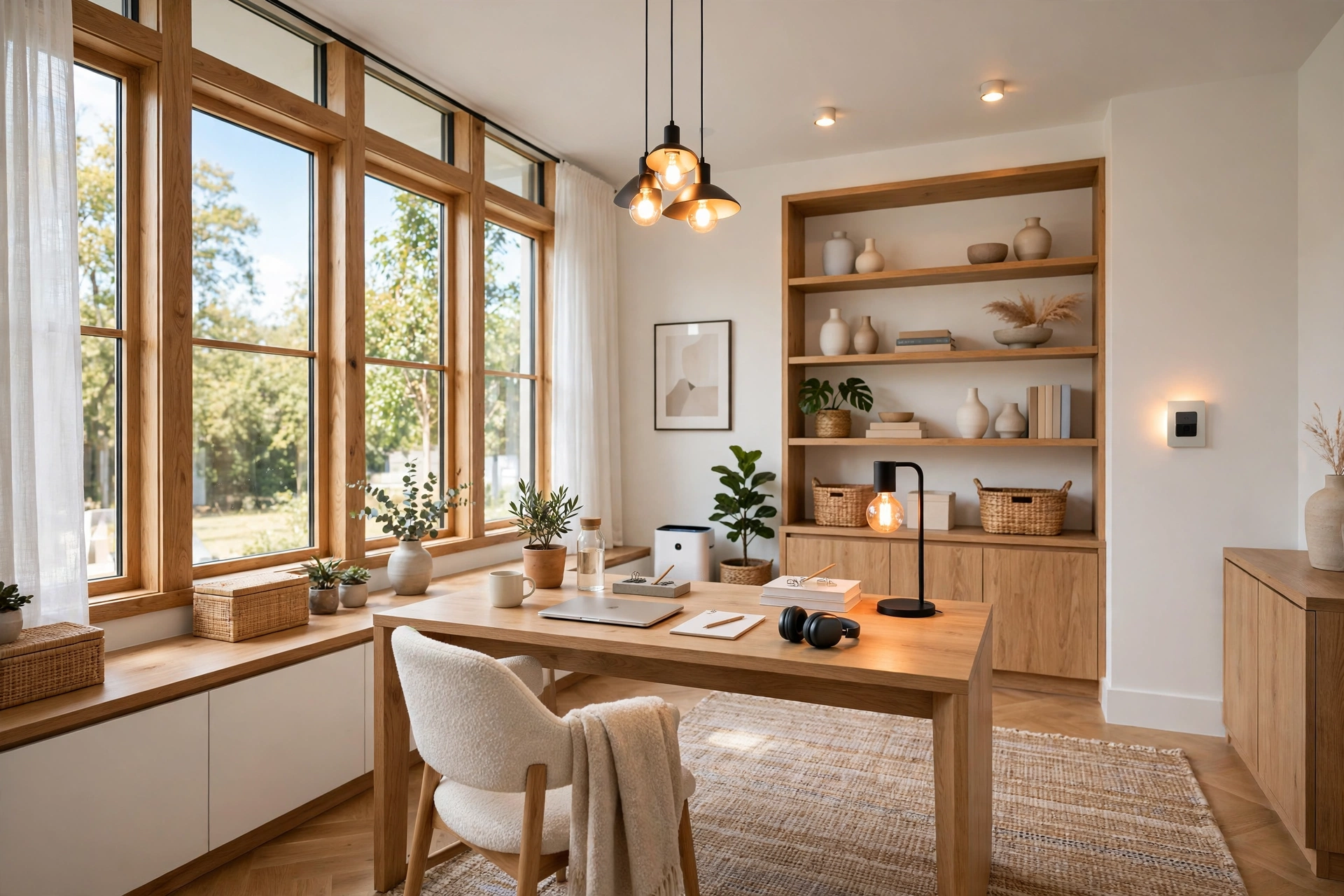
Smart bulbs sound like a luxury, but for a home office they solve a genuinely practical problem: your lighting needs change all day, and a fixed bulb cannot keep up. In the morning you want bright, cool light to wake up. By mid-afternoon you want it a little softer. In the evening you want it warm and dim. A smart bulb lets you make all three changes without getting up.
The most useful feature is scheduling. You can set the office lights to brighten at the start of your workday and warm up and dim when the workday ends, so the room itself marks the boundary between work and rest. That boundary matters when you work from home, because the room never changes on its own and the day can blur into the night.
📌 Important: bright and cool in the morning, softer and warmer in the evening. Lighting that never changes fights your natural rhythm instead of supporting it.
10. Match Lighting to Your Room Size
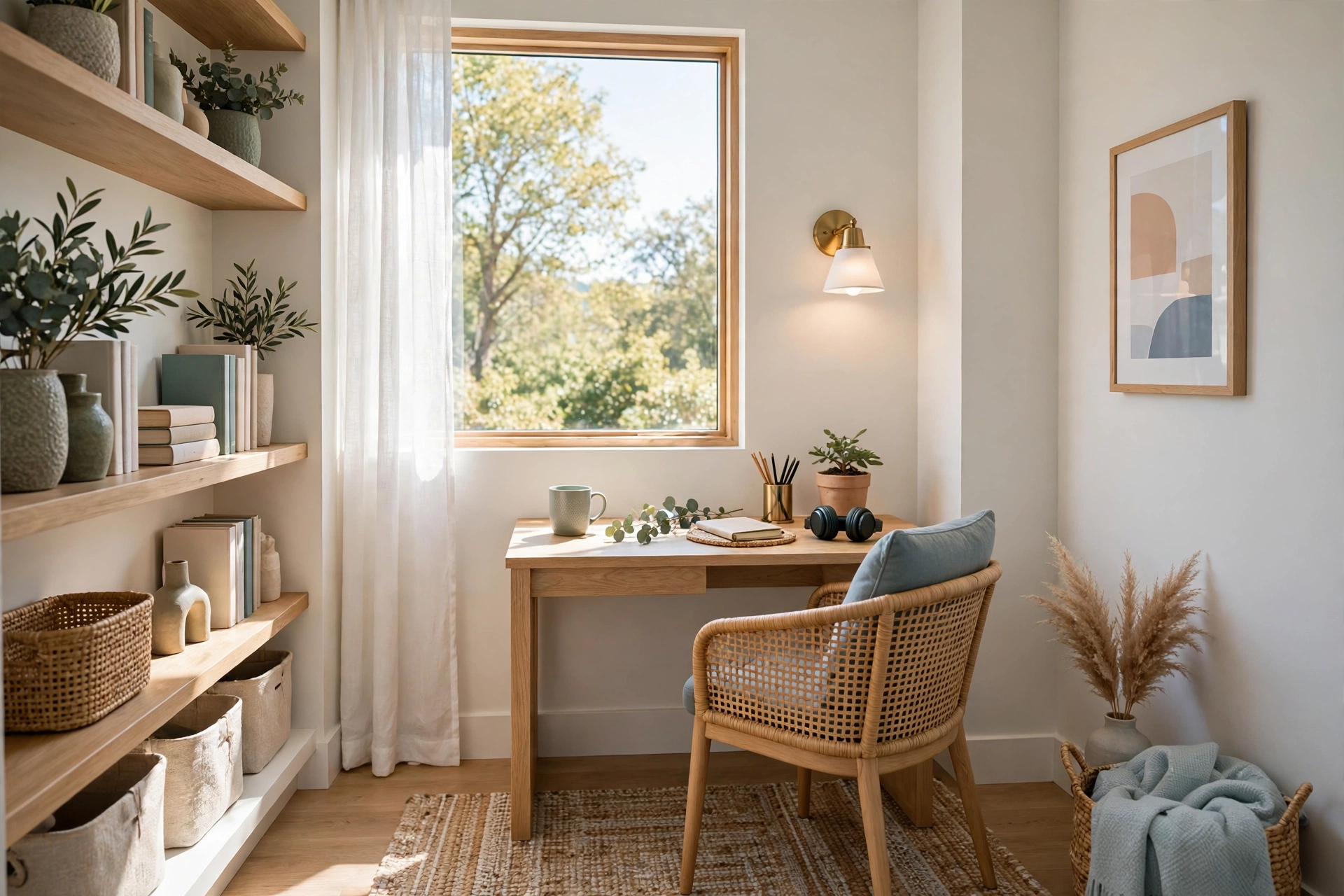
A lighting setup that works in a large spare bedroom will not work in a tiny corner office, and the other way around. Small rooms need less light overall, but they need it spread more carefully, because a single bright source in a small space creates harsh contrasts and deep shadows. Large rooms need more fixtures, because one ceiling light leaves the far corners dark.
In a small home office, your best friends are a good task lamp and one soft ambient source, like a wall light or a small floor lamp tucked into a corner. Avoid big pendant lights that hang low over the desk, because they create a pool of light with dark edges. Keep the fixtures small and the light spread wide, and use light-colored walls and furniture to bounce the light around the room.
11. Don’t Forget the Corners and Shelves
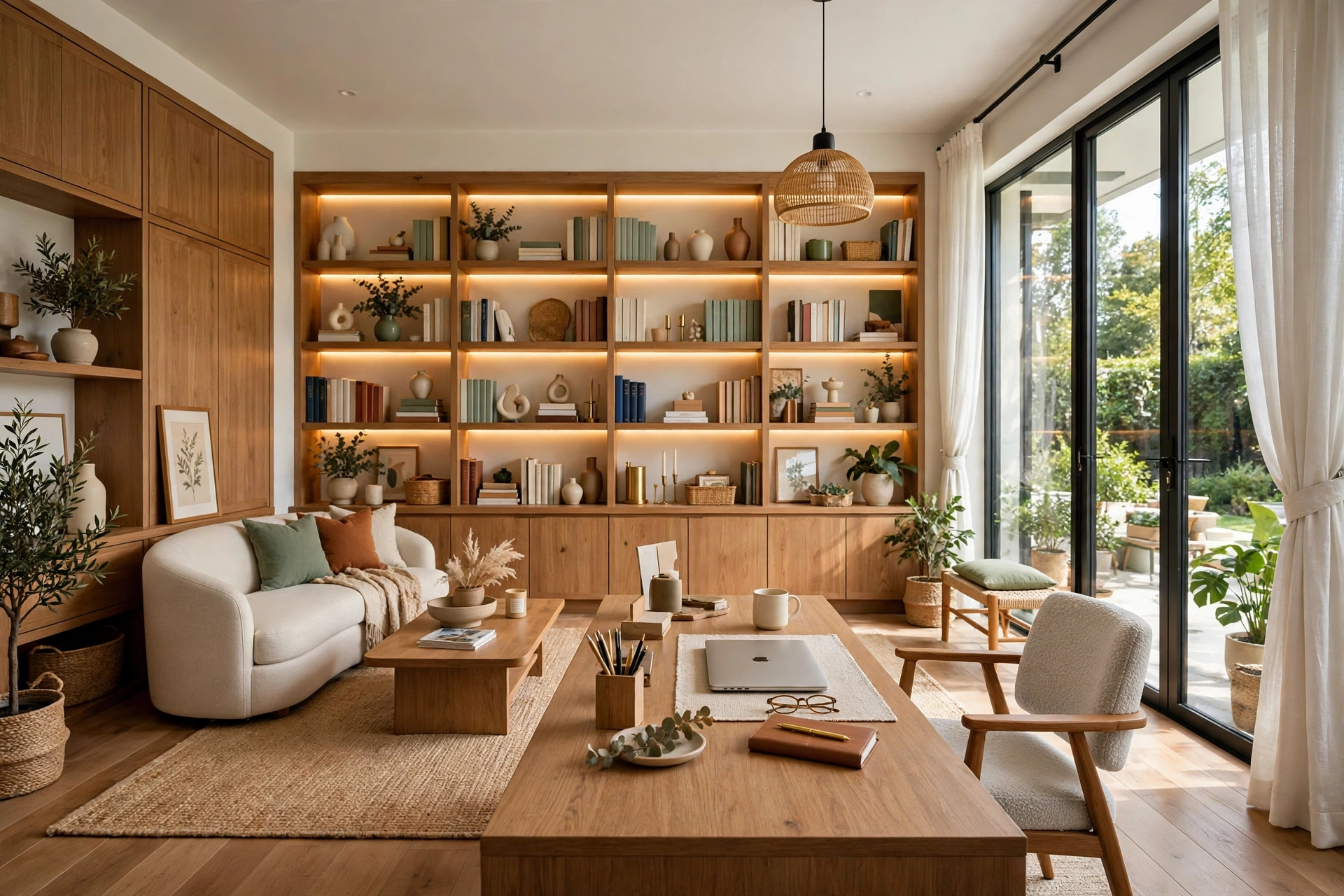
Corners and shelves are where home office lighting usually fails. The desk gets all the attention, and the rest of the room slowly goes dark. That matters because you move around the room: you reach for a book on a shelf, you look for a cable in a drawer, you stand up to stretch and the room feels gloomy. A room with dark corners feels smaller and more tiring than a room that is evenly lit.
A small LED strip under a shelf, a clip-on light on a bookcase, or a tiny battery-powered puck light inside a dark cabinet can fix a dead corner for very little money. These small lights do not need to be bright; they just need to remove the darkness. The same goes for the area behind your desk, which often ends up as a shadowy gap full of cables.
12. Keep Cables and Lamps Tidy
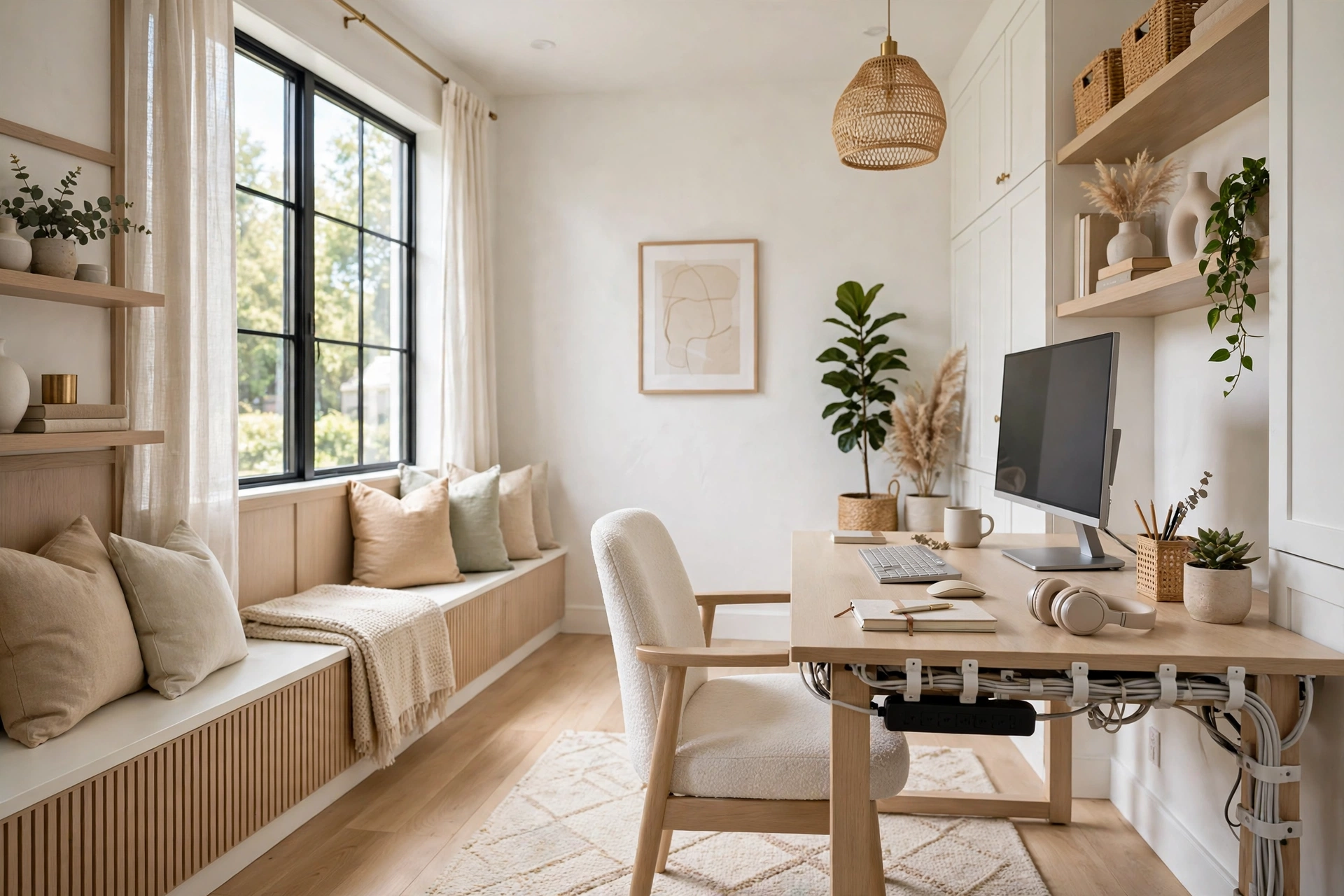
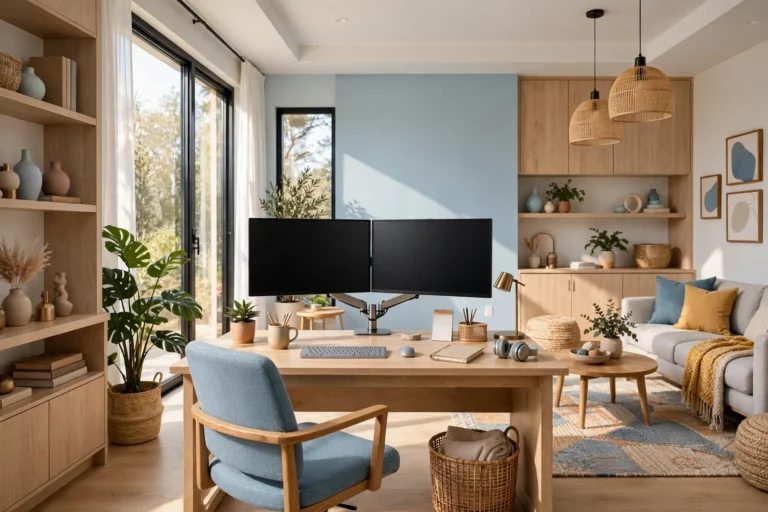
Lighting only works well when it stays where you put it, and tangled cables are the enemy of that. A desk lamp with a cable draped across the desk gets knocked over, pulled out of position, or unplugged at the worst moment. A floor lamp with a cable running across the walkway is a trip hazard. This matters even more with a dual monitor setup, where two screens mean twice the cables to route, so spend ten minutes on cable management and your lighting setup becomes reliable instead of fragile.
Use cable clips along the back edge of the desk to guide lamp and charger cables down to a power strip, and keep the power strip itself off the floor on a small tray or mounted under the desk. If your lamp has a long cable, coil the extra length and tie it with a reusable tie so it does not dangle.
13. Budget-Friendly Lighting Upgrades
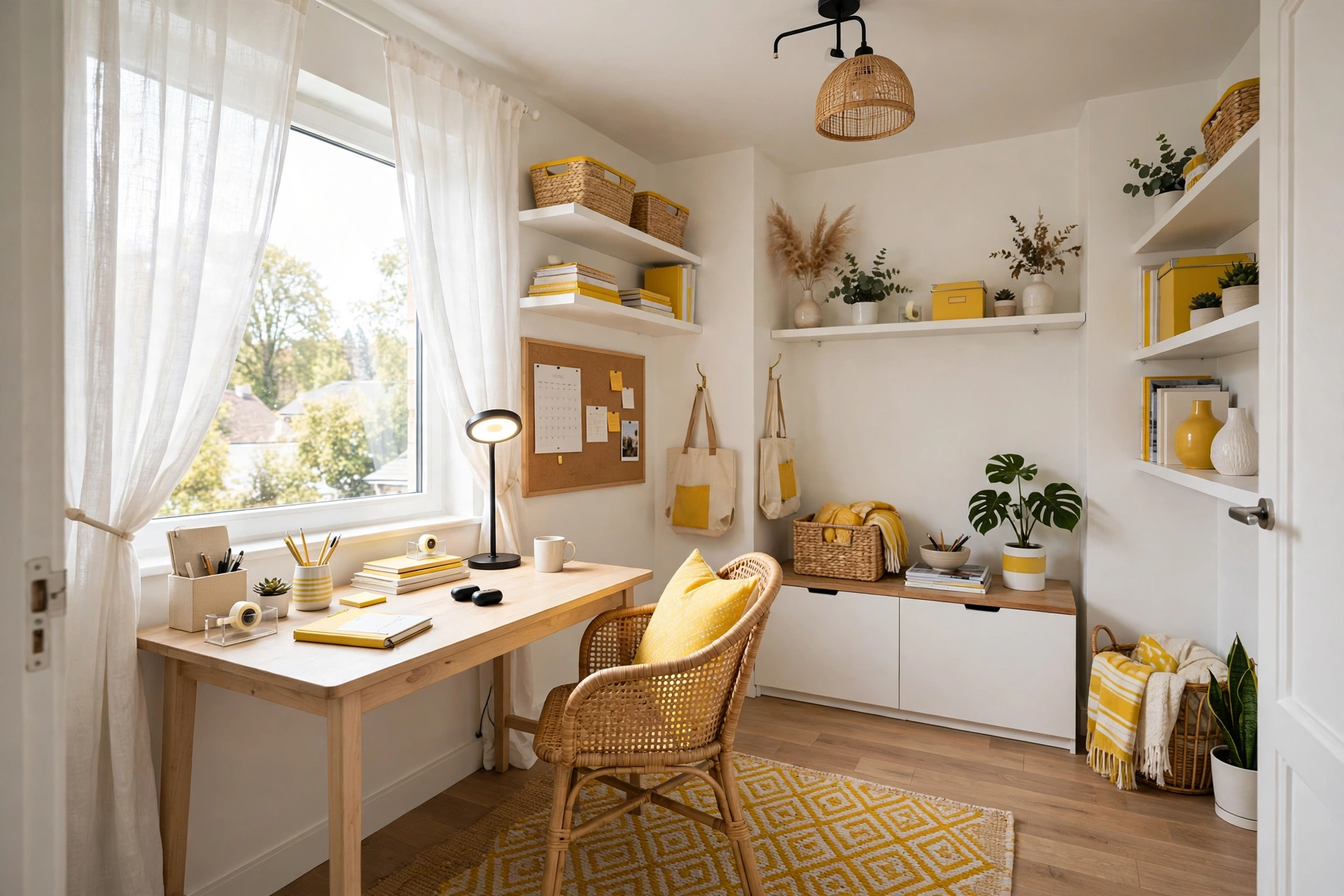
You do not need to spend hundreds of dollars to fix your home office lighting. The highest-impact change, moving your desk beside the window, costs nothing. The second, swapping your bulbs for the right color temperature, costs a few dollars per bulb. After that, a decent LED desk lamp and a sheer curtain will handle most of the remaining problems for a modest price.
Shop with a short list and a clear idea of what each light is for. A lamp bought because it looks nice in the store often ends up in the wrong place doing the wrong job. A lamp bought to solve a specific problem, like glare on the screen or a dark corner, earns its place on the desk. If you are working with a tight budget overall, our guide on how to set up a home office on a budget walks through the whole room, including lighting, without overspending.
💡 Pro Tip: if you can only buy one thing, buy a good adjustable LED desk lamp. It fixes more problems than any other single purchase in a home office.
14. Lighting for Small Corners and Shared Rooms
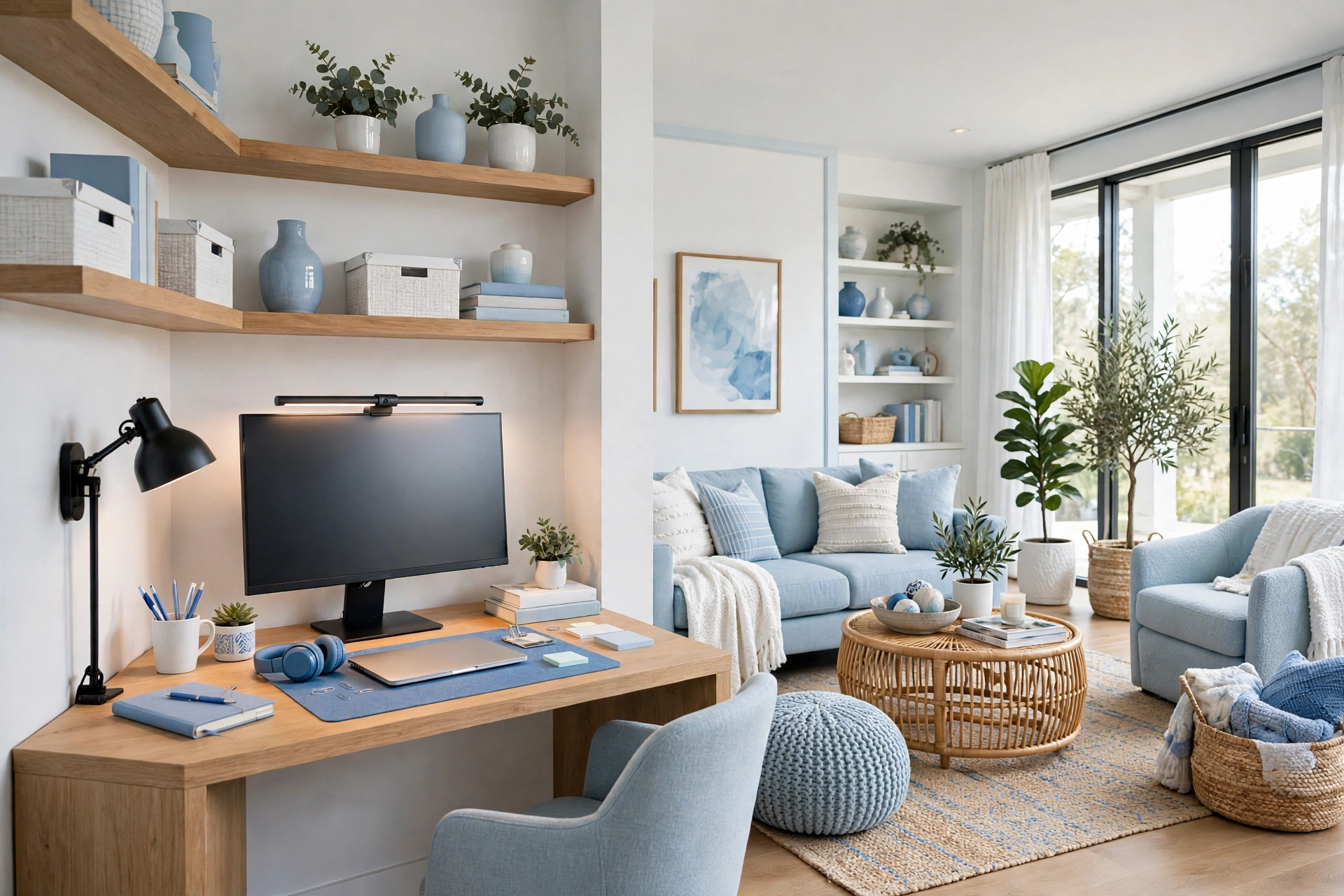
Not everyone has a dedicated room for a home office. Many people work from a corner of the bedroom, a slice of the living room, or a desk squeezed into a hallway. Small and shared spaces need the same lighting principles, but the fixtures have to be smaller and more flexible, because there is no room for a floor lamp in every corner.
In a corner office, a clip-on desk lamp or a small monitor light bar is often better than a traditional lamp, because it takes up no desk space at all. A wall-mounted light above the desk is another strong option, since it frees the desk surface and throws light exactly where you work. If the corner is dark, a stick-on LED strip under a shelf above the desk can add both task and ambient light in one move.
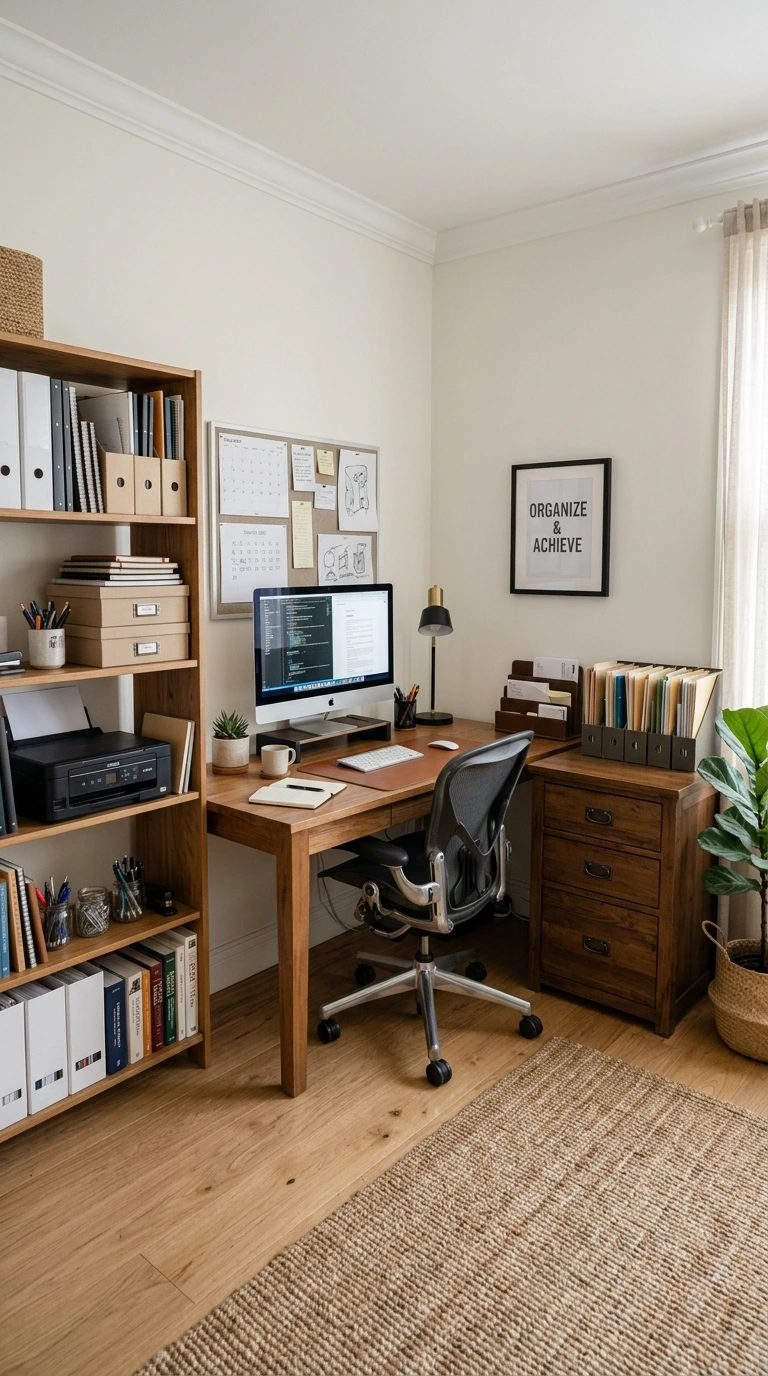
Shared rooms add one more problem: your lighting has to work for the office without ruining the room for everyone else. A focused task lamp with a dimmer solves this, because it lights your desk without flooding the whole room. For more ideas on making a tight space work, see our guide to creating a home office in a small corner, and if your desk itself needs a reset, our tips to organize your home office desk will help you clear the surface so the light actually reaches it.
15. Test, Tweak, and Trust Your Eyes
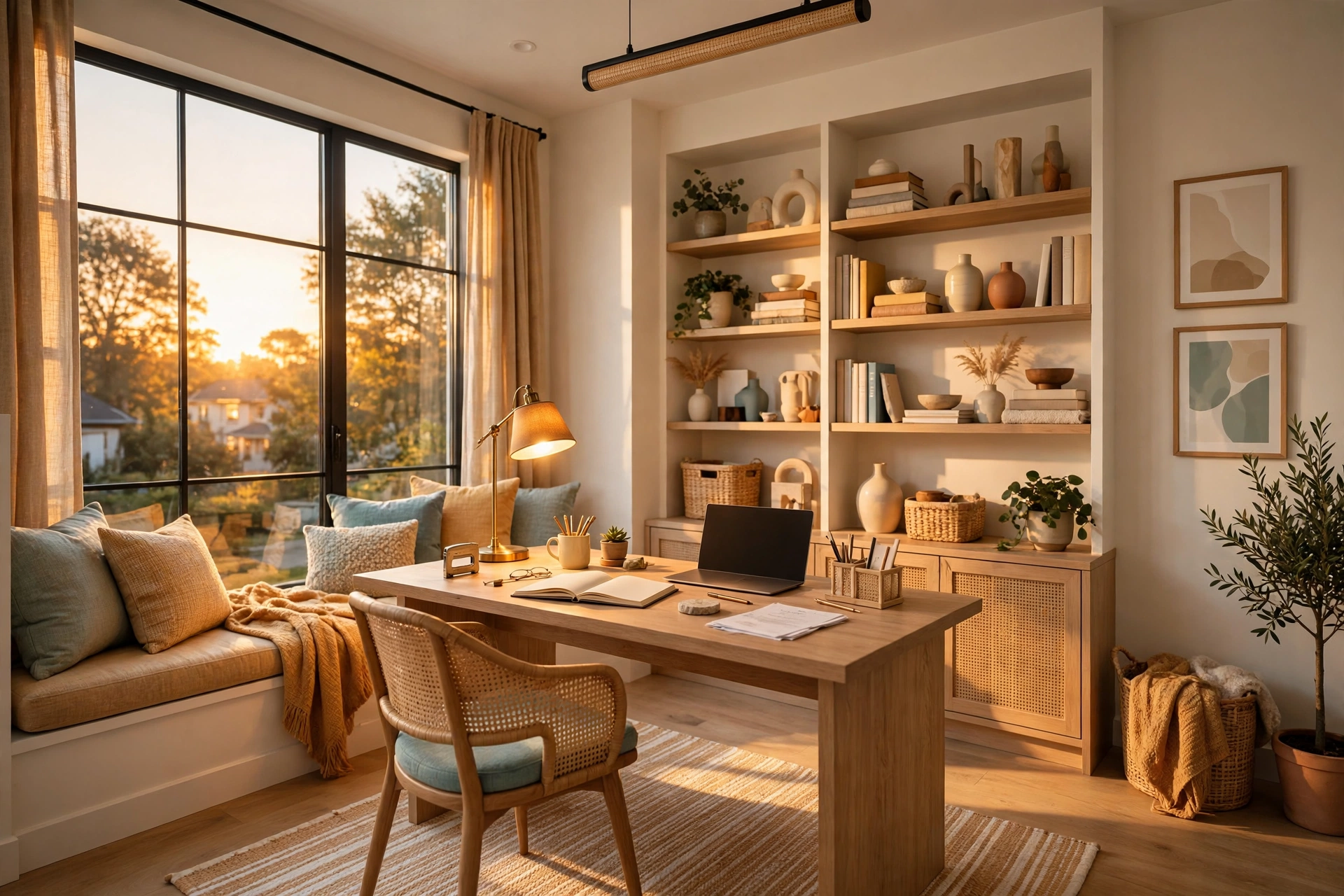
No guide can tell you exactly how your room will behave, because every window faces a different direction and every room has different walls. The final step of any lighting setup is to live with it for a few days and pay attention to what your eyes tell you. Do they feel tired by three in the afternoon? Does the screen glare when the sun comes around the side of the house? Is one corner still dark? Each answer points to one small adjustment.
Make one change at a time and give it a day before judging it. Move the lamp six inches, tilt the monitor a degree, swap one bulb for a warmer one, and see how the next workday feels. Small moves add up fast, and after a week of tweaks you will have a setup that fits your room, your hours, and your eyes. That is what the ideal setup really is: not a shopping list, but a room tuned to the person who works in it.
Keep a simple rule for the long term: if something about the light starts to bother you, fix it the same week. Eye strain builds slowly, and people put up with bad lighting for months because it never becomes a crisis, just a daily drag. A five-minute adjustment now saves weeks of tired eyes later.
Common Home Office Lighting Mistakes
Mistake 1: Relying on a Single Overhead Light
One ceiling bulb is the default in most rooms, but it is a poor office light. It shines straight down, creates harsh shadows under your chin and hands, and leaves the corners dark. It also sits directly in the reflection path of most monitors. Add at least a task lamp and one ambient source before you blame your eyes for the strain.
Mistake 2: Sitting With Your Back to the Window
With your back to the window, your body blocks the daylight from reaching the desk, and on video calls you become a dark silhouette with a bright glowing window behind you. Turn the desk ninety degrees so the window is to your side, and the daylight works for you instead of against you.
Mistake 3: Buying the Wrong Color Temperature
Grabbing whatever bulb is on sale usually means mixing warm and cool bulbs in the same room, or ending up with a harsh blue-white light that feels like an office from twenty years ago. Check the Kelvin rating on the box and keep every bulb in your office in the same 3500K to 4500K range.
Mistake 4: Placing the Lamp on the Wrong Side
A lamp on the same side as your writing hand casts a shadow over every word you write. It seems like a tiny detail until you notice yourself leaning sideways to see your own notes. Put the lamp on the opposite side from your writing hand and the shadow problem disappears.
Mistake 5: Ignoring Lighting on Video Calls
Many people spend hours a week on video calls with their face half in shadow, because they set up their lighting for the screen and never checked the camera. Take thirty seconds to preview your video before important calls. A small lamp in front of you is the difference between looking professional and looking like a witness in a crime documentary.
Frequently Asked Questions
1. How bright should a home office be?
Bright enough to read a printed page comfortably without squinting, but not so bright that the screen looks dim by comparison. As a rough guide, your desk surface should be well lit by the task lamp, and the rest of the room should be evenly lit with no dark corners. If you have to raise your screen brightness to maximum to read it, the room is too bright; if the screen feels like a torch in a cave, the room is too dark.
2. What color temperature is best for a home office?
Neutral to cool white light between 3500K and 4500K works best for most people, because it keeps you alert without feeling harsh. Warmer light around 2700K feels cozy but can make you drowsy during a long workday. Keep all the bulbs in your office in the same temperature range so your eyes are not constantly adjusting.
3. Should my desk face the window or sit beside it?
Beside it. Facing the window puts bright light behind your screen and causes glare, while sitting with your back to it blocks the light and leaves your face in shadow on video calls. With the window to your side, you get the daylight without the glare, and your face stays evenly lit.
4. Do I need a desk lamp if I have a ceiling light?
Yes, in almost every case. A ceiling light alone creates top-down shadows and usually reflects in the monitor. A desk lamp puts light exactly where you read and write, and it lets you adjust brightness without changing the whole room. Even a small, inexpensive LED lamp makes a noticeable difference.
5. How do I stop glare on my monitor?
Start by changing angles: tilt the monitor slightly down and turn it so it is not directly opposite a window or under a ceiling bulb. Then soften the light source with a sheer curtain or blind. If glare persists, a matte screen filter or a monitor light bar, which lights the desk without shining on the screen, usually finishes the job.
6. What is the best lighting for video calls?
A soft light in front of you at face height, such as a small ring light or a desk lamp placed behind the camera. Avoid light from behind you, which turns you into a silhouette, and avoid a single overhead light, which casts shadows under your eyes. Always check the camera preview before an important call.
7. Can LED strip lights help in a home office?
Yes, when they are used as bias lighting behind the monitor or under a shelf. A neutral white strip softens the contrast between the bright screen and the wall, which reduces eye strain. Avoid bright colored strips as your main light, because strong colors distract and distort how the room looks on camera.
Conclusion
The ideal home office lighting setup is not complicated and it is not expensive. It is daylight used well, a task lamp that aims where you work, and soft ambient light that fills the room evenly, all in a consistent color temperature that keeps you alert without tiring your eyes. Each layer does one job, and together they make the room disappear so the work can take center stage.
Start with the free fixes: move your desk beside the window, check your bulb temperatures, and tilt the monitor away from glare. Then add one layer at a time, testing each change for a day before adding the next. Within a week, you will have a workspace that feels brighter, calmer, and easier to sit in for a full day. And if you are still building out the rest of the room, our home office setup for beginners guide covers the desk, chair, and layout basics that pair with good lighting.