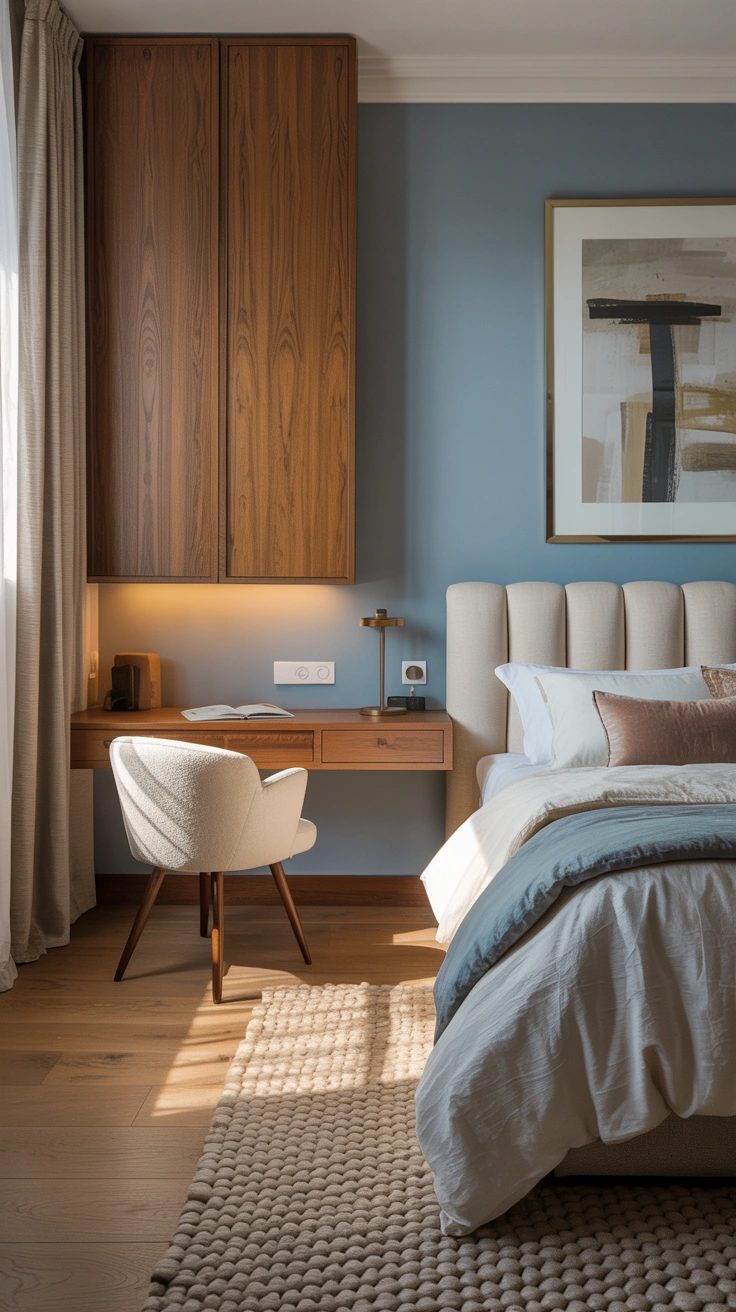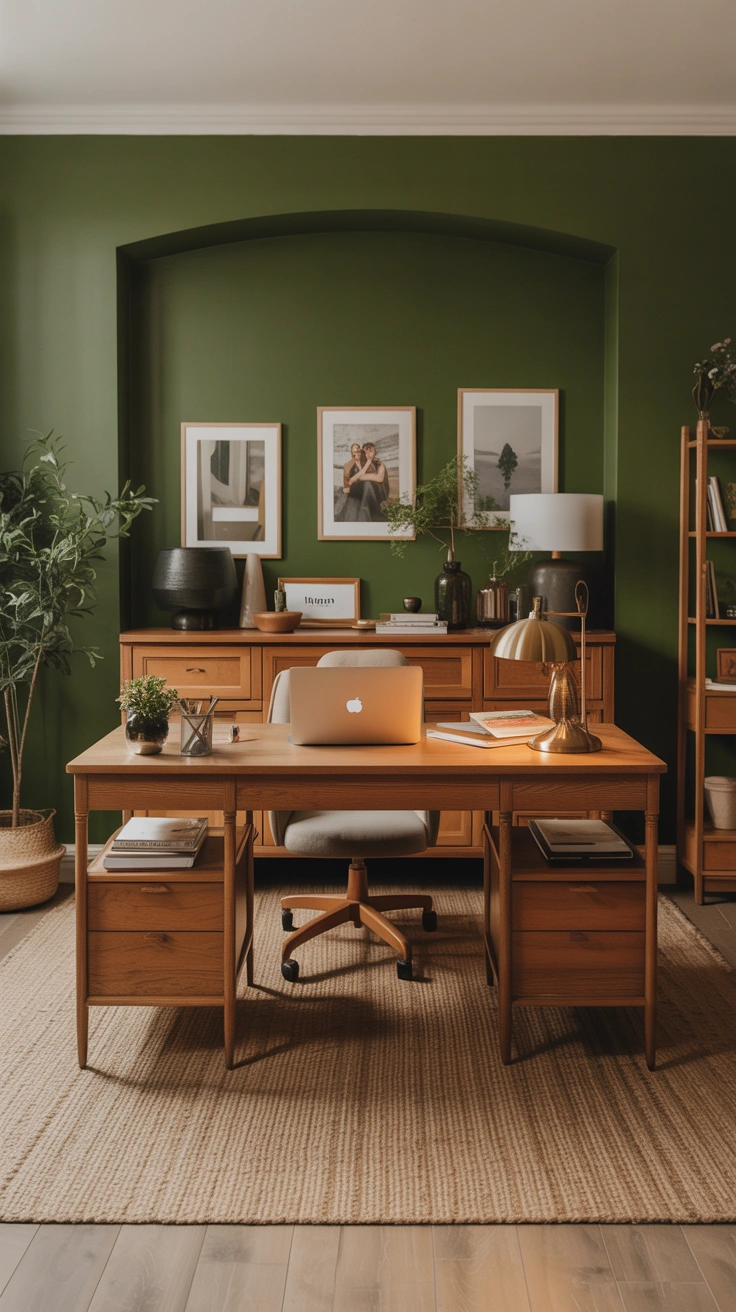
How To Style Desk For Video Calls That Make You Look Polished and Professional
The video call has become one of the most frequent and most professionally consequential interactions in modern working life — and yet most people approach it by sitting wherever they happen to be, pointing a laptop at whatever is behind them, and hoping nobody notices the pile of unfolded laundry visible over their left shoulder. The background, the lighting, the framing, and the overall presentation of a home video background is a professional statement as real and as noticed as the clothes you wear to a physical meeting. I spent eighteen months working from a home office with a genuinely terrible video call setup before doing a full reassessment — and the response from colleagues and clients after the upgrade was immediate and noticeably more positive. These 17 tips cover every dimension of how to style a desk for video calls that creates the right professional impression every time.
1. The Background Is Your First Impression
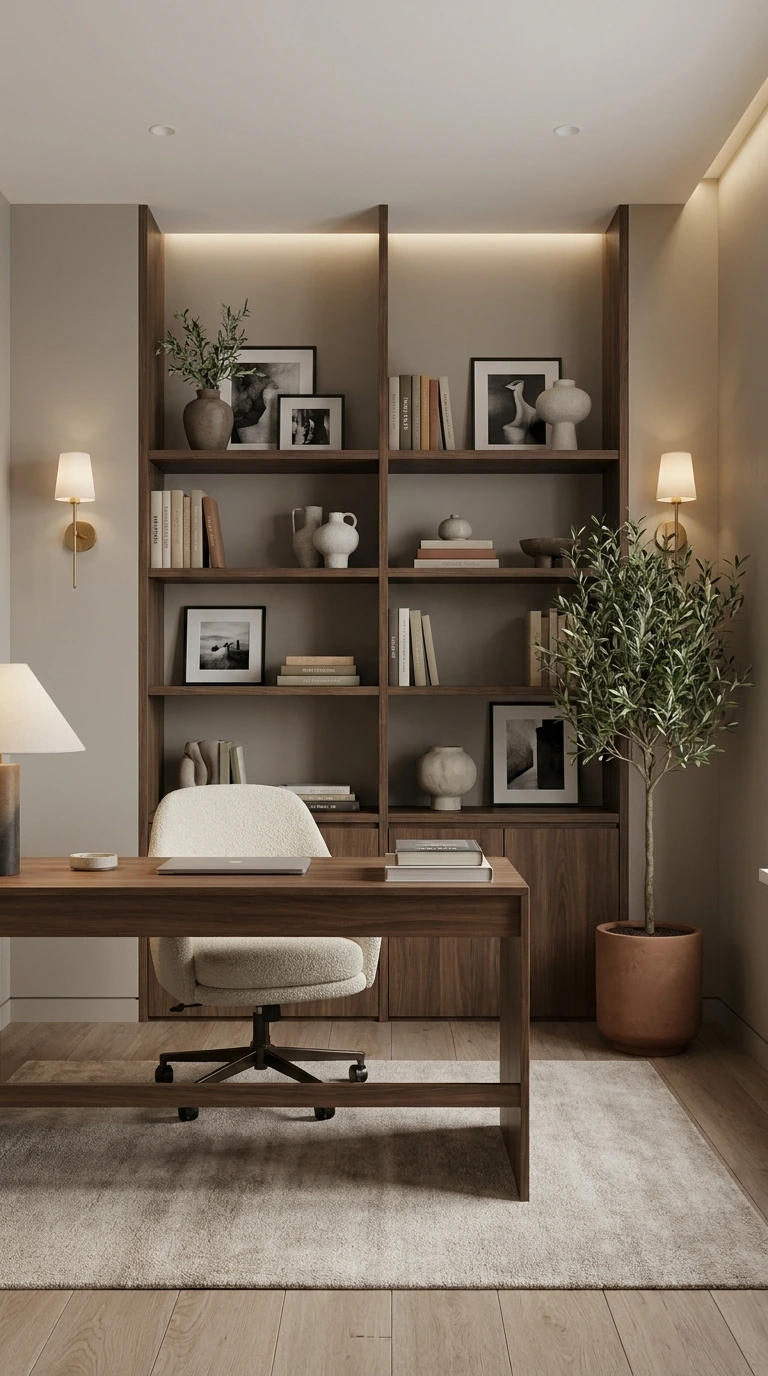
In any video call, the background behind you is visible from the moment the call connects to the moment it ends — making it the most continuously present element of your professional presentation. A badly chosen or uncurated background communicates either carelessness or a lack of awareness of how professional video calls work. Neither is a helpful message to send.
The ideal video call background home office setup presents a background that is clean, visually interesting without being distracting, and communicative of professional competence and personal taste simultaneously. A beautifully styled bookshelf. A clean, neutral wall with one piece of thoughtfully chosen artwork. A plant creating organic warmth beside a clean background surface. Each of these communicates professionalism through its calm, considered quality — and that impression is registered by every person on the call before you’ve spoken a single word.
2. Bookshelf Backgrounds — The Professional Standard
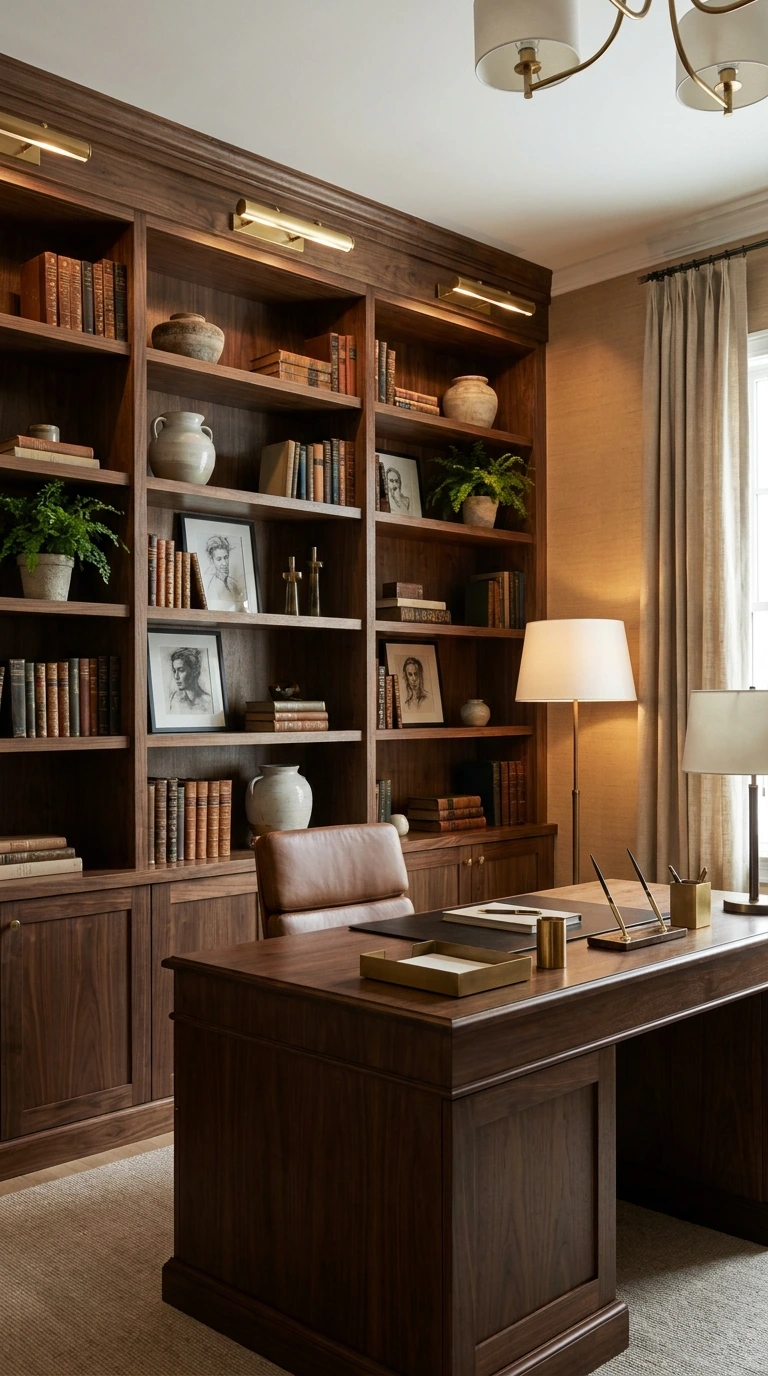
The bookshelf background is the most widely used and most consistently effective home video background idea — because it communicates intelligence, taste, and the specific quality of an organised, intellectually active professional without requiring any explanation.
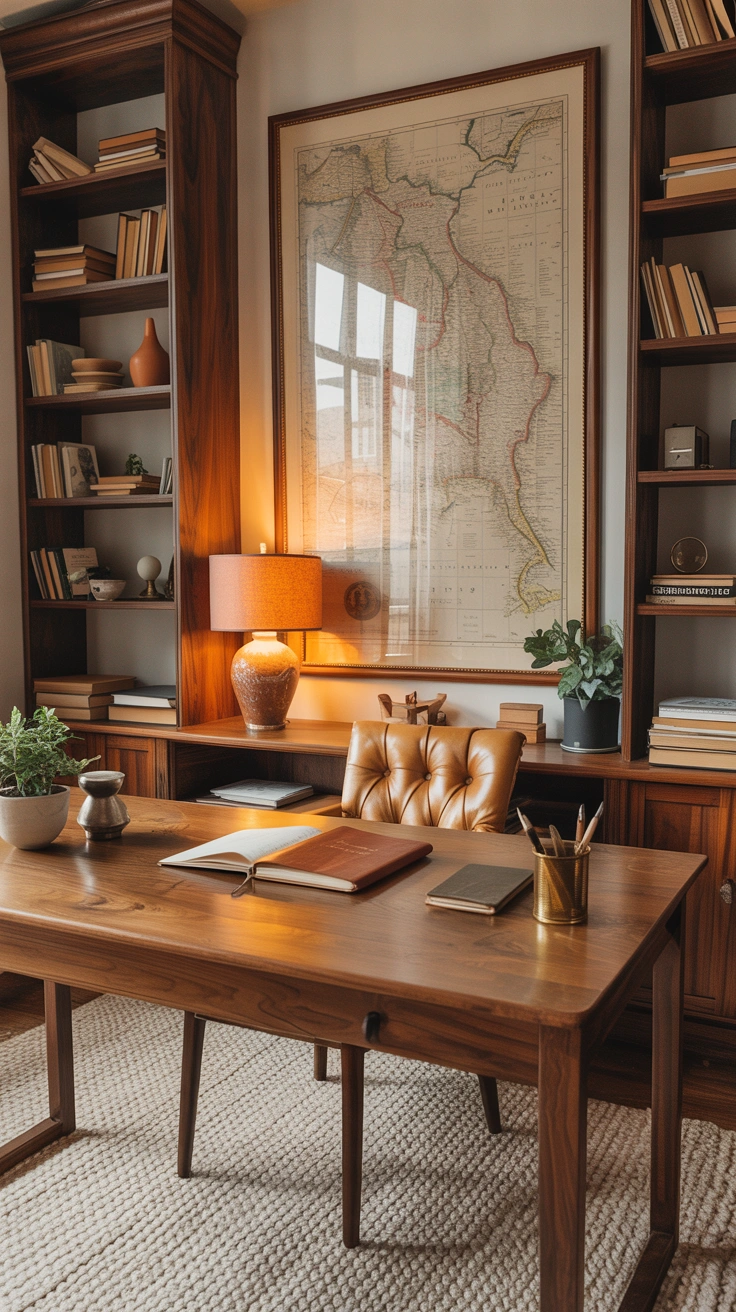
A clean, well-organised bookshelf with books grouped thoughtfully, a few curated accessories, and no visible clutter creates the perfect video call background. Ensure the bookshelf is lit properly — either by a light positioned to illuminate it directly or by ensuring it’s in a naturally well-lit area of the room. The books themselves communicate something: keep genuinely relevant or high-quality volumes at eye level where they’re visible, and avoid any books whose titles might create unintended impressions during important professional calls.
3. The Clean Wall Solution
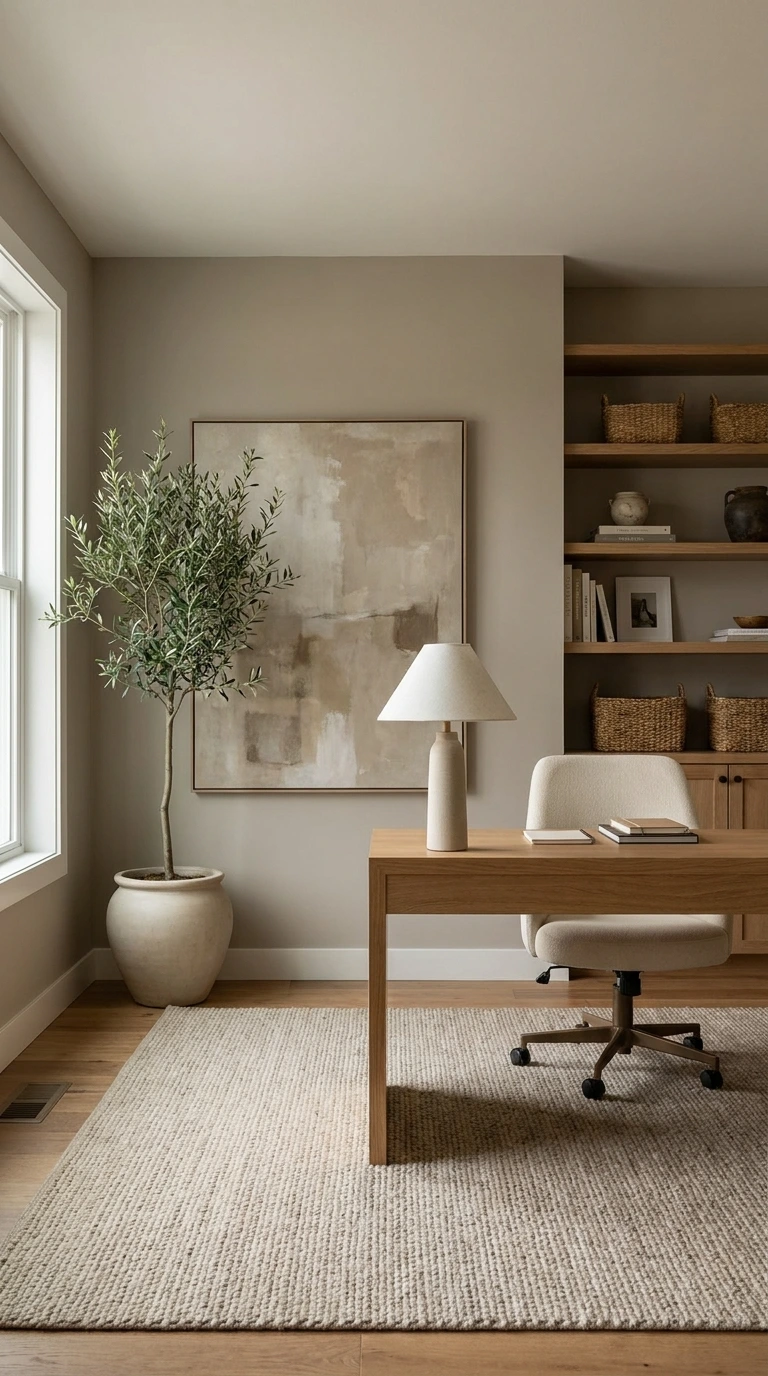
A clean, neutral wall is the simplest and most controlled home office for video calls background available — and with one or two well-chosen decorative elements, it creates a background of genuine professional calm that photographs beautifully and distracts nobody.
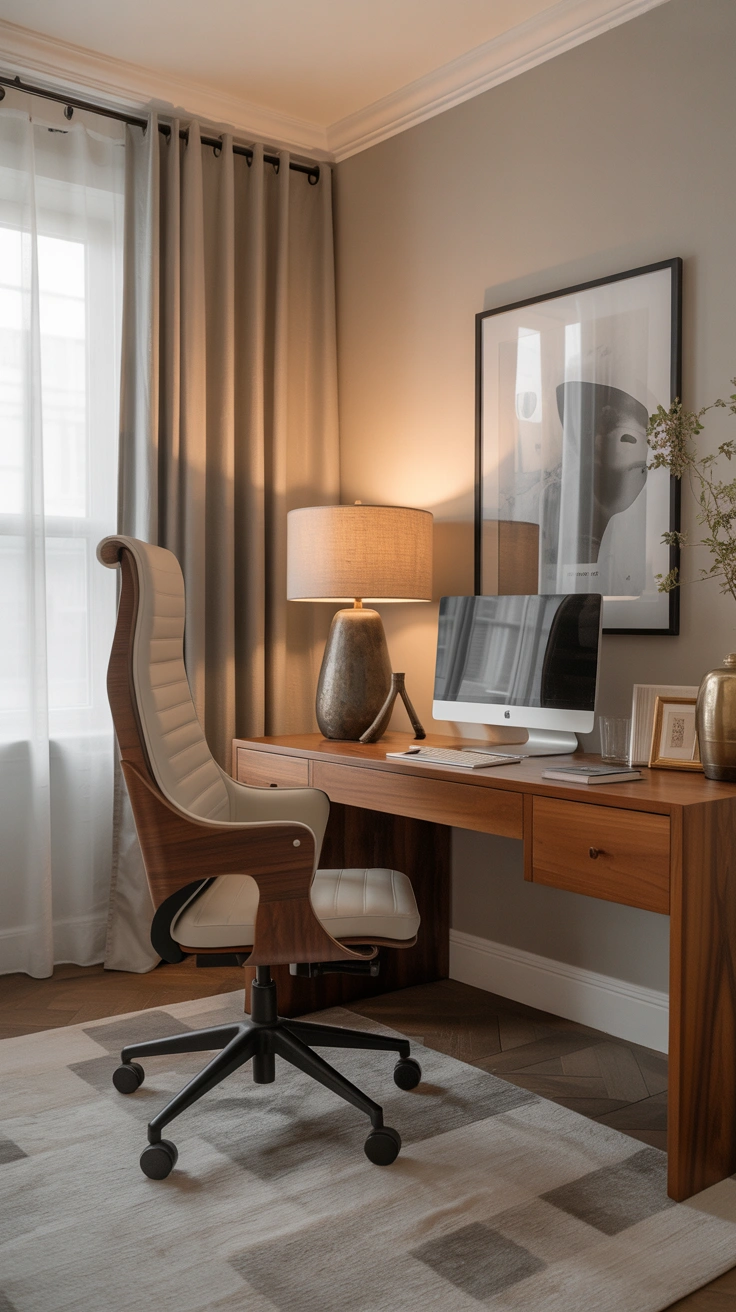
A single piece of artwork, framed and hung at the right height, on a clean neutral wall creates a video call background that is intentional and considered without being busy. A plant positioned at one side of the frame adds organic warmth without pattern or visual complexity. The wall tone matters: warm whites and soft neutrals create the most flattering video backdrop; cool greys and stark white can create a clinical or washed-out appearance depending on the camera.
4. Lighting — The Non-Negotiable
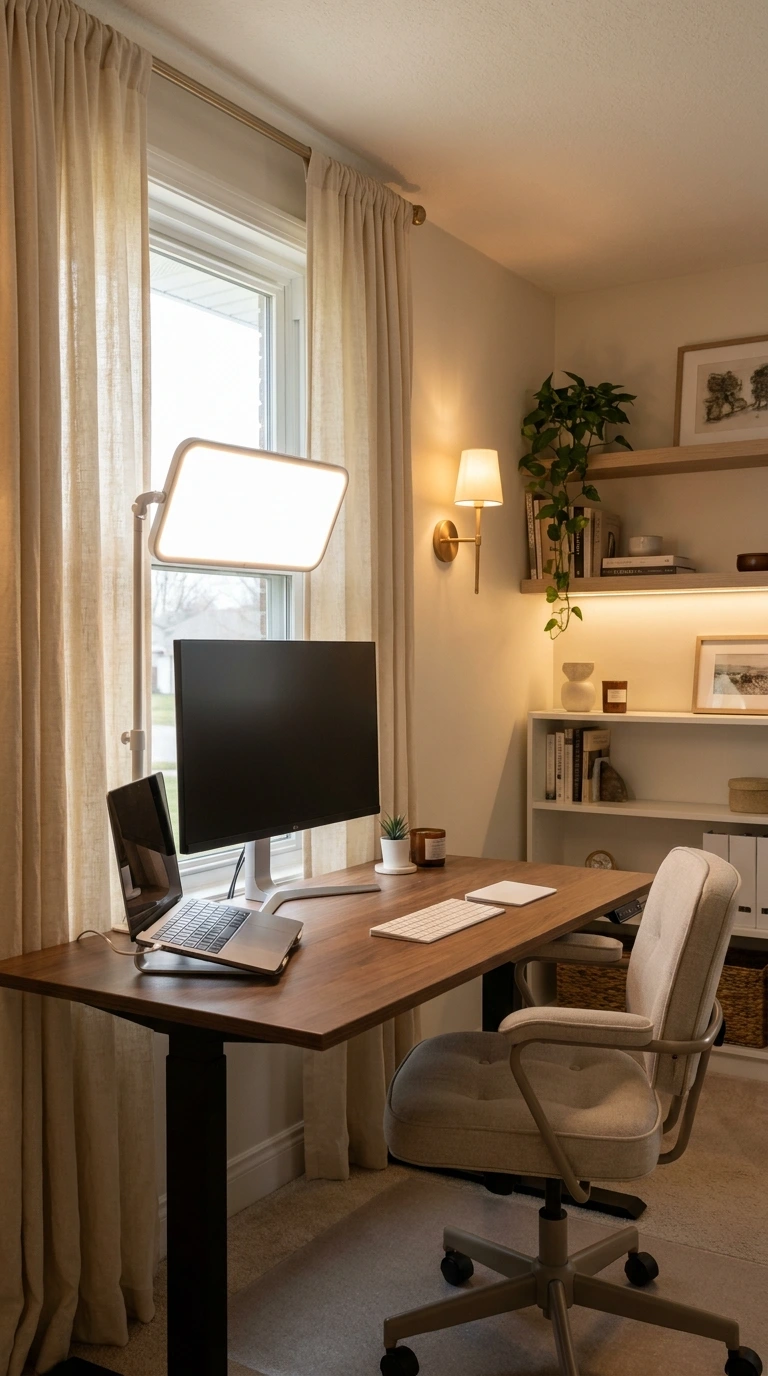
Lighting is the single most impactful element in any home office setup for Zoom and video calls — because the quality of light on your face determines how you appear on camera more directly than any background or staging decision. Great lighting makes you look alert, warm, and professionally presented. Poor lighting makes even the most beautiful background irrelevant.
The best lighting for video calls is natural light from a window positioned in front of you — facing you rather than behind you, which creates silhouette. If natural front lighting isn’t available, a ring light or LED panel positioned at face height directly in front of the camera provides the most even, flattering artificial alternative. Warm light temperatures (3000K-4000K) create the most natural-looking facial illumination for video — significantly better than cool white or daylight-temperature sources.
5. Camera Height and Framing
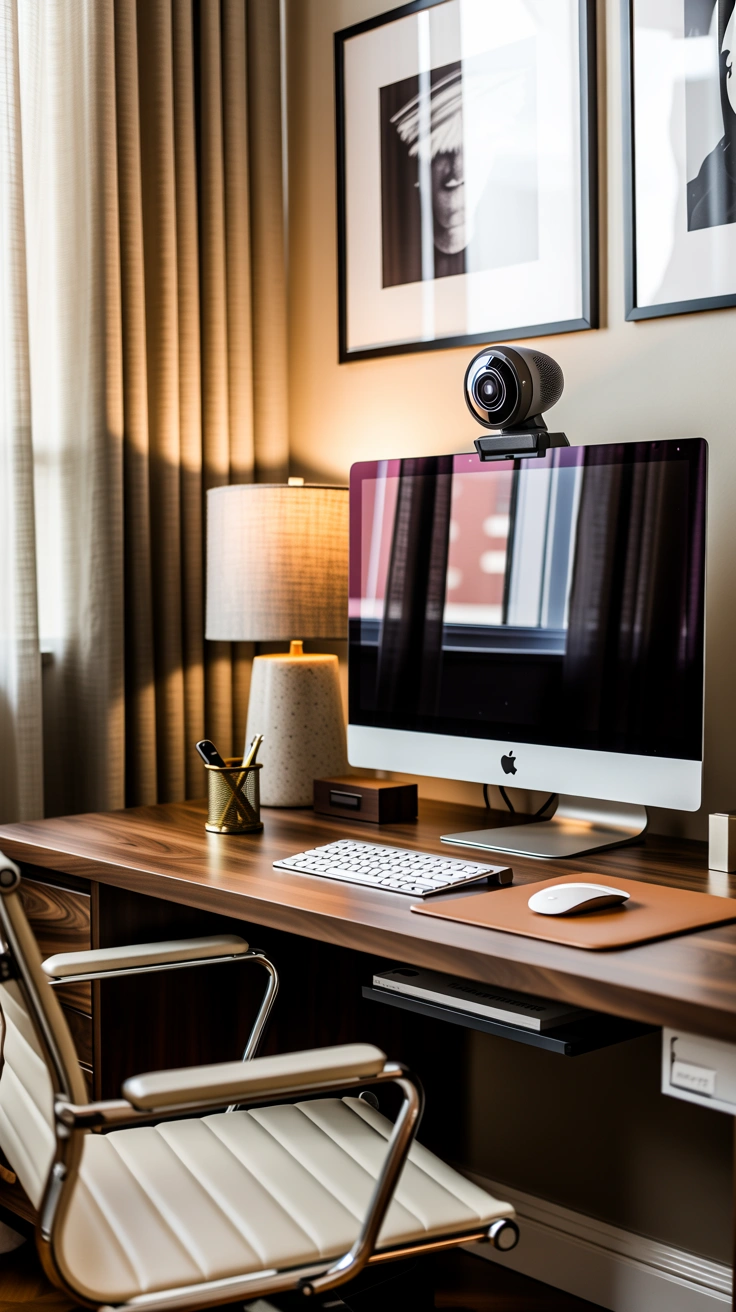
The camera position in any Zoom meeting setup determines how you appear on screen — and most laptop users make the same framing mistake: placing the laptop on the desk creates a camera angle that looks upward into the face from below, which is both unflattering and somewhat unsettling to receive over a long meeting.
Raise the laptop or external webcam to eye level — the centre of the camera lens should be at the same height as your eyes when you’re seated in a natural working posture. A laptop stand, a stack of books, or a monitor arm all achieve this. The correct framing positions the camera so you appear from approximately chest height upward, with a comfortable amount of space above your head to the top of the frame. This framing is what every television presenter, news anchor, and professional broadcaster uses for a reason.
6. What Goes on the Desk Surface
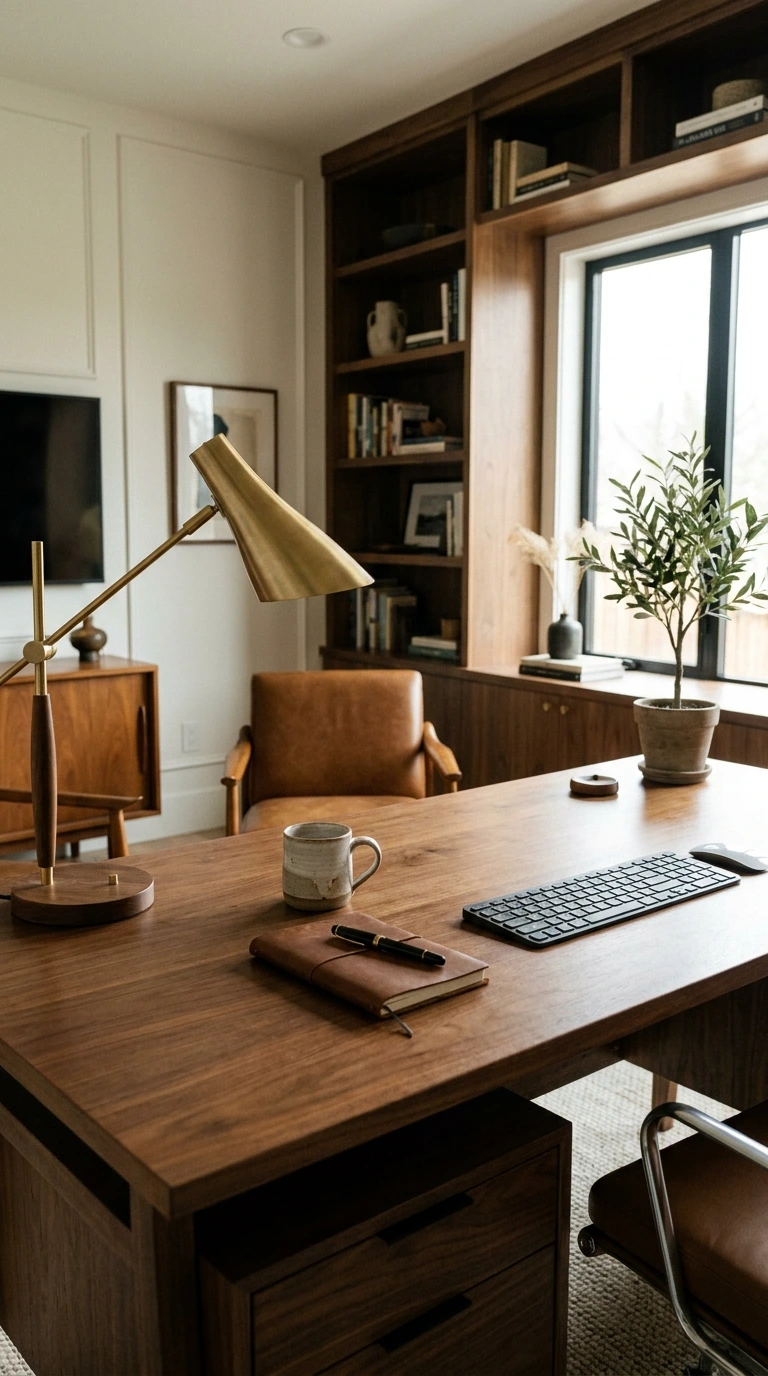
The desk surface visible in the lower portion of many video calls is part of the overall office decor for video calls composition — and what sits on it during a call communicates professionalism or its absence as clearly as the background behind you.
Keep the desk surface visible during calls to: a glass of water or a coffee cup (communicates human warmth), a notepad and pen (communicates active, prepared engagement), and perhaps one small plant or a single decorative object that belongs to the desk’s aesthetic. Remove: stacks of papers, multiple screens showing irrelevant content, food, excessive stationery, and anything that suggests you’re operating in a chaotic environment. The desk surface is a staging element during calls — treat it accordingly.
7. Plants Make Everything Better
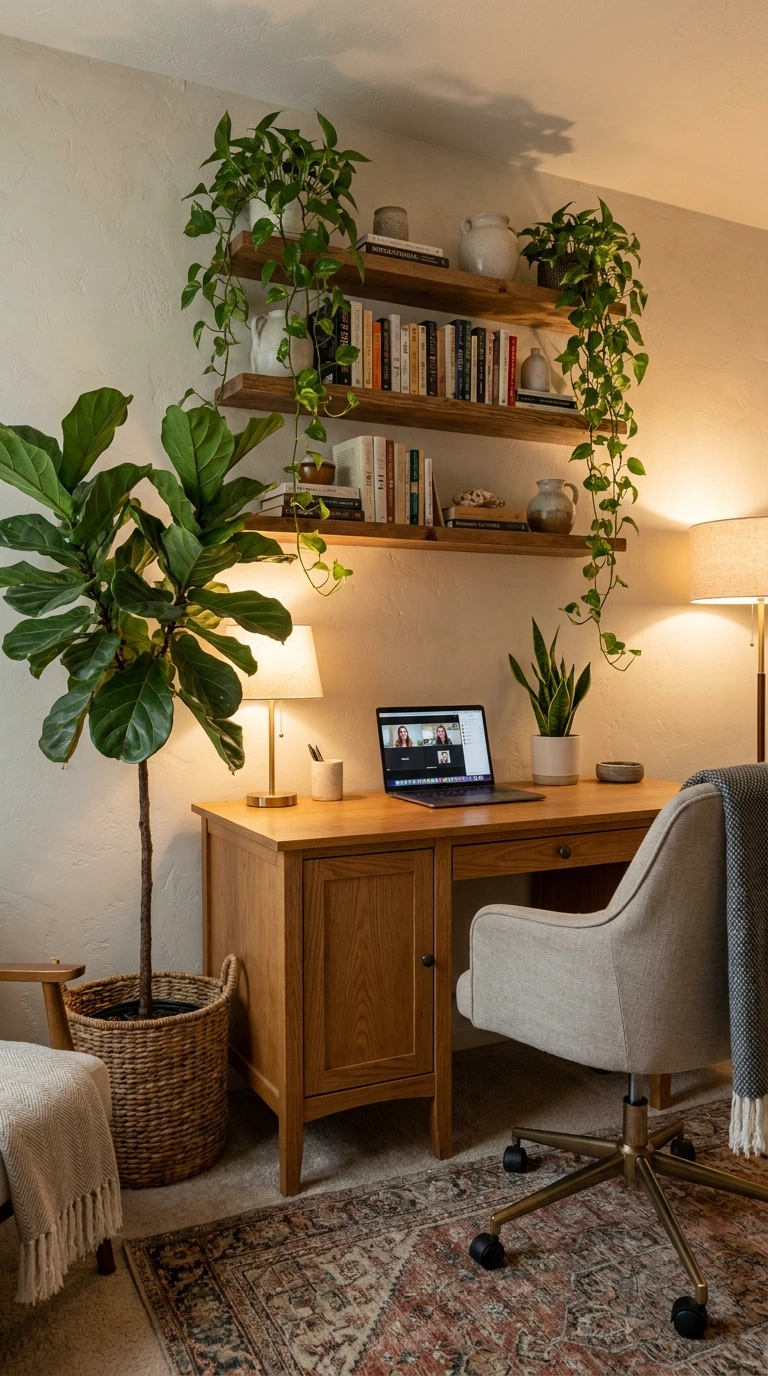
A plant positioned either at the edge of the video frame or behind the camera position as part of the overall backgrounds for video calls composition creates organic warmth, visual interest, and a specific quality of lively, non-corporate humanity that bare walls and bookshelves alone can’t provide.
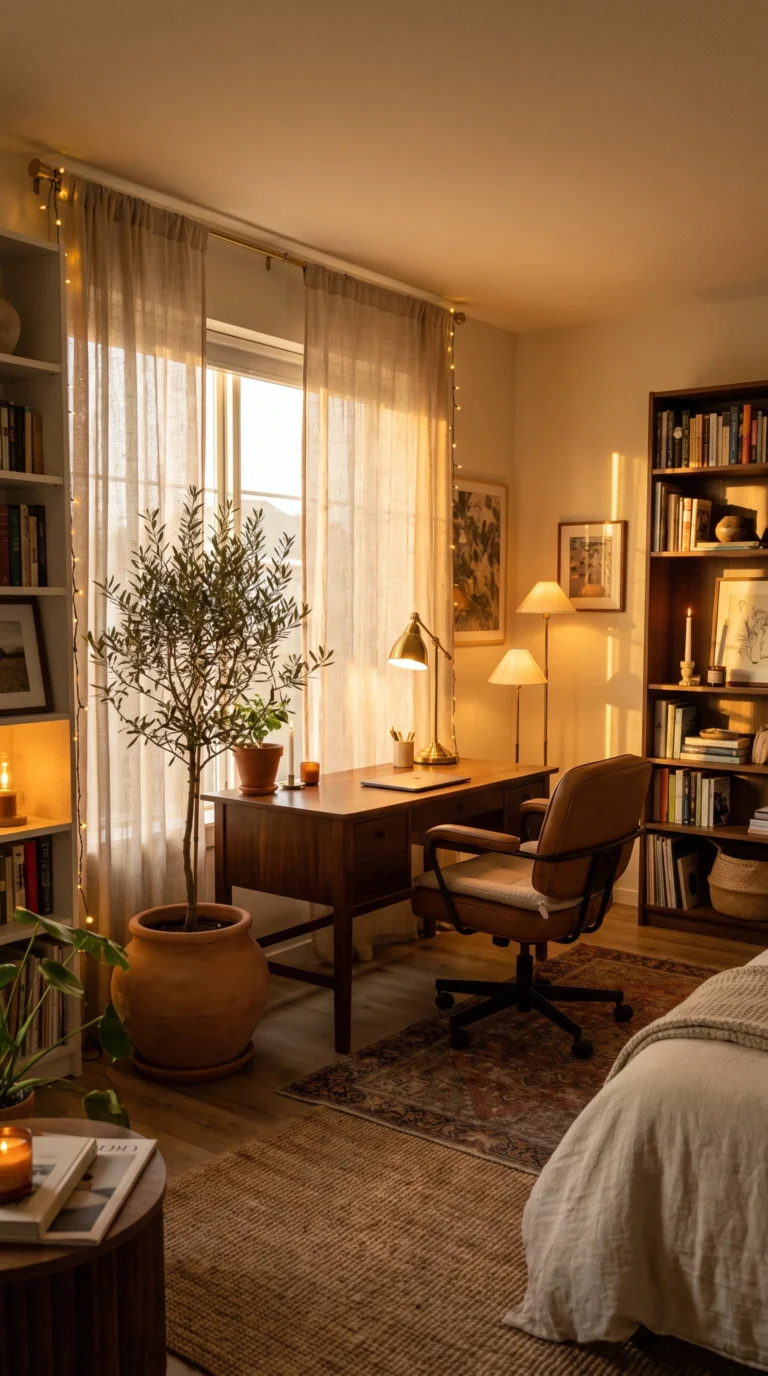
A medium-sized plant beside or behind you creates a visible green organic presence that makes the background feel genuinely lived-in rather than staged. A smaller desk plant in the foreground of the frame adds depth and natural texture. FYI — a plant that’s visibly healthy and well-tended in a video call background communicates something positive about the person in front of it — it suggests care, attention to the immediate environment, and the kind of considered warmth that translates well to professional relationships.
8. The Virtual Background Problem
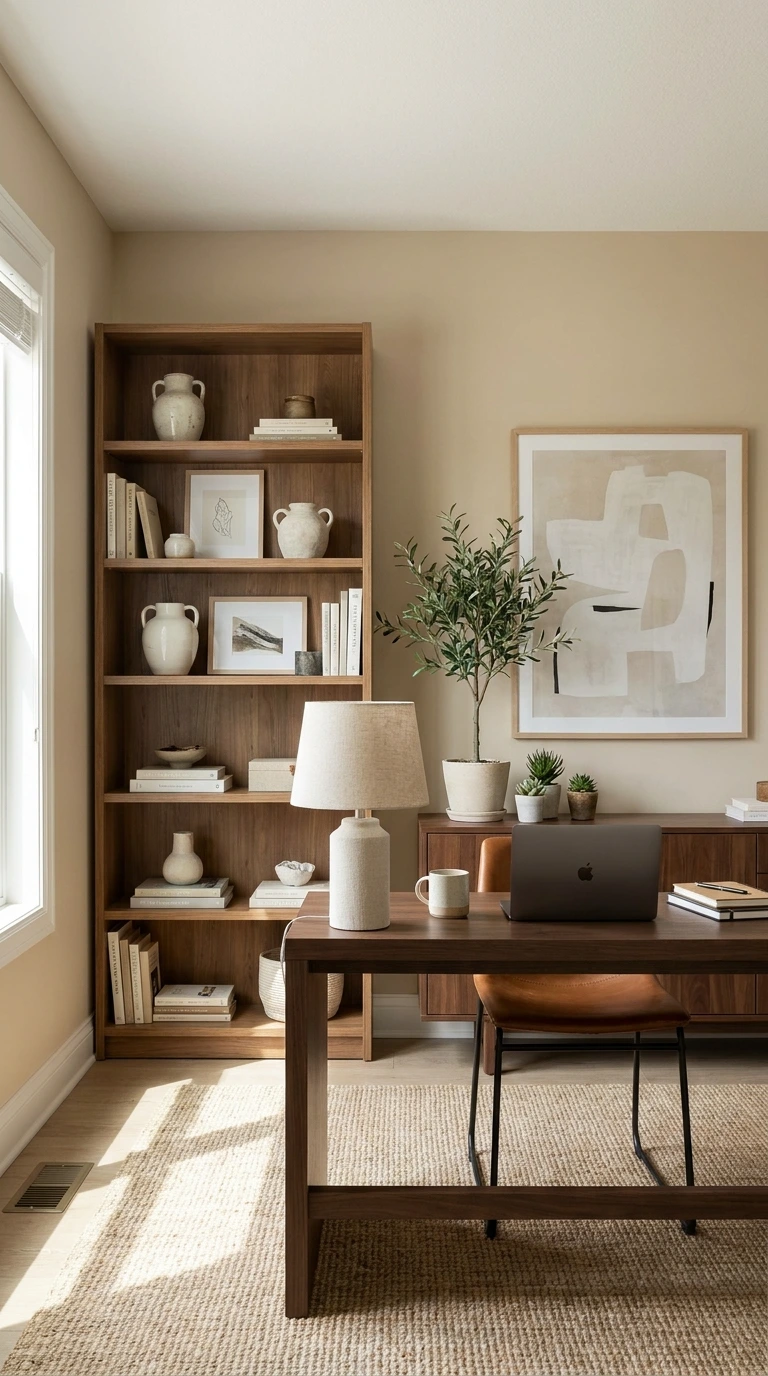
Virtual backgrounds — the digitally inserted backgrounds that most video call platforms offer — are a popular shortcut for hiding problematic home video background ideas situations, but they create specific visual and professional problems that real, properly styled backgrounds don’t.
Virtual backgrounds create an artificial edge around the speaker that is visible and distracting throughout the call — particularly when hair or clothing is close in tone to the original background. They communicate a specific kind of “I haven’t sorted my actual background” message that is more apparent to video call participants than most people realise. A genuinely styled, clean real background — even a simple neutral wall — is always a better choice than any virtual alternative.
9. Acoustic Treatment as a Visual Element
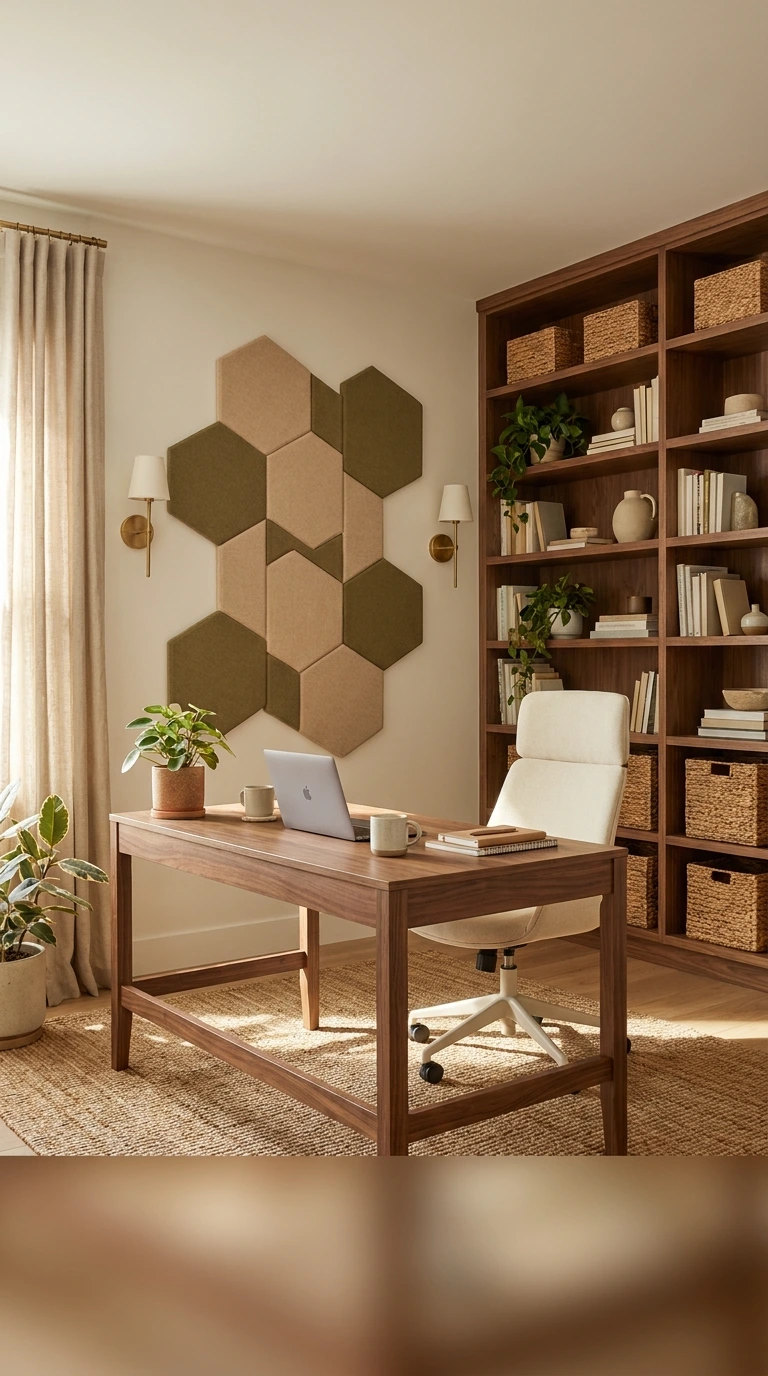
The setup for virtual meetings benefits from acoustic treatment not just for sound quality but because some acoustic panel designs are genuinely beautiful and create excellent video call backgrounds simultaneously. A wall of acoustic panels in a warm colour can both improve the sound quality of your audio and create a distinctive, professional-looking background.
Fabric acoustic panels in warm neutral tones — beige, sage, warm grey — create a clean, professional background texture while absorbing sound and improving the audio quality of your calls simultaneously. This is one of the genuinely dual-purpose investments in any home office for video calls context — making the calls look and sound better with a single upgrade.
10. Secondary Monitor Positioning
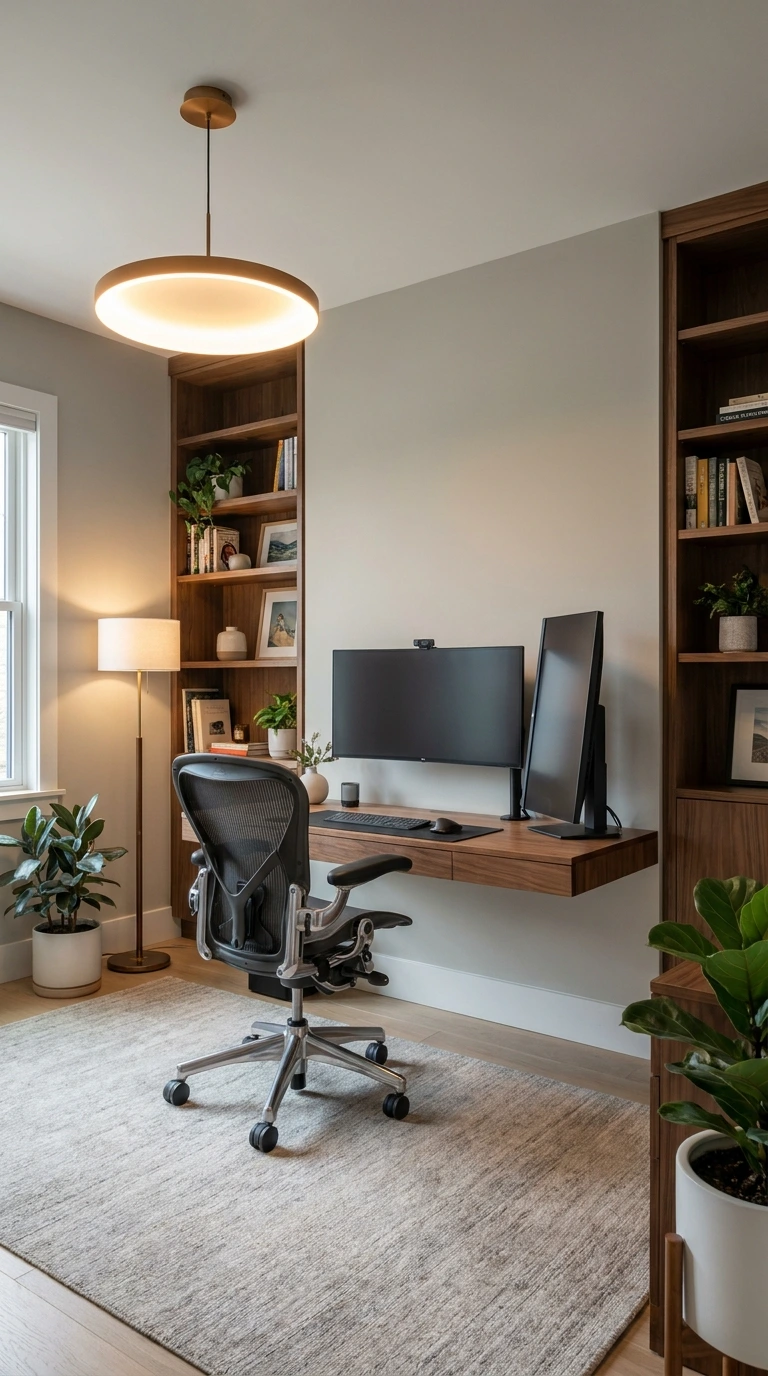
An external monitor positioned behind or to the side of the camera position is a common video call background component — and how it’s positioned and what’s displayed on it during calls determines whether it enhances or detracts from the overall professional impression.
A monitor positioned behind you and to one side creates depth and a professional office environment suggestion. Ensure the monitor is not displaying distracting content during calls — a clean desktop, a relevant presentation, or the call interface itself are acceptable displays. A monitor displaying social media, news feeds, or personal content visible over your shoulder during a professional Zoom meeting setup creates exactly the wrong impression.
11. The Colour of Your Background Wall
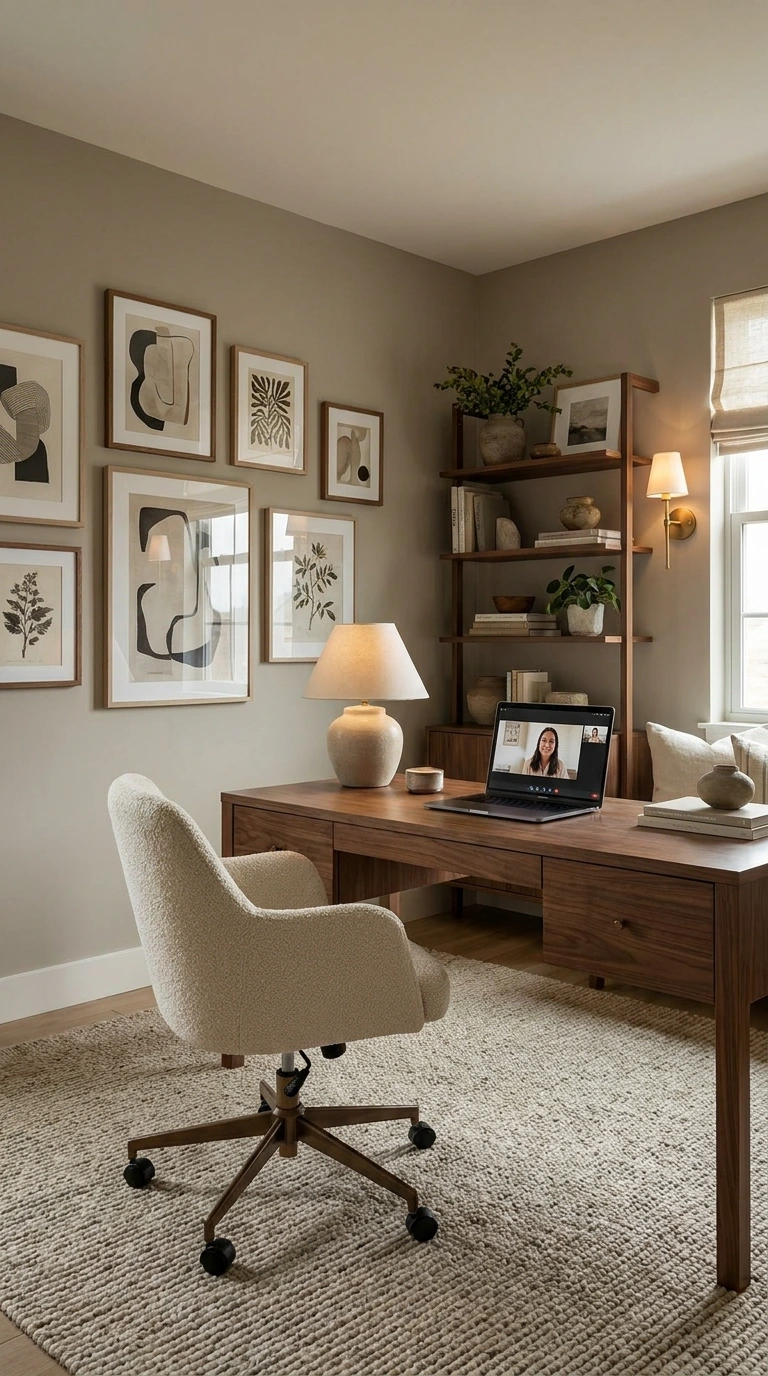
The wall colour visible in your video call background has a direct effect on how you appear on camera — because the colour of the wall behind you creates a coloured ambient light that affects the appearance of your face, your clothing, and the overall tone of the call.
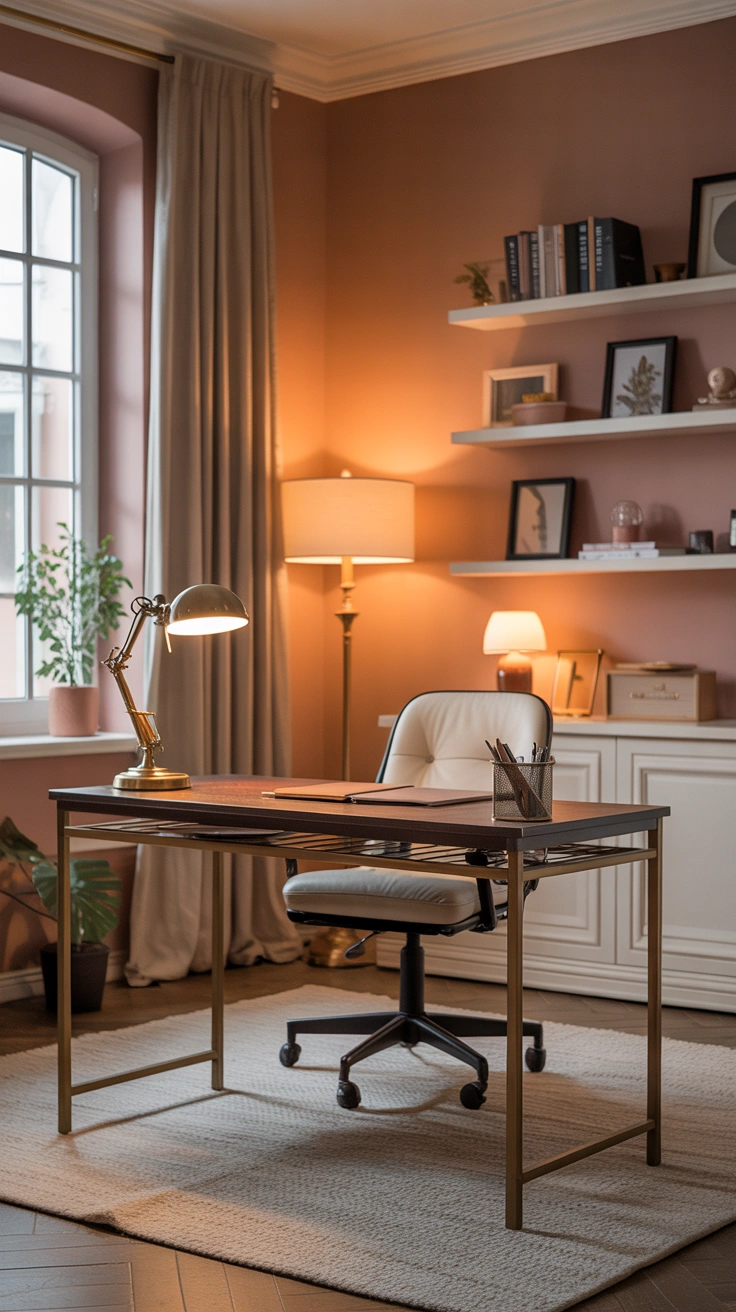
Warm neutral walls — warm white, soft cream, warm greige — create the most flattering and most professional video call backgrounds because their neutral tone doesn’t cast coloured light onto the face and doesn’t create a visually distracting backdrop. Deep saturated wall colours — dark green, navy, terracotta — can look beautiful in video calls but require careful lighting to prevent them from creating heavy shadow on the face. Cool grey walls often create a slightly cold, clinical atmosphere in video calls that warm neutrals avoid.
12. Tidying the Cables
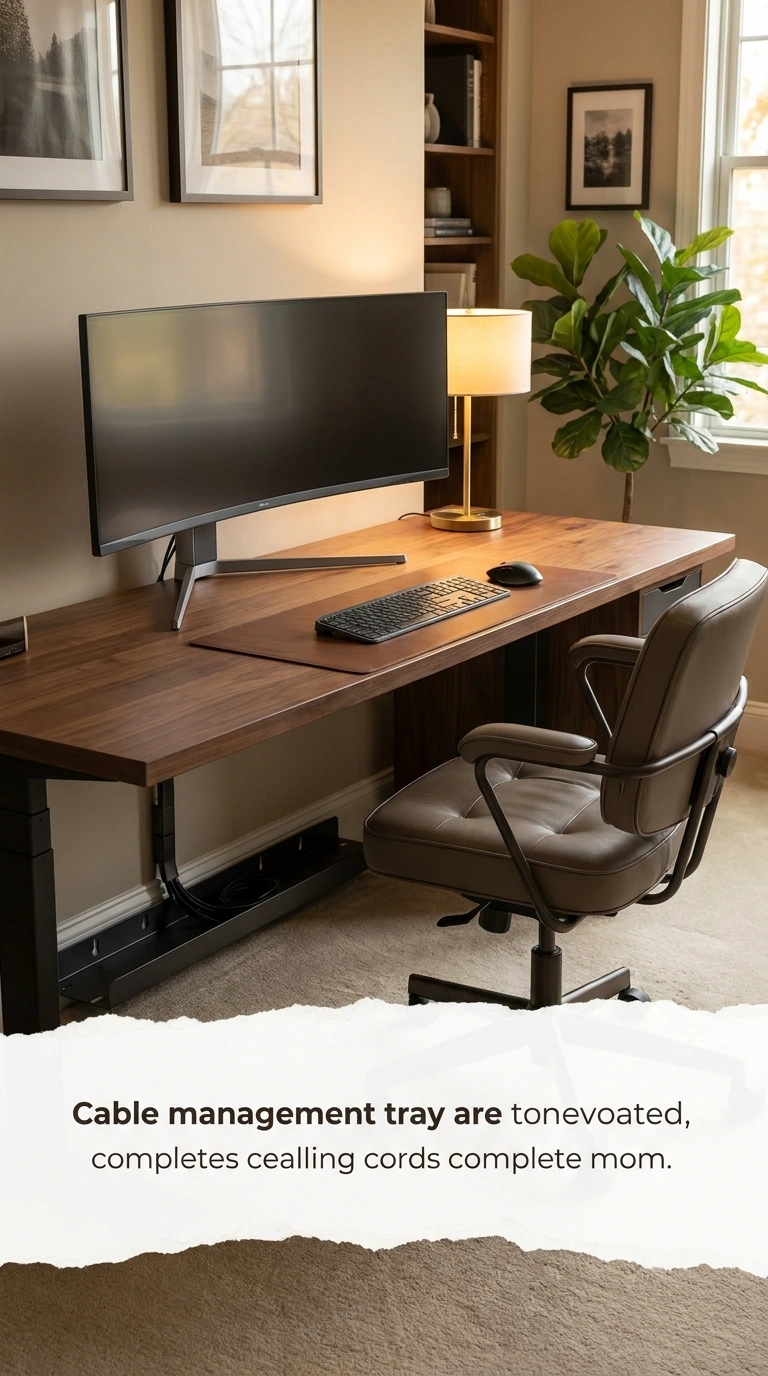
Visible cables in a video call background create a specific quality of technological clutter that undermines the professional, considered impression that a well-styled home office setup for Zoom or other platforms is designed to create. Cable management is the most overlooked element of video call setup styling.
Route all visible cables behind the desk and out of sight before the camera position. Cable clips, cable ties, and cable channels all help manage this effectively. A wireless keyboard and mouse eliminate two of the most frequently visible cables entirely. A laptop stand with an integrated cable channel keeps desk cables organised and hidden. The camera should never be able to see a cable run across a visible surface during any professional call.
13. Artwork at the Right Scale
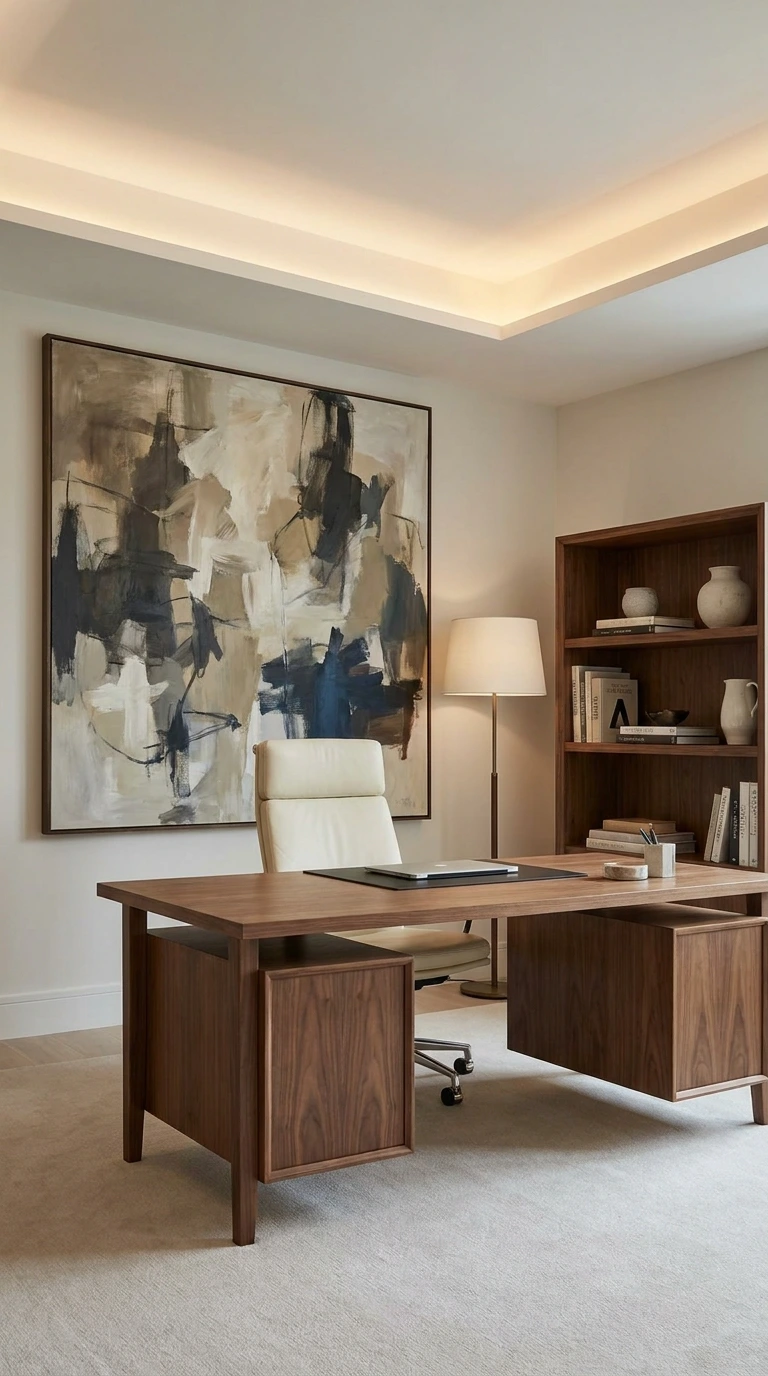
Artwork in the video call background is most effective when it’s large enough to be visible and clearly intentional, but not so large or so complex that it becomes more interesting than the person speaking in front of it.
A single medium-to-large artwork in the background — a simple abstract, a botanical print, or a calm landscape in warm tones — creates a professional background with genuine personality and visual interest. Multiple small artworks create visual busyness that distracts rather than enhances. The artwork should be in tones that complement the wall colour and the overall palette of the background, creating a composed, unified visual environment rather than a collection of competing elements.
14. The Home Office for Video Calls Aesthetic
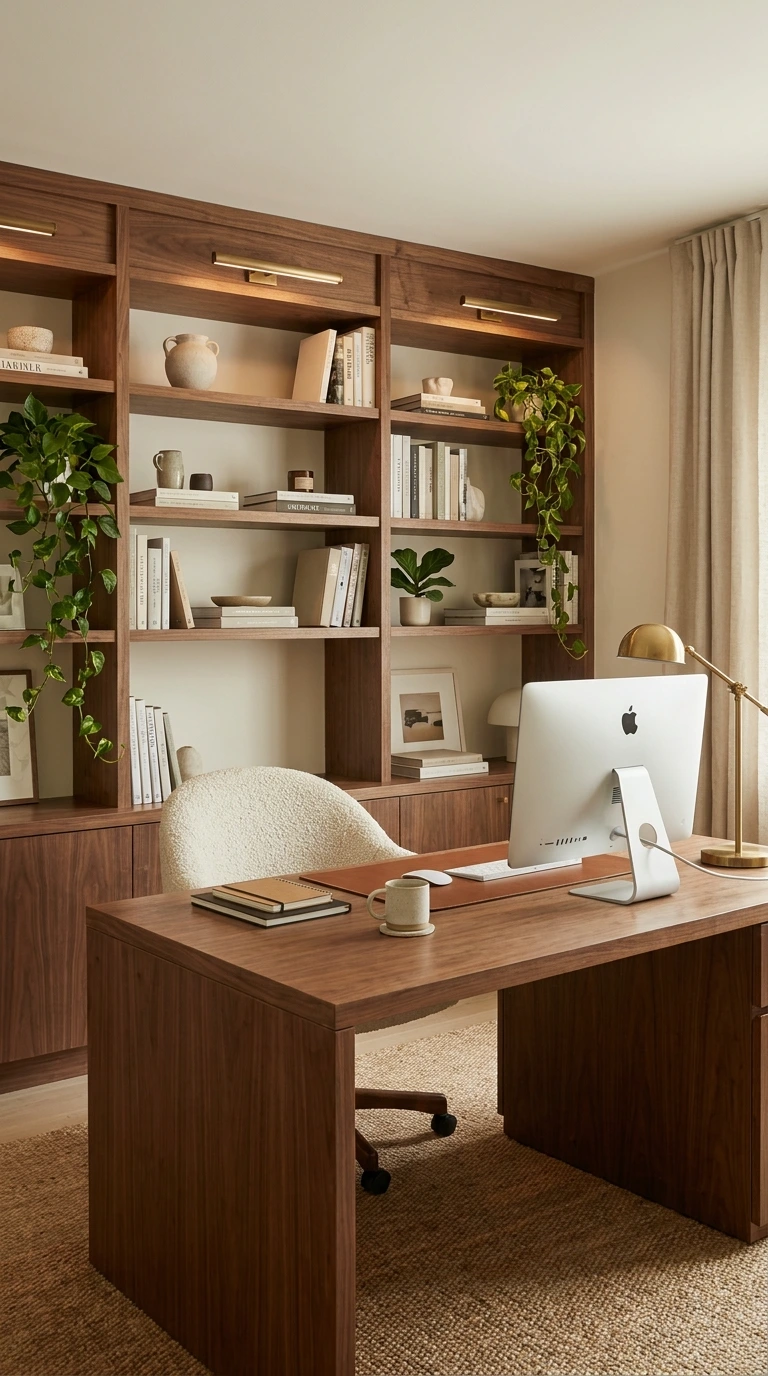
The overall home video background ideas aesthetic should communicate who you are professionally while remaining visually calm enough not to become the focus of the conversation. The background is a supporting element, not the main event — and the best backgrounds are the ones that enhance the speaker’s credibility and presence without distracting from what they’re saying.
Think of the video call background as a professional portrait backdrop — visible, considered, communicative of quality, but ultimately there to frame and support the subject rather than to compete with them. Warm, calm, organised, and slightly personal is the target aesthetic. Cold, busy, disorganised, or excessively personal are the four characteristics to actively avoid.
15. Audio Quality Matters as Much as Visual
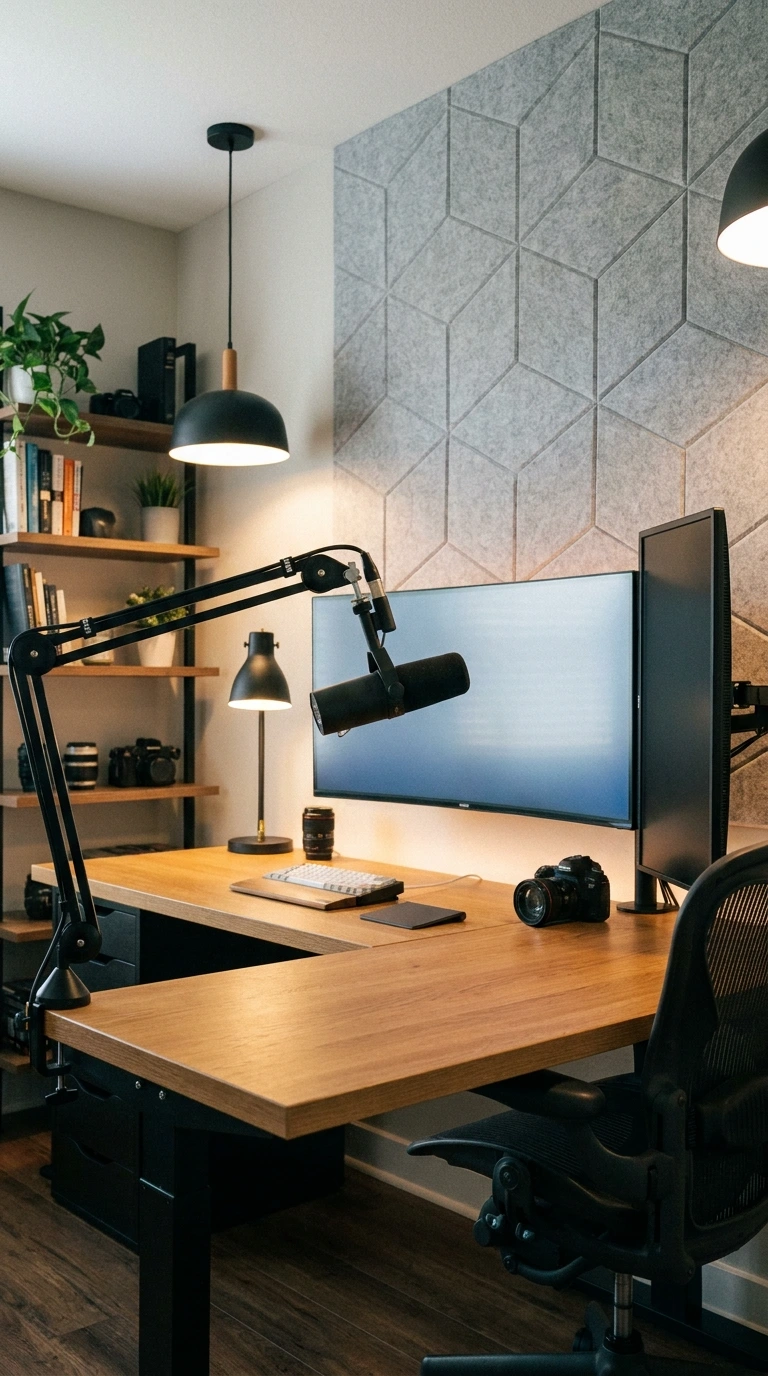
The audio quality of a video call is experienced by participants as a significant part of the overall professional impression — and a visually excellent setup for virtual meetings that produces poor audio quality creates a jarring disconnect that undermines the overall professionalism of the presentation.
A quality USB microphone or headset creates dramatically better audio than any laptop internal microphone. Position the microphone at the correct distance — typically 15-20cm from the mouth — and ensure it’s pointed toward the voice source rather than toward the room. An acoustically treated room — with soft furnishings, bookshelves, rugs, and curtains — produces better natural audio than a bare, hard-surfaced room regardless of microphone quality.
16. Test Before Every Important Call
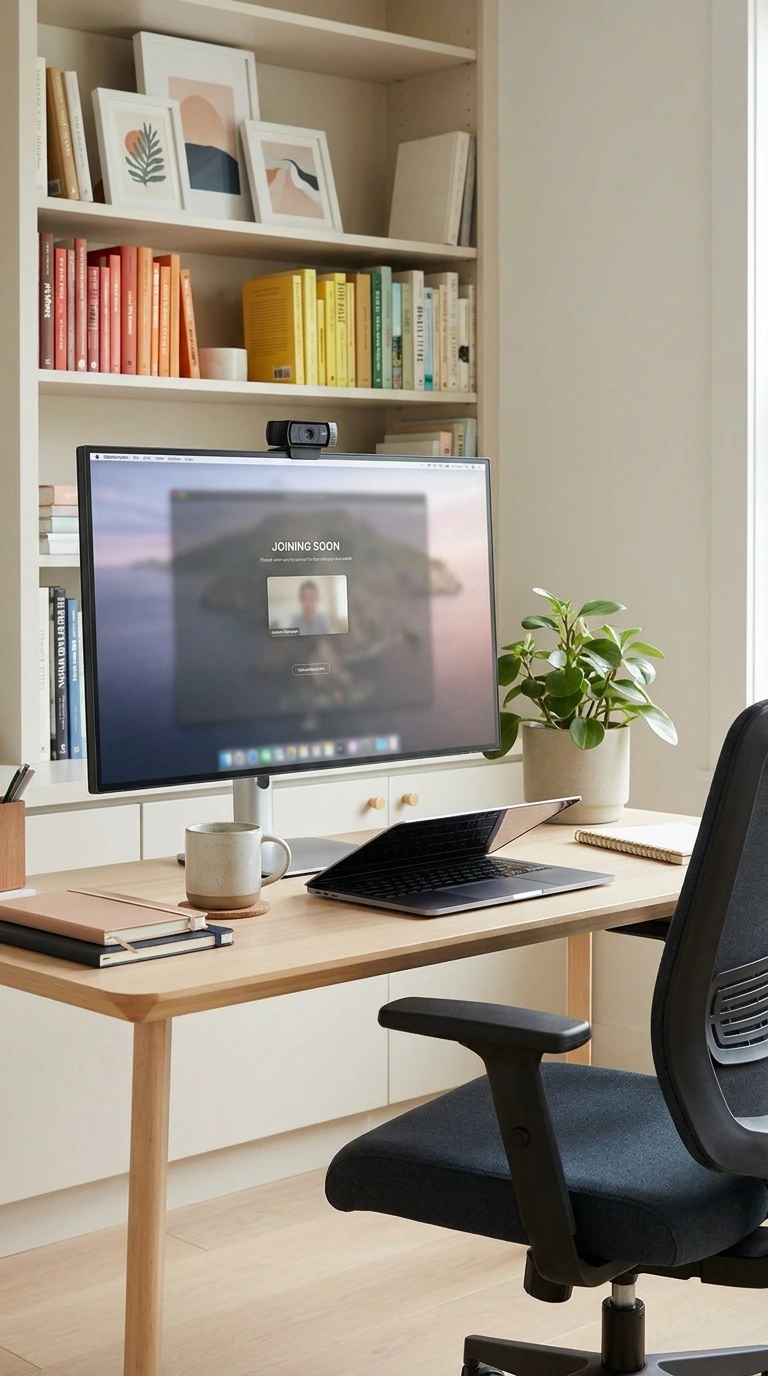
The video call setup that looks perfect during a casual test can look completely different under changed natural lighting conditions — a cloudy day versus bright sun, morning light versus afternoon shadow — and testing the setup immediately before every important call is the professional habit that prevents unpleasant surprises.
Open the camera application and check: is the lighting still adequate? Is the background still clean and unobstructed? Is the camera height and framing still correct? Is the audio quality still clear? This thirty-second pre-call check catches the issues that cause mid-call embarrassment and maintains the professional standard of the overall Zoom meeting setup across every call regardless of conditions.
17. Consistency Builds Professional Credibility
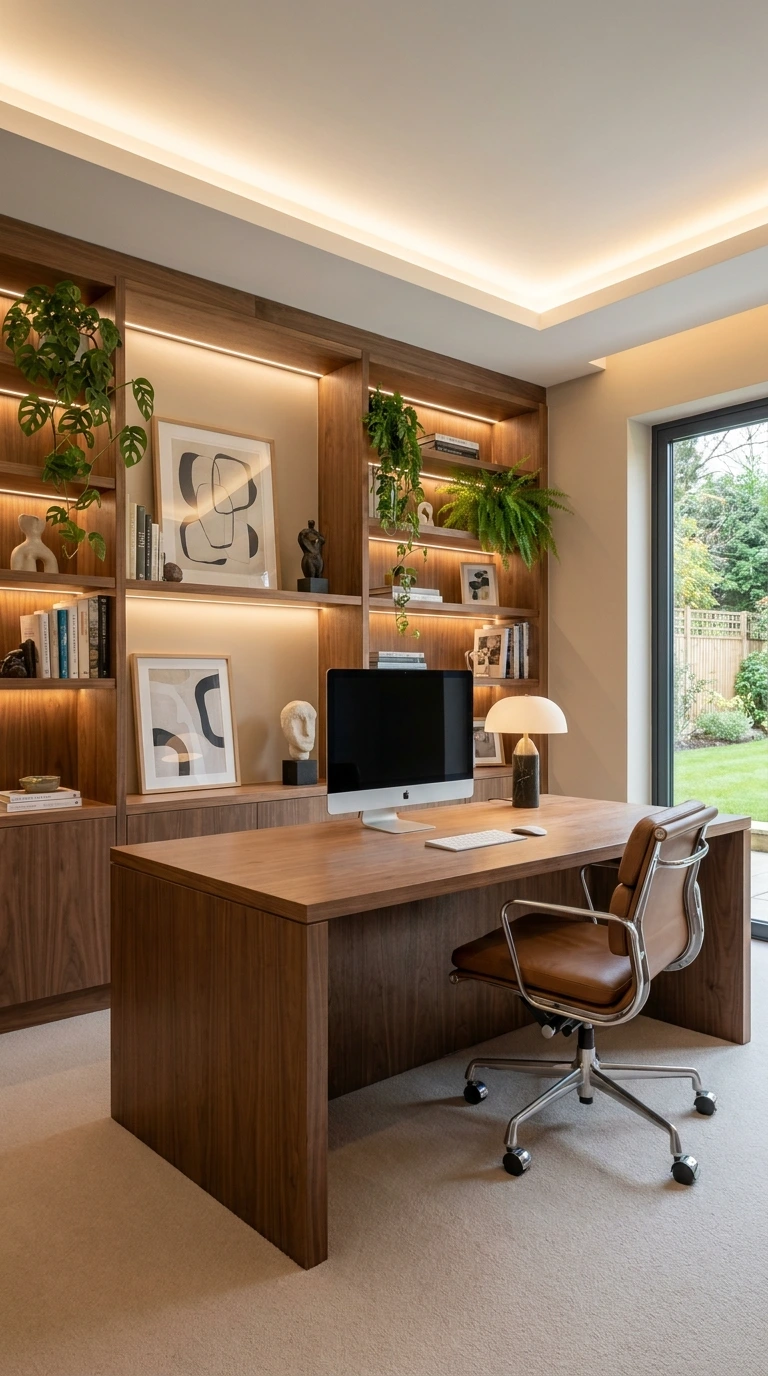
IMO, the most underappreciated aspect of video call setup for professional contexts is the cumulative effect of consistency — appearing in the same clean, well-lit, properly framed background call after call builds a specific quality of professional reliability and visual coherence that colleagues and clients register over time even without consciously identifying it.
A consistent, excellent video call setup communicates that the person on screen takes professional interactions seriously, has invested in the quality of their remote working environment, and maintains that standard reliably rather than scrambling to present well only when stakes are unusually high. This consistency is the long-term professional return on the short-term investment of styling your desk properly.
Wrapping Up
Seventeen tips that address how to style a desk for video calls from every angle — background choice, bookshelf and clean wall options, the critical importance of lighting, camera height and framing, desk surface staging, plants as organic warmth, the virtual background problem, acoustic treatment, cable management, artwork scale, pre-call testing, and the professional credibility that consistent, excellent setup delivers over time.
A video call setup is a professional asset — as real, as consequential, and as worth investing in as any other professional tool or presentation resource. The colleagues and clients on the other side of your calls are registering the quality of your setup, consciously or not, in every interaction.
Give them something worth registering. Your background is showing whether you’re paying attention to it or not — you might as well make sure it’s saying the right things.