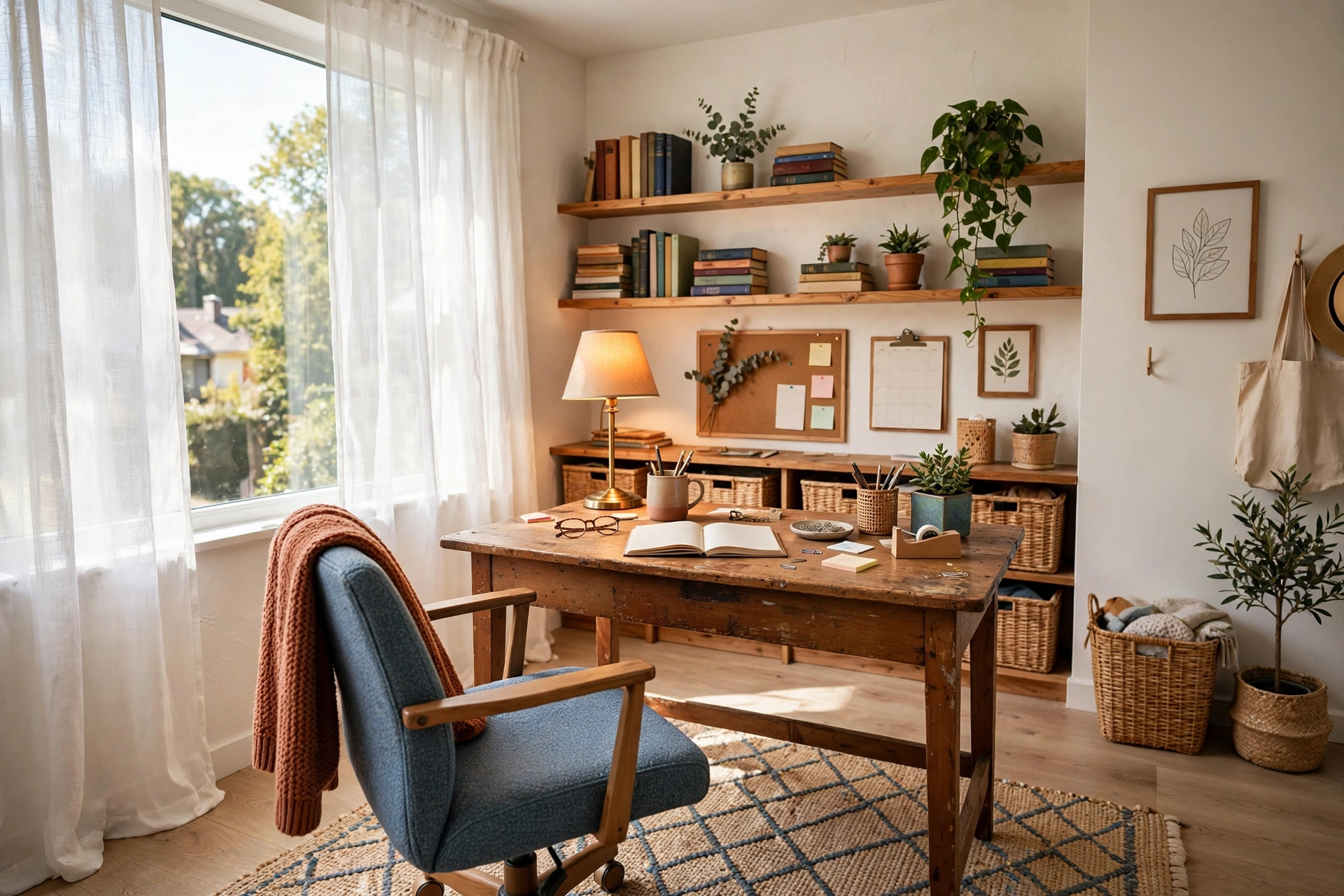
How to Set Up a Home Office on a Budget: Complete Room Guide
Introduction
A good home office does not require a big budget, a spare room, or a shopping trip to a designer furniture store. It requires a clear plan, a few smart decisions, and the willingness to buy second-hand, repurpose what you already own, and spend money only where it makes a real difference to your comfort and your work. Most of the expensive home offices you see online are beautiful, but very little of what makes them work actually costs money.
The truth is that the most important parts of a home office are cheap or free. The right spot near a window, a desk at the right height, a chair that supports your back, and good lighting will do more for your productivity than any luxury accessory. Everything else, the shelves, the plants, the wall art, the cable management, can be added slowly, one small upgrade at a time, as your budget allows.
This guide walks you through the whole setup, room by room and purchase by purchase, in the order that matters most. Each of the fifteen steps focuses on one decision, with honest price guidance and the cheapest way to get it right. Follow them in order and you will end up with a workspace that looks polished, feels comfortable, and costs far less than you expected.
1. Set a Realistic Budget Before You Buy Anything

Before you look at a single desk or chair, decide what you can actually spend and write it down. A workable budget for a complete home office setup is usually between $150 and $500, depending on what you already own. Break it into three buckets: the big two (desk and chair), the essentials (lighting, storage, monitor stand), and the finishing touches (decor, plants, organisers). When every dollar has a job, impulse buys stop happening.
Spend the most on the things your body touches all day. A decent chair and a desk at the right height are worth more than a pretty lamp or a matching set of desk accessories. If money is tight, put 60 percent of your budget into the desk and chair, 30 percent into lighting and storage, and keep 10 percent in reserve for the small things you will discover you need in the first two weeks.
Track every purchase in a simple list, including second-hand finds and things you already had at home. Seeing the running total keeps you honest, and it is satisfying to watch a complete office come together for less than the cost of one designer chair. If a purchase would push you over budget, it waits until next month, no exceptions.
📌 Important: spend 60 percent on your desk and chair, 30 percent on lighting and storage, and save 10 percent for the extras you will only notice once you start working in the room.
2. Pick the Right Corner or Room First
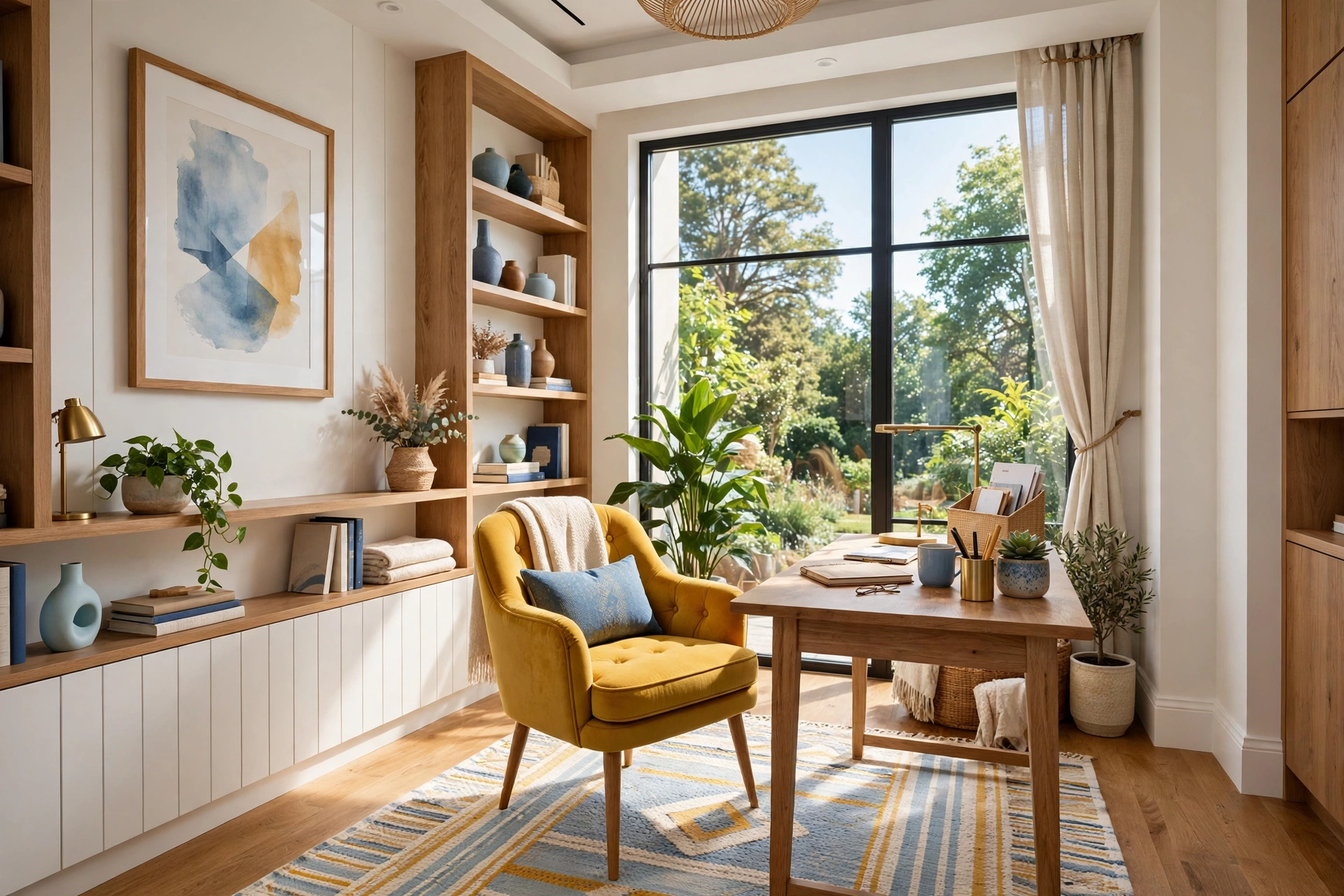
The location of your office costs nothing and matters more than any piece of furniture. Look for a spot with natural light, a wall you can work against, and as much distance from household noise as your home allows. A quiet corner of a bedroom, a section of the living room, or a wide hallway landing can all work, and each one is free.
Face your desk toward the room or sideways to a window rather than with your back to the door. Sitting with your back to the entrance feels exposed and makes it harder to concentrate, while facing into the room gives you a sense of control over the space. If you work on video calls, check what the camera sees behind you and pick the angle with the tidiest, brightest background.
Measure the spot before you buy anything. Note the width of the wall, the distance to the nearest power outlet, and how much floor space your chair needs to roll back. A tape measure costs almost nothing and prevents the most common budget mistake of all: buying furniture that does not fit and cannot be returned.
3. Find a Second-Hand Desk That Works Hard

A desk is the single biggest purchase in a budget office, and it is also the easiest to find cheap. Second-hand desks in solid wood or sturdy laminate appear constantly on local marketplaces, in charity shops, and in office clearance sales, often for a quarter of the retail price. A scratched top can be sanded and oiled, a wobbly leg can be tightened, and a dated finish can be painted in an afternoon.
Look for the right size before the right style. Your desk should be 120 to 140 centimetres wide if you use a monitor and a keyboard, with a depth of at least 60 centimetres so your screen sits at a comfortable distance. Check that it is stable, that drawers slide smoothly, and that the height suits you: your elbows should rest at roughly 90 degrees when you type.
If second-hand is not an option, a simple tabletop on two trestle legs or a pair of filing cabinets makes a perfectly good desk for very little money. You can also repurpose a dining table, a console, or even a wide shelf bracketed to the wall. The desk does not need to say “office” on the label, it just needs to be flat, stable, and the right height.
Home Office on a Budget Quick-Start Checklist
- ✅ Set your total budget and split it 60-30-10 across desk and chair, essentials, and extras
- ✅ Choose the brightest, quietest corner you already have and measure it
- ✅ Buy the desk second-hand and check size, stability, and height before paying
- ✅ Test any chair in person and check seat height, back support, and armrests
- ✅ Raise your screen to eye level with a cheap stand, shelf, or stack of books
- ✅ Add one good light source and hide every cable you can see
- ✅ Leave 10 percent of your budget unspent for the first two weeks of fixes
4. Choose a Comfortable Chair Without the Designer Price

Your chair is the one place where spending a little more genuinely pays off, because you will sit in it for hours every day. You do not need a designer task chair, though. Good office chairs flood the second-hand market whenever companies downsize or refurbish, and a solid ergonomic chair that cost $400 new often sells for $50 to $80 used.
Test any chair before you buy it. Sit in it for at least five minutes, adjust the seat height so your feet rest flat on the floor, and check that the backrest supports your lower back. Armrests should let your shoulders relax, and the seat should not press into the backs of your knees. If a used chair has a torn seat or a broken gas lift, walk away, because those repairs cost more than the chair is worth.
If your budget is truly tight, a sturdy dining chair with a firm cushion and a small lumbar pillow is a workable starting point. Add a seat cushion for comfort and a rolled towel behind your lower back, and upgrade to a proper office chair when you can. Your back will tell you when the upgrade is due.
5. Get Your Monitor and Laptop to Eye Level for Almost Nothing

Neck pain is the most common complaint in a budget home office, and it is almost always caused by a screen that sits too low. The top of your screen should be at or just below eye level, about an arm’s length away. Achieving that costs next to nothing: a stack of sturdy books, a small wooden crate, or a shelf bracketed to the wall all work as monitor stands.
If you prefer a bought solution, simple bamboo or metal monitor risers cost very little and add a useful shelf underneath for notebooks or a keyboard. For laptop users, a folding laptop stand is one of the cheapest ergonomic upgrades you can buy, and pairing it with a separate keyboard and mouse, both easy to find second-hand, transforms a cramped laptop setup into a proper workstation.
Do not skip this step to save money. A screen at the wrong height causes headaches, stiff shoulders, and tired eyes, and those cost far more in lost work than a $15 stand ever will. Set the height on day one, before your body learns the wrong posture.
💡 Pro Tip: the top of your monitor should sit at eye level. A stack of books works perfectly, but a $15 riser adds storage space underneath too.
Quick Comparison: Home Office on a Budget by Cost and Effort
6. Light the Room Properly for Under $30

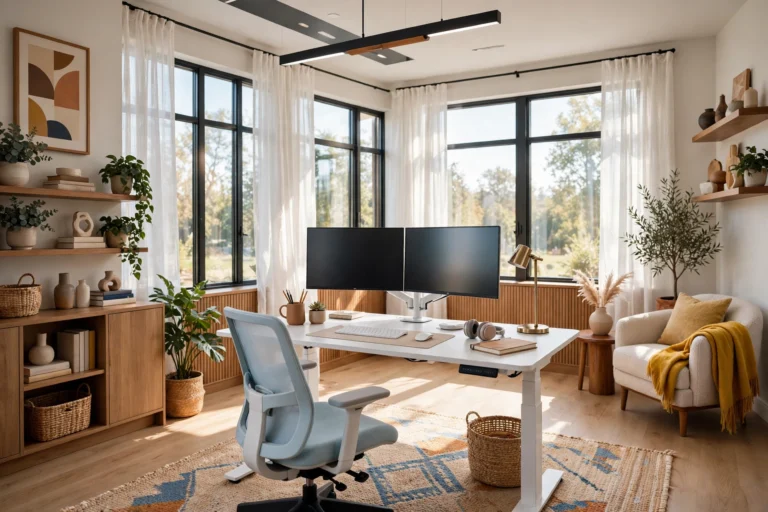
Good lighting is cheap and it changes everything about how a room feels and photographs. Start with daylight: position your desk near a window, keep the curtains light and sheer, and avoid sitting with a bright window directly behind your screen, which causes glare. A clean window and a sheer curtain cost nothing and can double the usable light in a room.
Add one warm desk lamp with an adjustable arm, ideally with a bulb in the warm white range. Second-hand lamps are easy to find, and a new LED bulb costs very little and lasts for years. If your room has harsh overhead lighting, replace the bulb with a warmer one or switch it off during the day and work by window and desk light instead.
A small clip-on ring light or a second lamp behind your monitor helps on video calls, softening shadows on your face without a studio setup. Test your lighting on an actual call before an important meeting, because what looks fine to your eyes can look very different on camera.
7. Hide Every Cable With Dollar-Store Solutions

Cables are the fastest way to make a tidy office look messy, and hiding them is one of the cheapest upgrades you can make. A pack of adhesive cable clips, a few zip ties, and a small basket or box under the desk will deal with most of the visible mess for a few dollars. Run cables along the back edge of the desk and down one leg, out of sight.
A power strip mounted under the desk with adhesive hooks or screws keeps plugs off the floor and makes it easy to switch everything off at the end of the day. A simple fabric cable sleeve gathers the remaining cords into one tidy bundle. Label each cable with a small tag or a strip of tape so you can unplug the right one without crawling under the desk.
If you only do one thing this week, do this. A room with hidden cables looks instantly more professional on video calls and feels calmer to work in, and the whole job takes less than half an hour.
⚠️ Warning: loose cords are a tripping hazard and a daily annoyance. Clip them to the desk leg or run them through a sleeve before they tangle.
8. Add Storage With Crates, Shelves, and Baskets

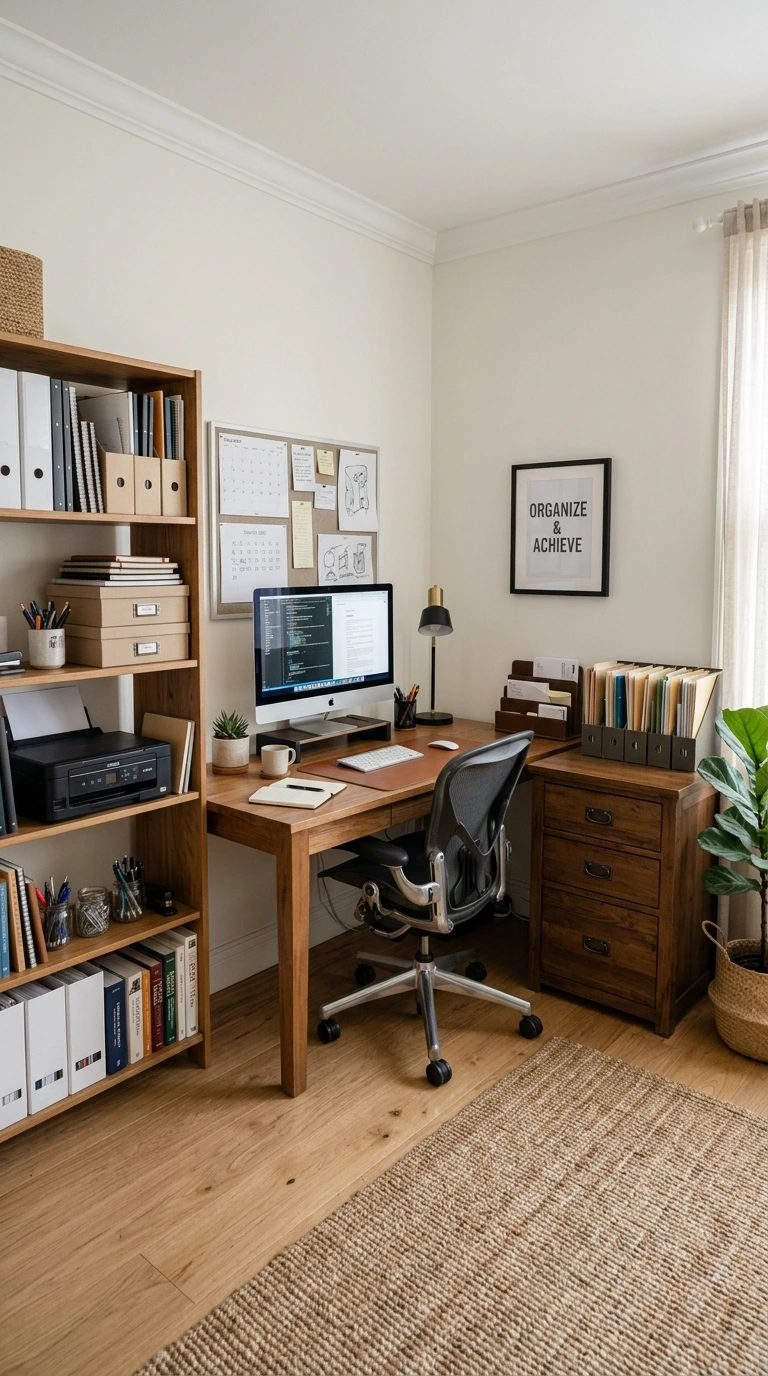
Storage does not need to be matching or expensive, it needs to be close at hand and easy to use. Wooden crates, either bought cheap or picked up second-hand, stack into open shelving that holds books, files, and supplies. A couple of floating shelves above the desk cost very little and keep everyday items within reach without eating floor space.
Woven baskets are the budget organiser’s best friend. One by the desk for cables and chargers, one on a shelf for notebooks, and one under the desk for bags and headphones will hide most of the clutter that makes a small office feel chaotic. Look for baskets at thrift stores, where they cost a fraction of the home-store price.
Use the inside of a cupboard door or the side of a filing cabinet for extra storage with adhesive hooks and small magnetic containers. Vertical space is free, so use the walls before you buy another piece of furniture. If you cannot see it, it cannot distract you.
9. Paint or Peel-and-Stick Your Way to a New Look

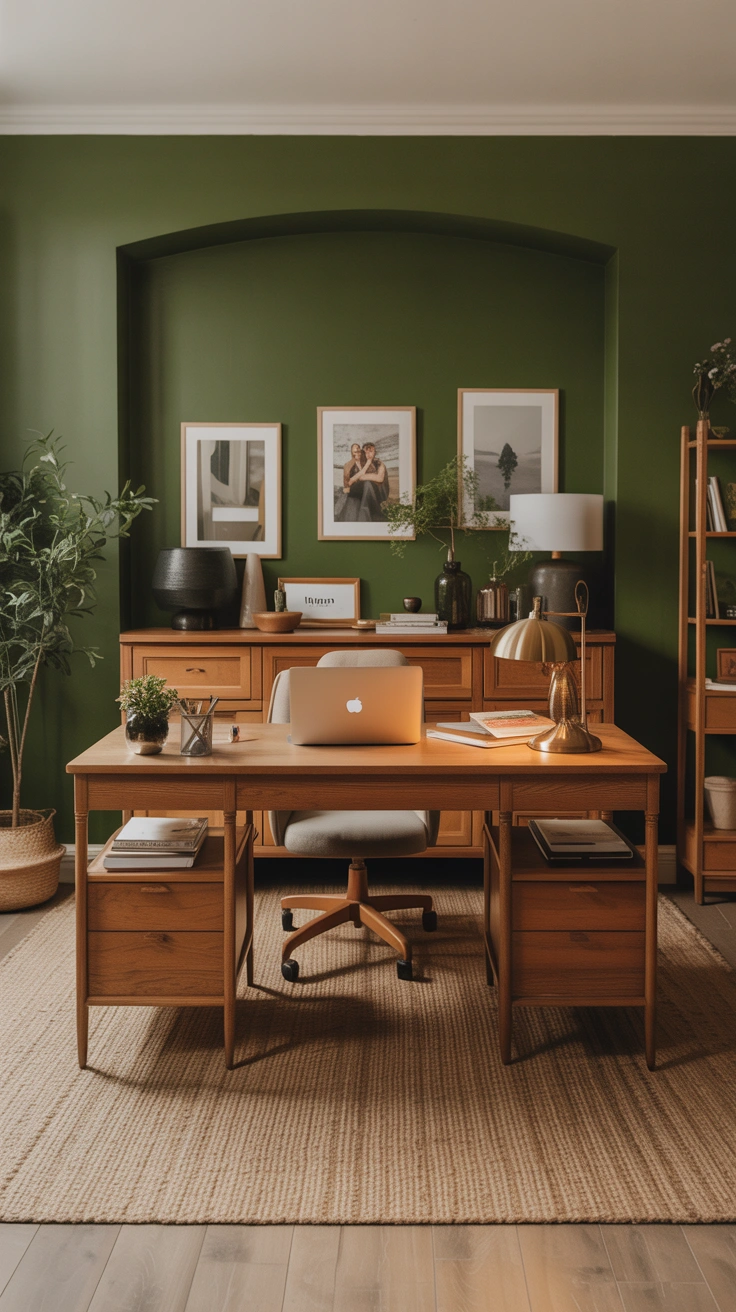
Paint is the highest-impact, lowest-cost change you can make to a home office. A single accent wall in a soft sage, warm white, or muted blue can define your workspace and make it feel intentional rather than improvised. A small tin of paint and a roller cost very little, and one wall takes an afternoon.
If you rent, peel-and-stick wallpaper or removable wall decals give you the same effect without risking your deposit. A single strip behind your desk creates a backdrop that looks great on video calls and costs far less than a full roll. Removable hooks and washi tape let you hang art and notes without drilling a single hole.
Even a painted desk can change the room. An old wooden desk in a fresh coat of matte paint looks like new furniture, and painting the inside of a bookshelf a contrasting colour adds a designer touch for the price of a sample pot. Small paint projects are the secret weapon of every budget makeover.
10. Use a Pegboard or Wall Grid for Vertical Storage

Wall space above and beside your desk is the most underused area in a home office, and a pegboard turns it into flexible storage for almost nothing. A basic pegboard panel, a few hooks, and small baskets will hold scissors, headphones, notebooks, and chargers, all visible and within arm’s reach. Paint the board to match your wall for a clean, built-in look.
A wire wall grid works the same way and suits a more modern style. Clip on small shelves, hooks, and document holders, and rearrange them whenever your needs change. Both options keep your desktop clear, which is the single biggest factor in how spacious a small office feels.
The real benefit is flexibility. When a project ends, you move the hooks; when you need a new tool, you hang it up. Nothing is fixed, nothing is wasted, and the wall does the work that a bulky set of drawers would otherwise do.
💡 Pro Tip: before buying another drawer unit, use a pegboard or wire grid above your desk. It keeps tools visible, your desktop clear, and your budget intact.
11. Soundproof on a Shoestring

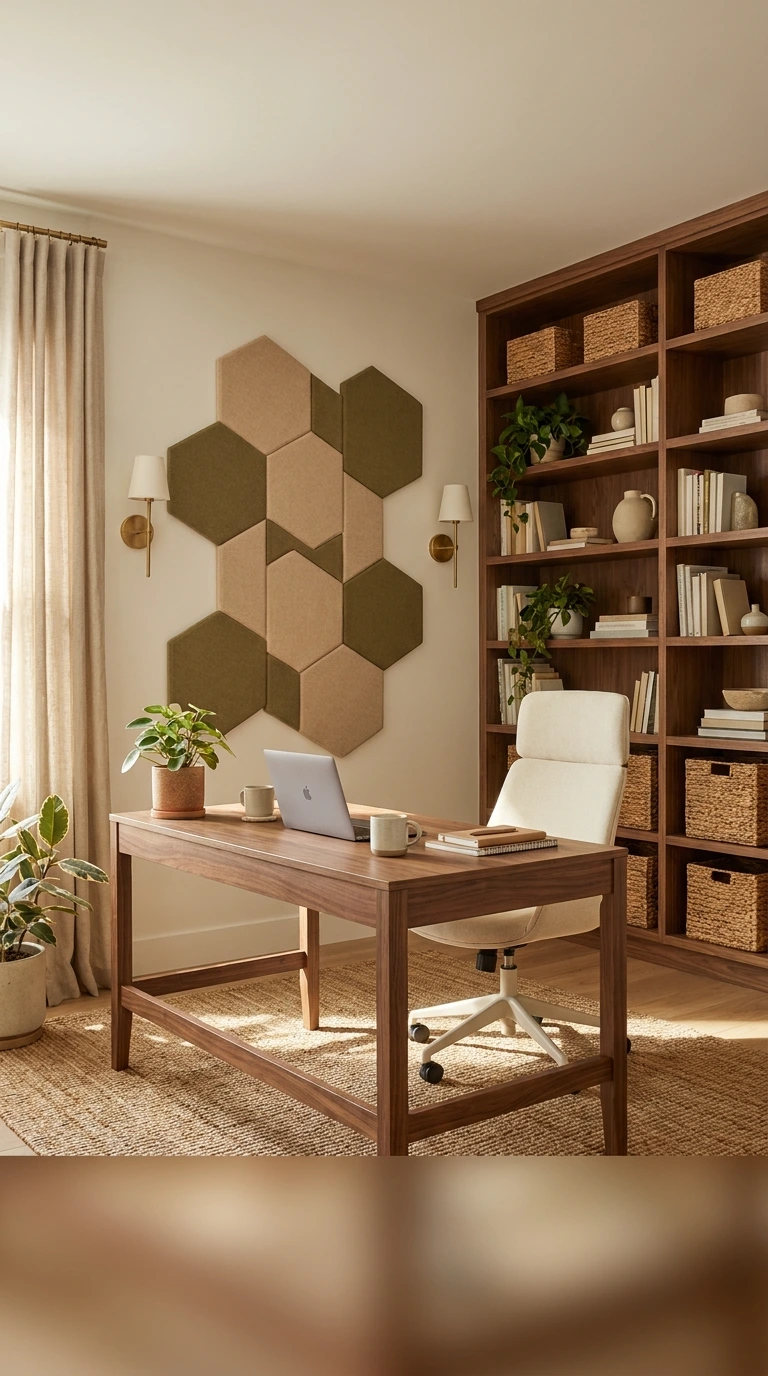
Noise is the hidden enemy of a home office, especially in a shared home or a flat. You do not need professional acoustic panels, because soft furnishings do most of the work. A thick rug under the desk, heavy curtains over the window, and a bookshelf filled with books against a shared wall all absorb sound surprisingly well.
A draft excluder under the door and a towel rolled along the bottom during calls will cut noise from the rest of the house. If you take a lot of calls, a pair of inexpensive noise-cancelling earbuds will do more for your concentration than any amount of wall treatment, and they cost far less than acoustic foam.
For video calls, a room with soft surfaces sounds better than an empty one. If your voice echoes, add a cushion, a throw, or a fabric wall hanging behind you. The goal is not silence, it is a room that sounds as calm as it looks.
12. Add a Plant and One Personal Touch

A single healthy plant makes a budget office look finished in a way that no amount of organising can. Choose something hard to kill, like a snake plant, a pothos, or a ZZ plant, and pot it in a simple ceramic or terracotta pot. Second-hand pots and plant swaps with friends keep the cost close to zero, and a trailing pothos on a shelf adds life to the whole room.
Add one personal object that makes the space yours: a framed photo, a favourite mug, a small piece of art, or a souvenir from a trip. One meaningful object beats a shelf of generic decor, because it reminds you that the room belongs to you, not to a catalogue.
Keep the rest of the surfaces clear. The discipline of one plant and one personal touch is what separates a styled workspace from a cluttered one, and it costs almost nothing to maintain.
13. Buy Second-Hand Tech and Accessories Smartly

Not everything in your office needs to be new. Monitors, keyboards, mice, desk lamps, and even printers are easy to find second-hand in good working order, often from offices clearing out equipment. Test anything with a plug before you pay, and check monitors for dead pixels and flicker by displaying a plain white screen.
Buy cables, adapters, and small accessories new, because second-hand ones are often frayed or unreliable, and a faulty charger can damage your laptop. The same goes for anything safety-related: buy your power strip new and check that it has surge protection.
Set a simple rule for tech purchases: if it touches your data or your power supply, buy it new; if it is a screen, a keyboard, or a piece of furniture, second-hand is usually fine. That rule alone will save you money and headaches in equal measure.
⚠️ Warning: plug in monitors, type on keyboards, and check every port. A bargain that does not work is not a bargain at all.
14. Create Zones in a Shared Room

Many budget home offices share a room with a bedroom, a living room, or a dining area, and the trick is to make the work zone feel separate without building walls. A rug under your desk instantly defines the office area, while a bookshelf, a curtain, or a folding screen creates a visual boundary that tells your brain it is time to work.
Keep work items inside the zone and living items outside it. When your laptop, notebooks, and chargers live only in the office corner, the room stops feeling like an office has taken over your home, and you stop feeling like you live at work. At the end of the day, close the laptop and walk away from the zone, and the separation works in both directions.
Lighting helps too. A desk lamp that switches on only during work hours becomes a signal: lamp on, you are working; lamp off, you are home. Small rituals like this make a shared room work far better than any partition.
15. Do a Weekly Reset So It Stays That Way

The cheapest home office in the world will still fall apart without a little maintenance, so build a weekly reset into your routine. Spend ten minutes every Friday clearing the desk, filing loose papers, wiping the surfaces, and returning anything that has migrated out of its home. It is a small habit with an outsized effect.
Each month, check what you are not using. Supplies that never get touched, cables for devices you no longer own, and decor that no longer fits can be donated or stored away, freeing space for the things that matter. A budget office stays good-looking because it stays edited, not because it stays full.
Finally, keep a small running list of upgrades you would like, with prices. When a little money becomes available, you will know exactly what to buy next instead of impulse-shopping. A home office is never truly finished, but a planned one always looks like it is.
Common Home Office on a Budget Mistakes
Mistake 1: Buying the Pretty Stuff Before the Practical Stuff
A matching desk set and decorative accessories mean nothing if your chair hurts your back and your screen is too low. Buy the desk, the chair, and the lighting first, and let the decor wait until the room actually works.
Mistake 2: Spending the Whole Budget on Day One
If you spend everything immediately, you have nothing left for the fixes you will discover in the first two weeks. Keep 10 percent in reserve for the monitor riser, the extra cable clips, or the lamp you did not know you needed.
Mistake 3: Choosing a Desk That Is Too Small
A desk that barely fits your laptop will feel cramped the moment you add a notebook or a cup of coffee. Measure for the work you actually do, not the work you imagine, and leave room for the things that always end up on a desk.
Mistake 4: Ignoring Lighting Until It Is Too Late
A dark corner with a single overhead bulb causes eye strain, headaches, and terrible video calls. Light is one of the cheapest upgrades there is, so sort it out in the first week, not the first year.
Mistake 5: Letting the Office Spread Across the House
When work items drift onto the dining table, the sofa, and the kitchen counter, the whole home starts to feel like an office. Keep everything inside your zone, and do a weekly reset to pull it back when it wanders.
Frequently Asked Questions
1. How much does it cost to set up a home office on a budget?
Most people can set up a complete, comfortable home office for $150 to $500, especially if they buy the desk and chair second-hand. The biggest savings come from repurposing furniture you already own and spending money only on comfort and lighting.
2. What is the most important thing to buy first?
A comfortable chair and a desk at the right height matter more than anything else, because they affect your body every working day. Spend most of your budget there, then add lighting, storage, and decor in that order.
3. Can I set up a home office in a small corner?
Yes, a corner office works well with a desk 120 centimetres wide, a chair that tucks in fully, and wall storage above the desk. A rug and a desk lamp help define the zone so it feels like a real workspace, not a desk pushed into a corner.
4. Where can I find cheap home office furniture?
Local marketplaces, charity shops, office clearance sales, and community buy-and-sell groups are the best sources for second-hand desks and chairs. Check items in person, test chairs before buying, and be patient, as good pieces appear every week.
5. How do I make a budget home office look professional on video calls?
Place your desk near a window for natural light, keep the background tidy, and add a lamp behind your monitor to soften shadows. A plain wall, a shelf, or a plant behind you looks far more professional than a cluttered room.
6. Do I need a separate room for a home office?
No, a separate room is nice but not necessary. A defined zone with a rug, a screen, or a bookshelf can separate work from living space, and a clear end-of-day routine matters more than walls.
7. What should I not buy second-hand for my office?
Buy power strips, chargers, and cables new for safety, and avoid used chairs with broken gas lifts or torn seats. Monitors, keyboards, lamps, desks, and storage are usually safe second-hand buys if you test them first.
Conclusion
Setting up a home office on a budget is less about finding bargains and more about making decisions in the right order. Choose the spot first, spend on the chair and desk, fix the lighting, hide the cables, and let the room grow slowly from there. Each step in this guide costs little on its own, but together they build a workspace that looks considered, feels comfortable, and supports a full working day.
Start this weekend with the three steps that cost nothing: set your budget, pick your spot, and measure it. Then hunt for a second-hand desk and a chair you have actually sat in. The rest, the shelves, the plants, the paint, can follow one small upgrade at a time, and every addition will make the room feel more like yours. A good home office is not bought in a day, it is built decision by decision, and the best time to start is now. For more workspace ideas, explore our home office decor ideas and small home office setup ideas, or browse Japandi home office ideas for a calmer take on the same space. If the rest of your home needs the same treatment, our guides to a bedroom makeover on a budget and budget kitchen makeover ideas show how far a little money can go, and apartment decorating on a budget proves that small spaces can look expensive without the price tag.